
Transfer Forms to TwentyCRM
mailfino forms can create new TwentyCRM People or update existing People. The prerequisite is a saved TwentyCRM connection with a valid API key and writable People fields.
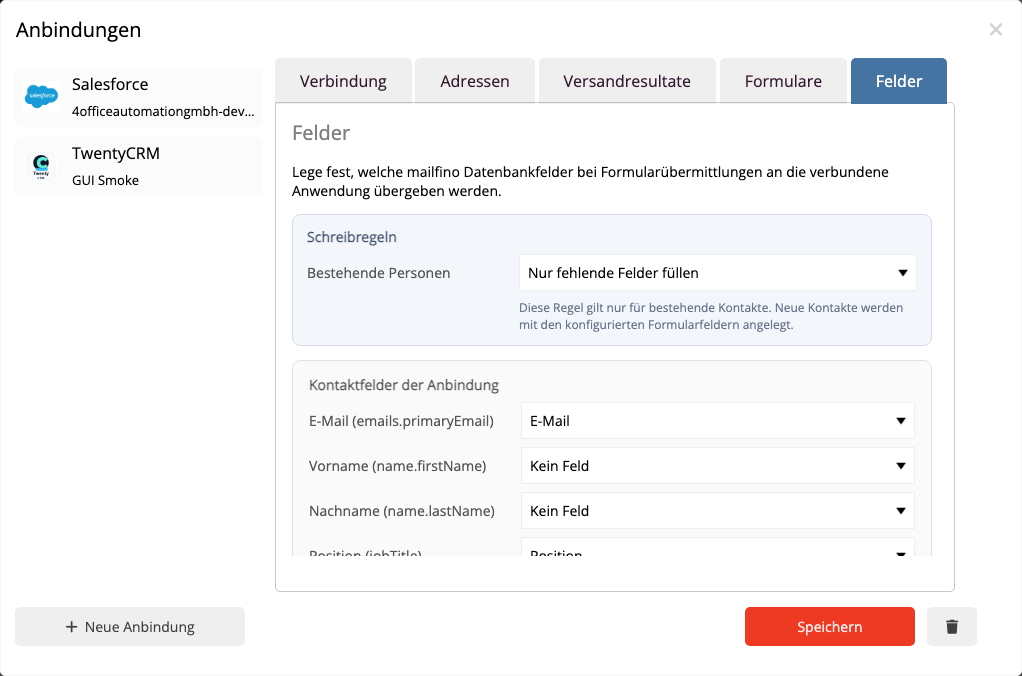
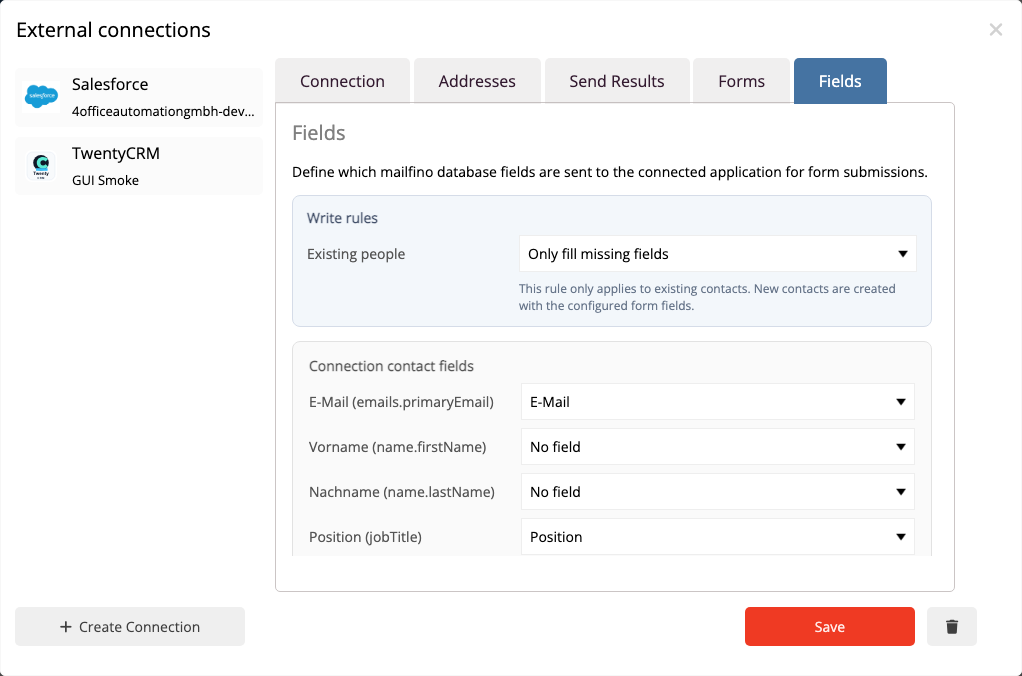
Enable the handover in the form editor in the integrations section. Select the TwentyCRM integration and map the form fields to the desired TwentyCRM People fields.
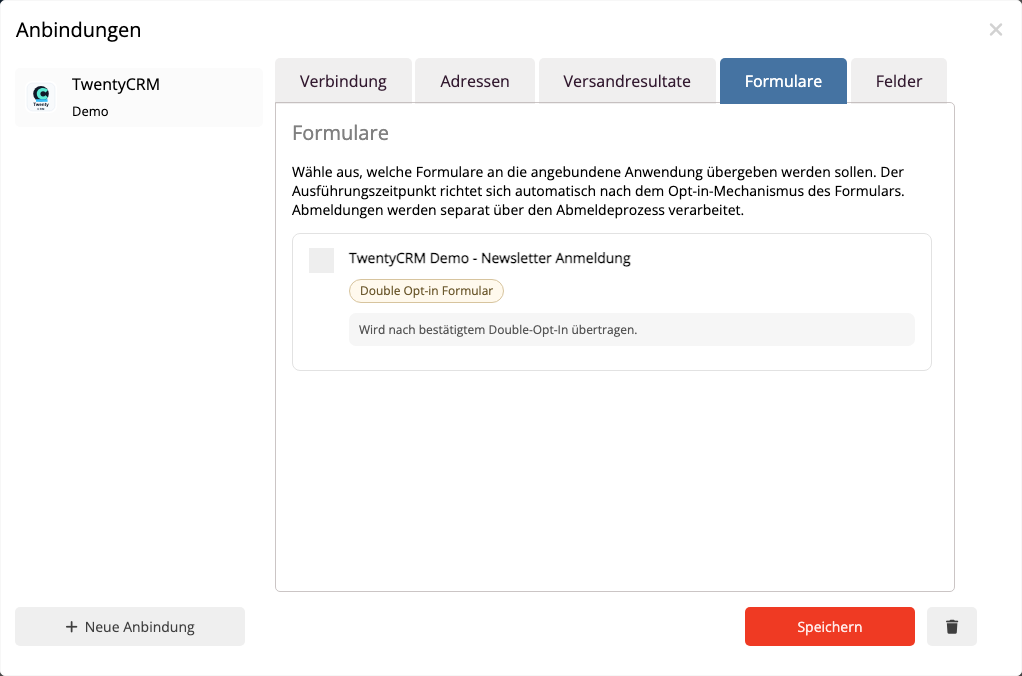
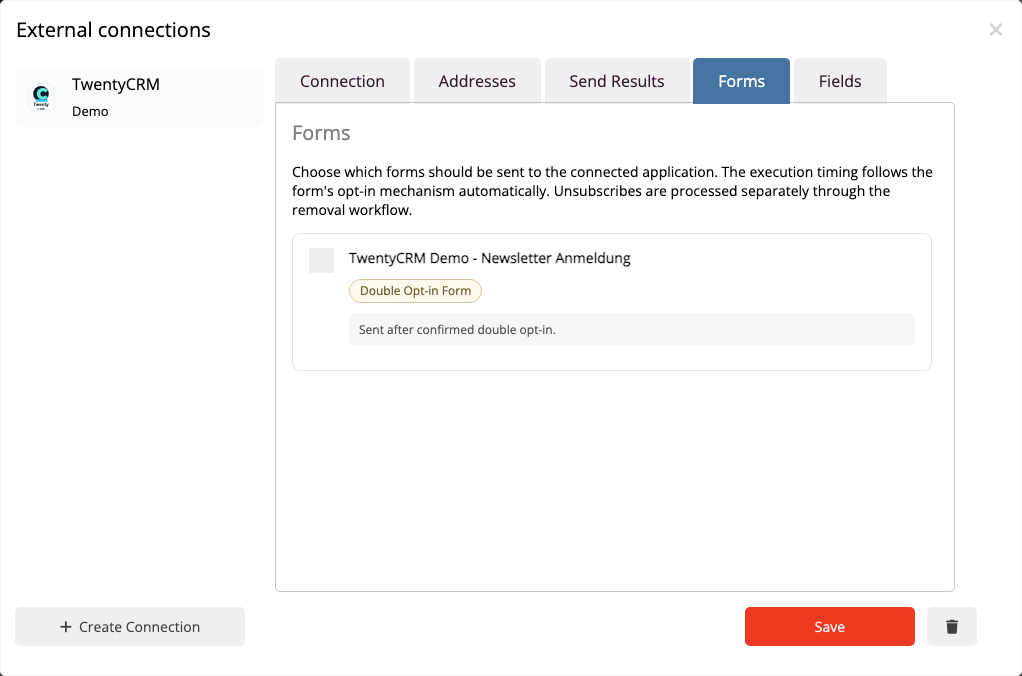
The email address is required for form sync. mailfino uses it to search for an existing TwentyCRM person. If exactly one match is found, mailfino updates that person. If no match is found, mailfino creates a new person. If multiple matches are found, the form submission is flagged for review to prevent the wrong person from being overwritten.
mailfino only writes fields that have been explicitly mapped or are derived from secure default fields such as email, first name, last name, phone, and position. Consent or opt-out values are not automatically interpreted based on a field name.
After a successful handover, mailfino also creates a linked note in TwentyCRM. This makes it visible that the person was updated via a mailfino form.
 Deutsch
  English