
Connect with TwentyCRM
Open the menu with the gear icon in the top right and select Connections. In this dialog, all external systems connected to mailfino are managed.
If no connection has been established yet, mailfino will directly open the selection of available systems. Otherwise, click on the connection dialog New connection. Then select TwentyCRM from.
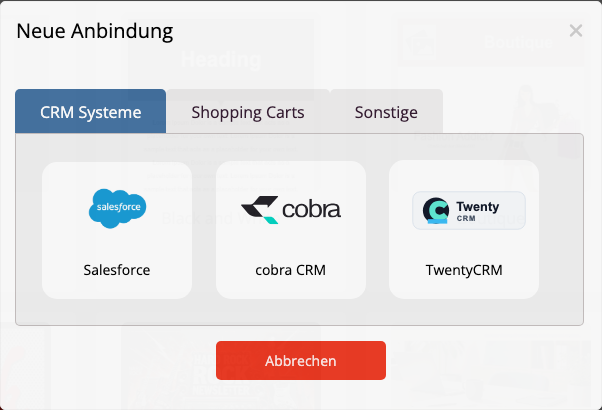
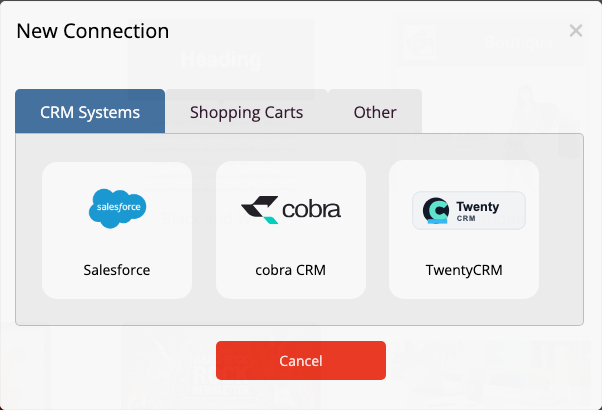
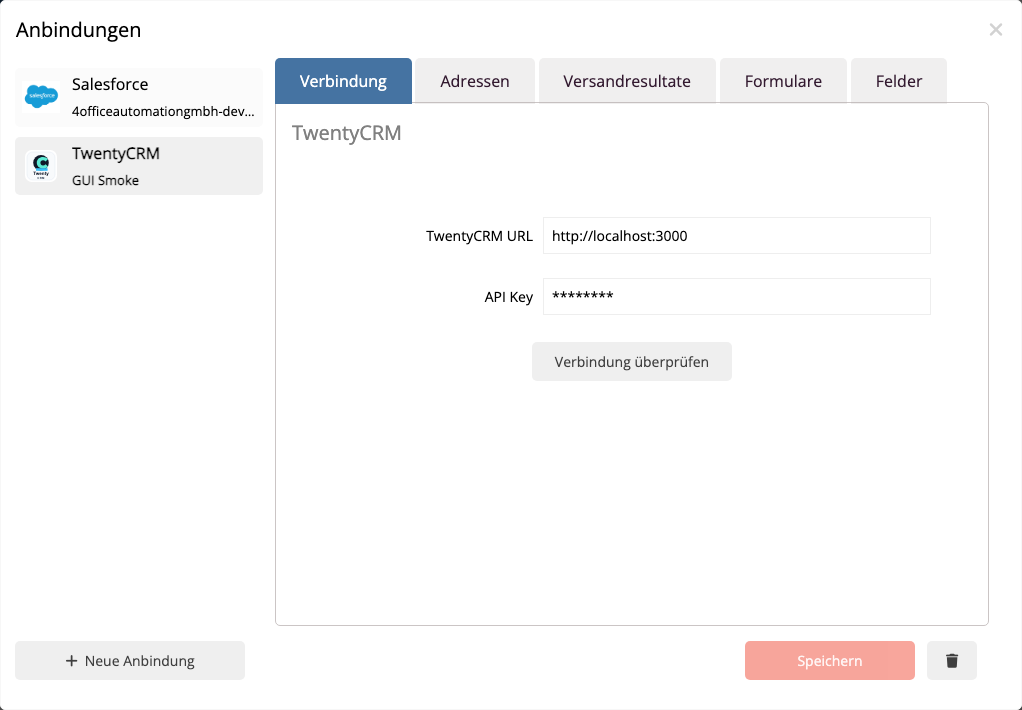
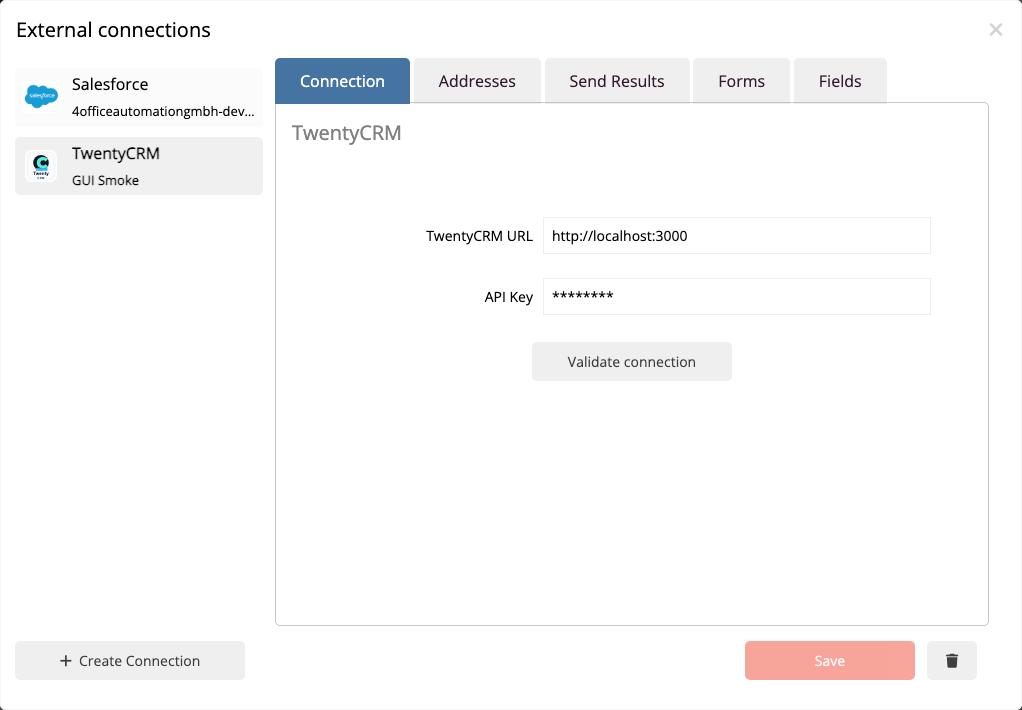
Enter the URL of your TwentyCRM instance and the API key. The URL is customer-specific, for example, your own TwentyCRM cloud or self-hosted address. mailfino normalizes the URL when saving; a trailing slash is not required.
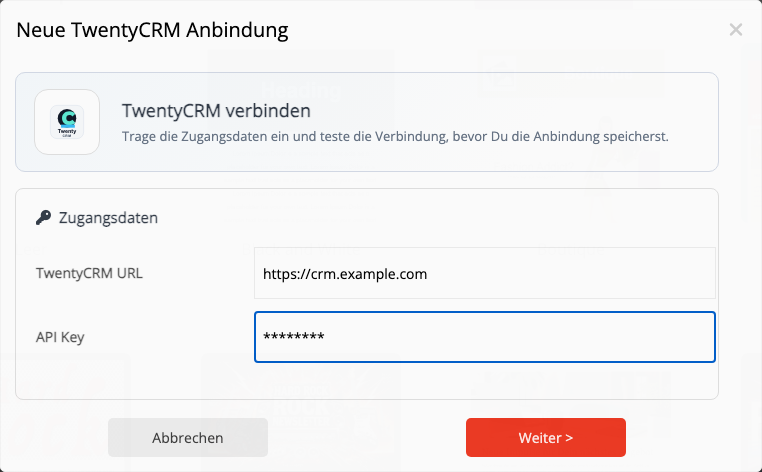
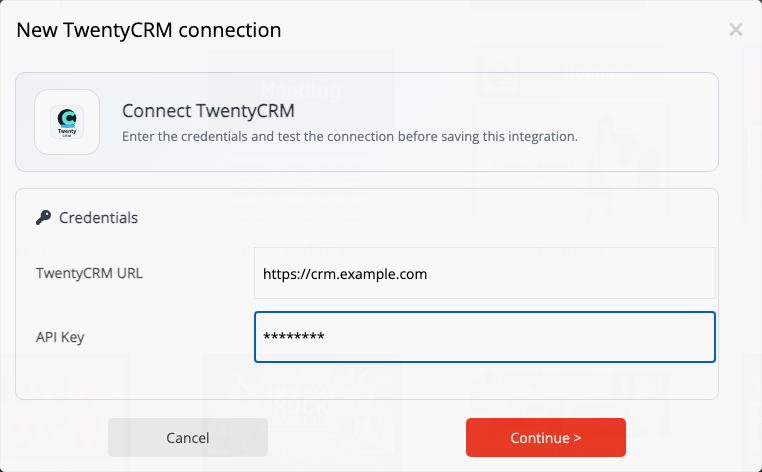
The API key should not come from a personal administrator account if you can use a reduced role in TwentyCRM. Prepare the API key beforehand as described in the chapter Prepare TwentyCRM API Key described before.
About Check connection Test Mail fino to check if the TwentyCRM API is reachable, if the API key is valid, and if people and metadata can be read. Only save the connection if the connection test is successful.
 Deutsch
  English