
TwentyCRM Integration
With the TwentyCRM integration, you connect mailfino with a TwentyCRM instance. You can import contacts from TwentyCRM, use saved People Views as an import source, transfer form submissions to TwentyCRM, and save sending events as notes on the TwentyCRM Person record.
This guide is divided into several chapters:
- Prepare TwentyCRM API Key
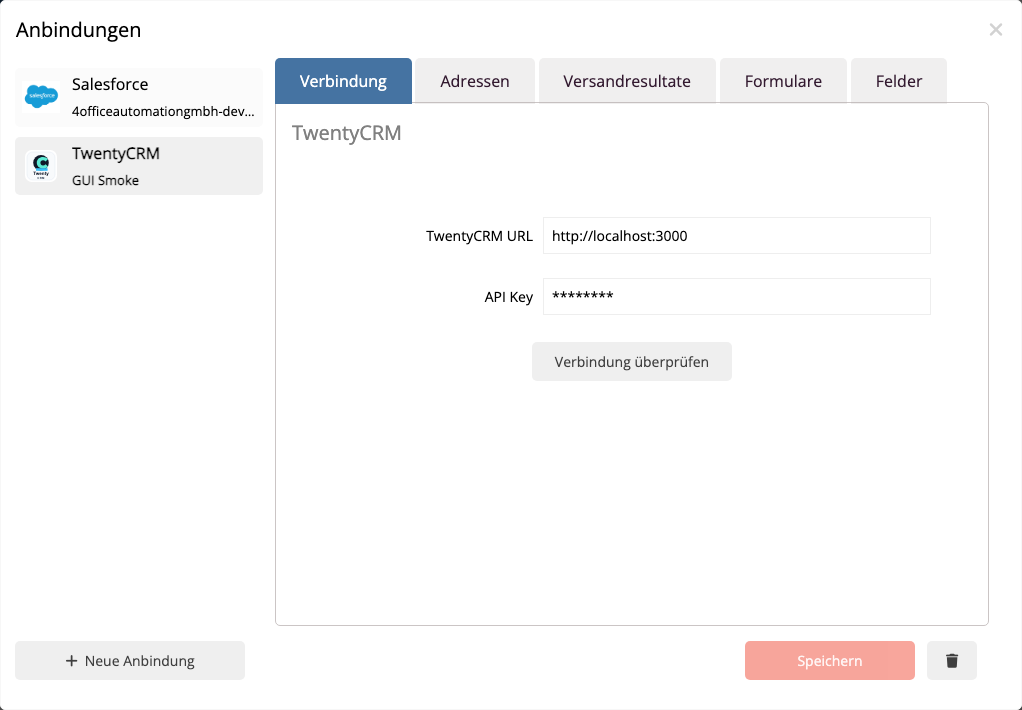
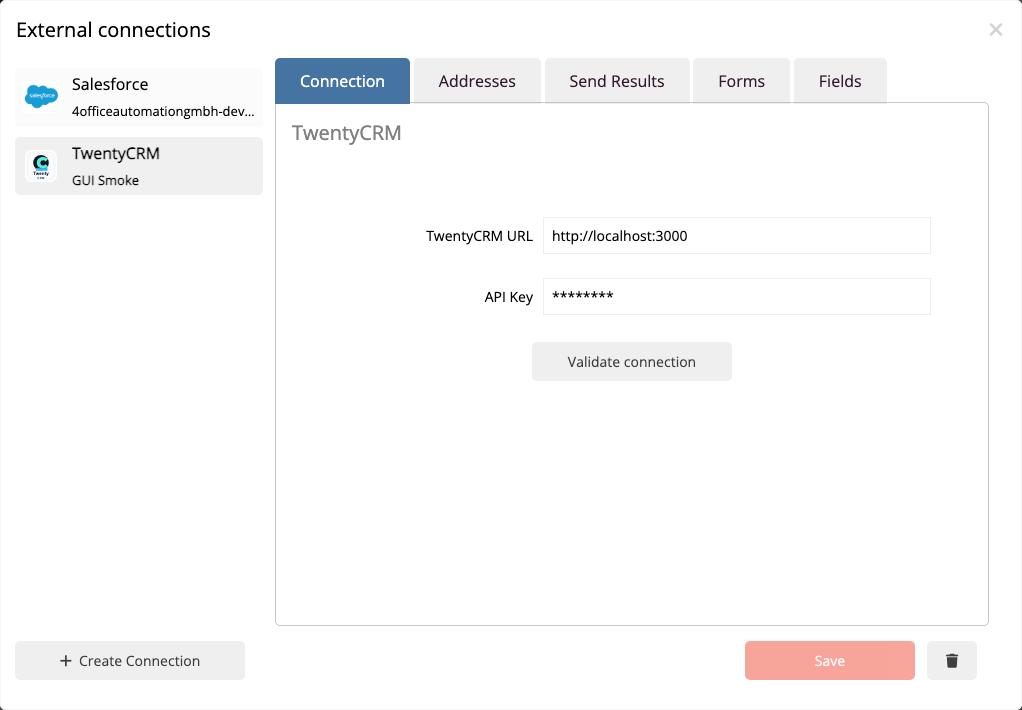
- Connect with TwentyCRM
- Import addresses from TwentyCRM
- Pass forms to TwentyCRM
- Save Touchpoints in TwentyCRM
- Troubleshooting
The setup is done in mailfino in the area Connections. In TwentyCRM, you need an accessible instance URL and an API key. A dedicated API key role with access to view records, edit records, and the data model is recommended.
 Deutsch
  English