
Set Up the TwentyCRM API Key
mailfino connects to TwentyCRM via the REST API. For this, you need an API key and a role in TwentyCRM that is allowed to read and write the required data.
Open in TwentyCRM Settings and switch to APIs & Webhooks. There you will see existing API keys and can create a new key.
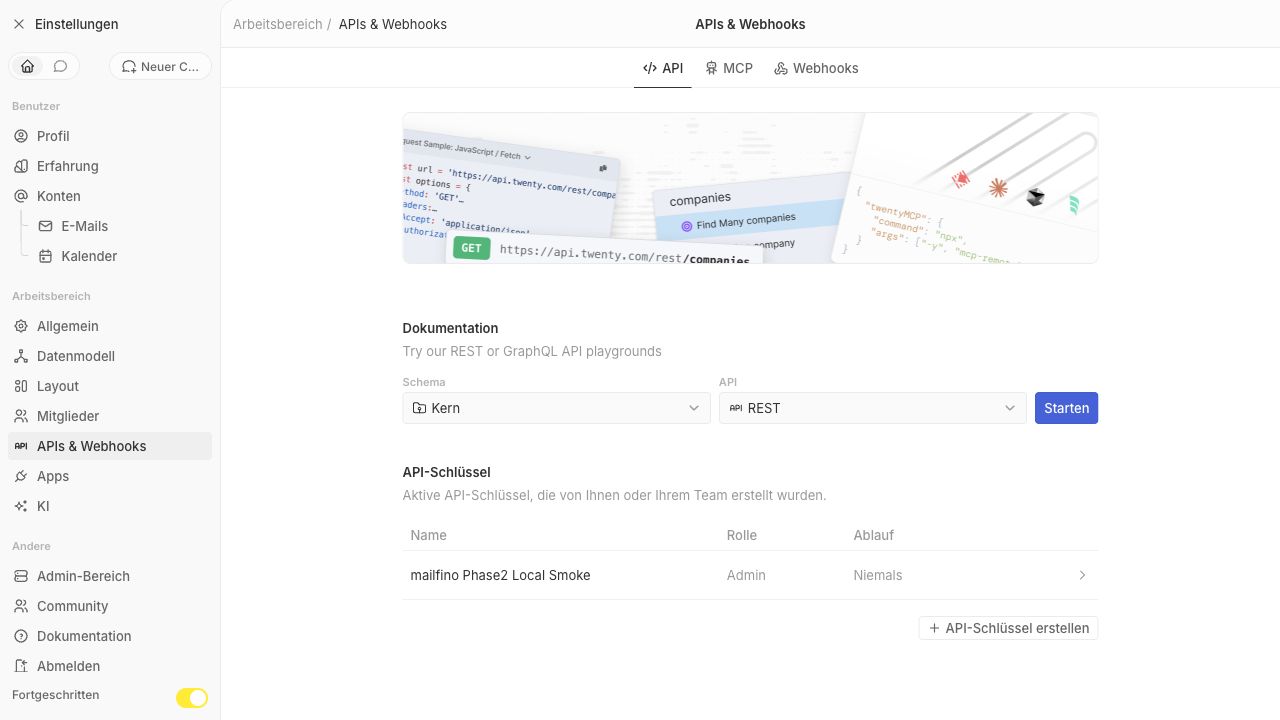
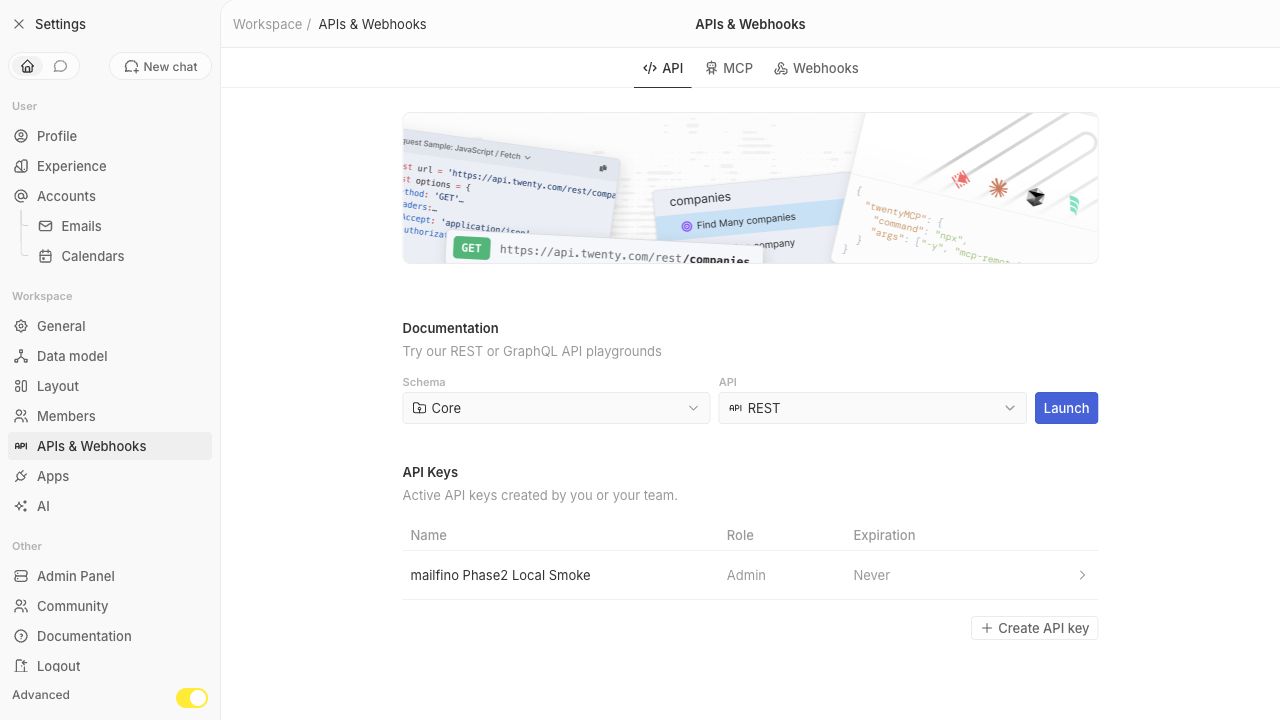
Click on Create API Key. Give a speaking name, for example Mailfino Integration. Then, select the role you want mailfino to work with.
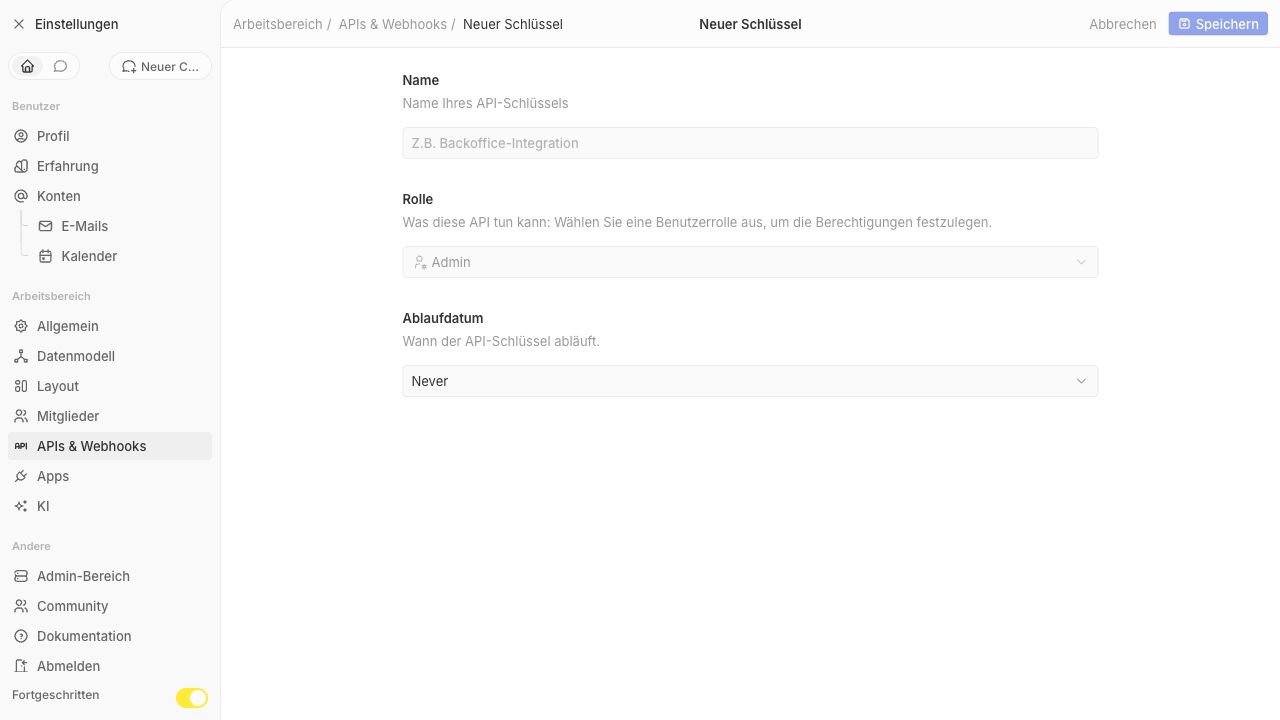
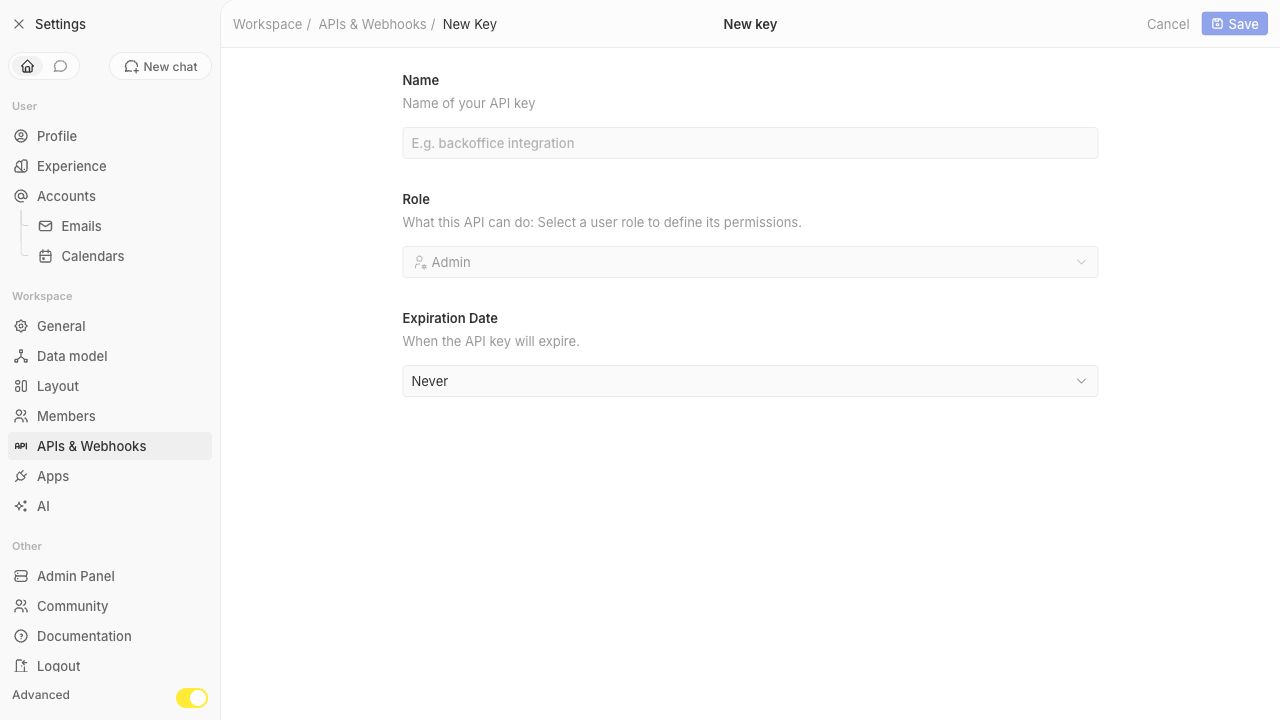
A dedicated API key role with the following permissions is recommended:
- View records
- Edit Datasets
- Data model
These rights are needed for mailfino to import people, read saved views and field metadata, save form submissions as people, and create notes as touchpoints.
If your TwentyCRM version does not offer a more granular API key role, an admin key will technically also work. However, only use it if you cannot set up a reduced role.
After saving, TwentyCRM displays the API key once. Copy this value directly into mailfino. Do not save the API key in tickets, emails, or documentation.
 Deutsch
  English