
Import Contacts from TwentyCRM
TwentyCRM stores contacts as People. In mailfino, this import source is referred to as Addresses shown so that the import fits the mailfino contact management.
Open the saved TwentyCRM connection and select the area Import the source Addresses. As a default source, mailfino imports all reachable people from TwentyCRM.
If your TwentyCRM instance contains saved People Views, mailfino will also display supported views as import sources. Currently supported are simple People Views whose filters can be safely translated into a TwentyCRM REST query. This includes Boolean filters with is and simple text filters with contains.
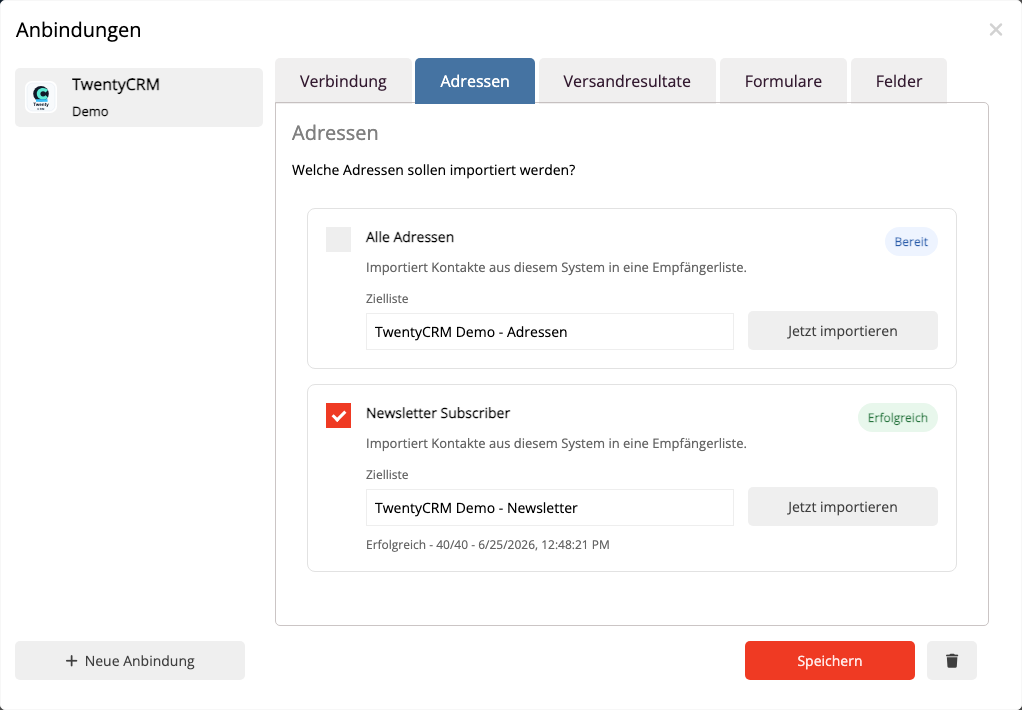
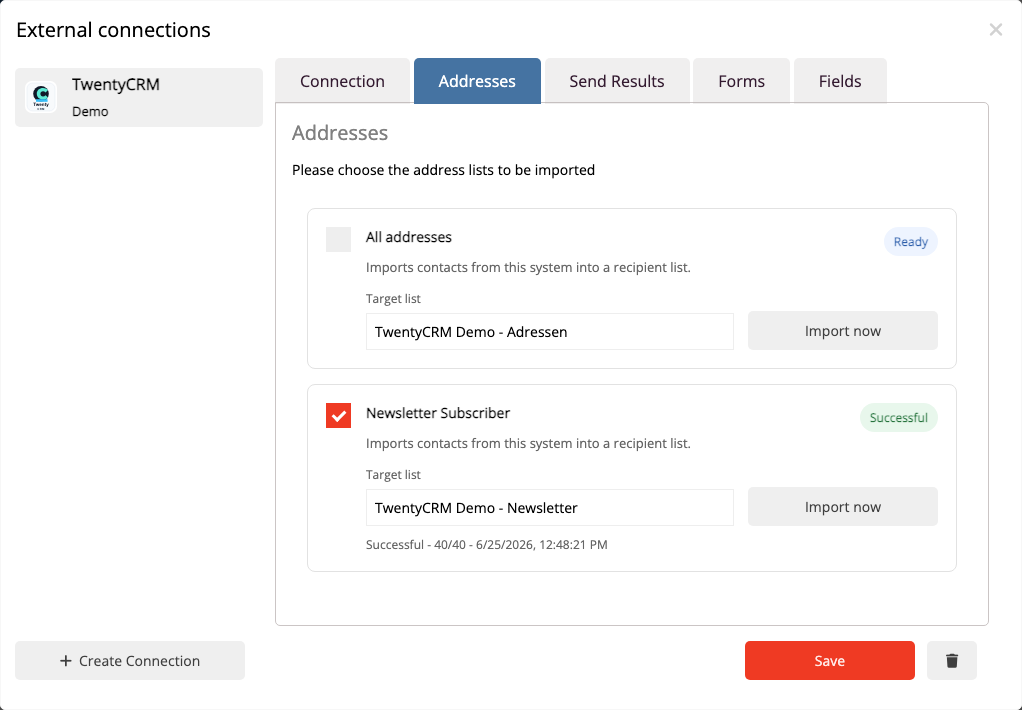
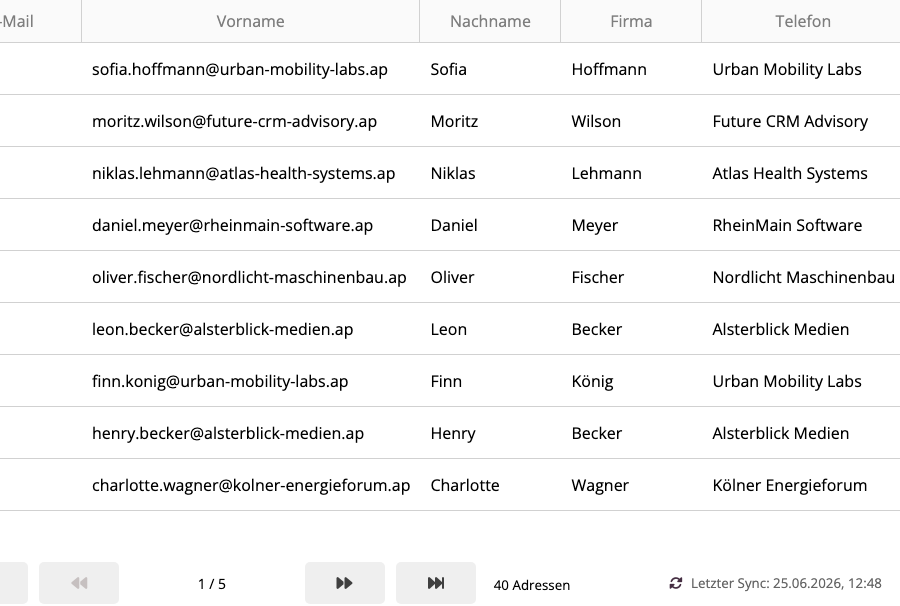
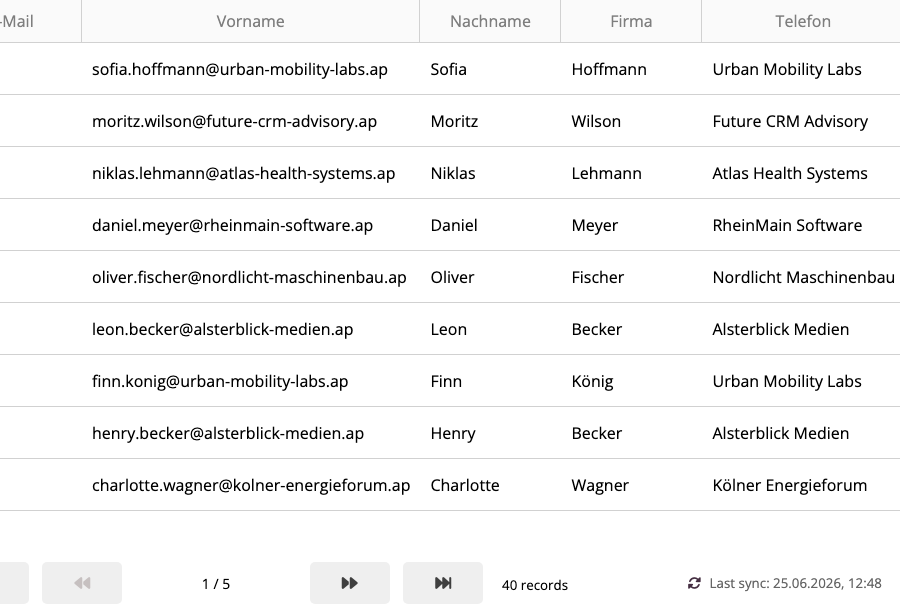
During import, mailfino takes the primary email address, first name, last name, and available default fields. The company name is enriched from existing TwentyCRM Companies if the API key has permission to read Companies. If this permission is missing, the address import will proceed anyway; the company name will then remain empty.
An re-import does not create new duplicates for already linked TwentyCRM persons. mailfino uses a stable external key per person for this.
 Deutsch
  English