
Troubleshooting
If the Lexware connection is not working, first check the connection in the area Connections. The most common causes are an incorrect or deleted API key, missing contact permissions, or the Lexware API being temporarily unavailable.
For address imports, the API key must have permission to read contacts. For form submissions, the API key must have permission to create and edit contacts.
If no addresses are imported, check the selected import source. A contact only appears if it matches the selected role and contains a usable email address. Contacts without an email address will be skipped.
When form submissions are marked as a problem, check the email address, field mapping, and API key write permissions. Multiple Lexware contacts with the same email address are not automatically overwritten.
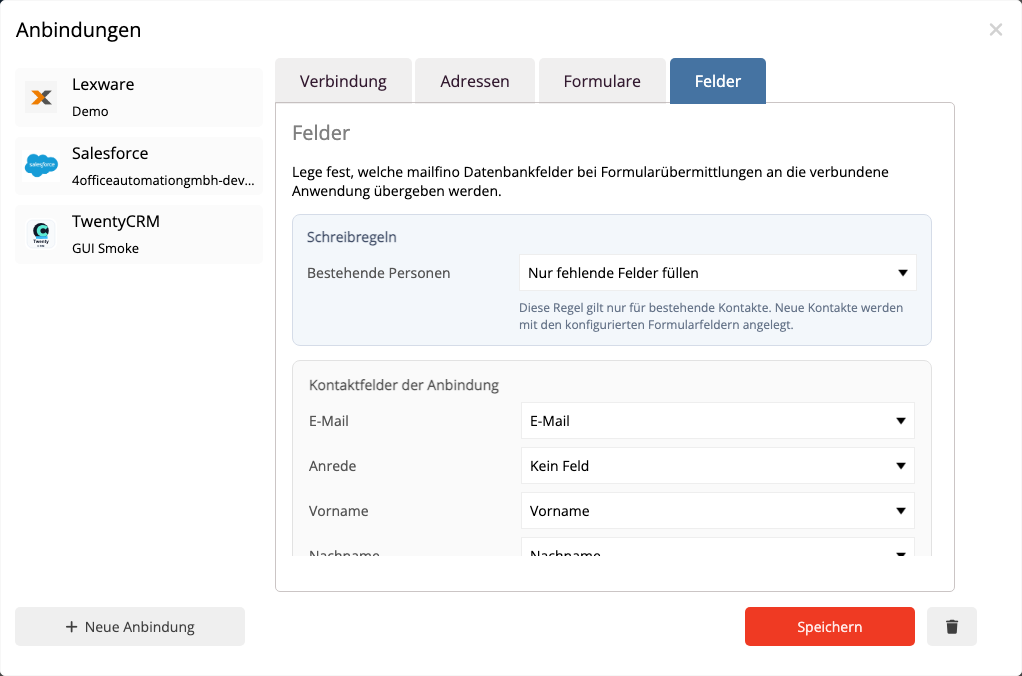
If an existing Lexware contact cannot be updated, it may contain multiple email addresses, phone numbers, addresses, or contacts. In this case, mailfino does not decide on its own which entry should be overwritten. The transmission will be marked for review so that you can specifically check the contact in Lexware.
Shipping events and touchpoints are not written to Lexware in the current version. This data remains visible in mailfino.
 Deutsch
  English