
Connect to Lexware
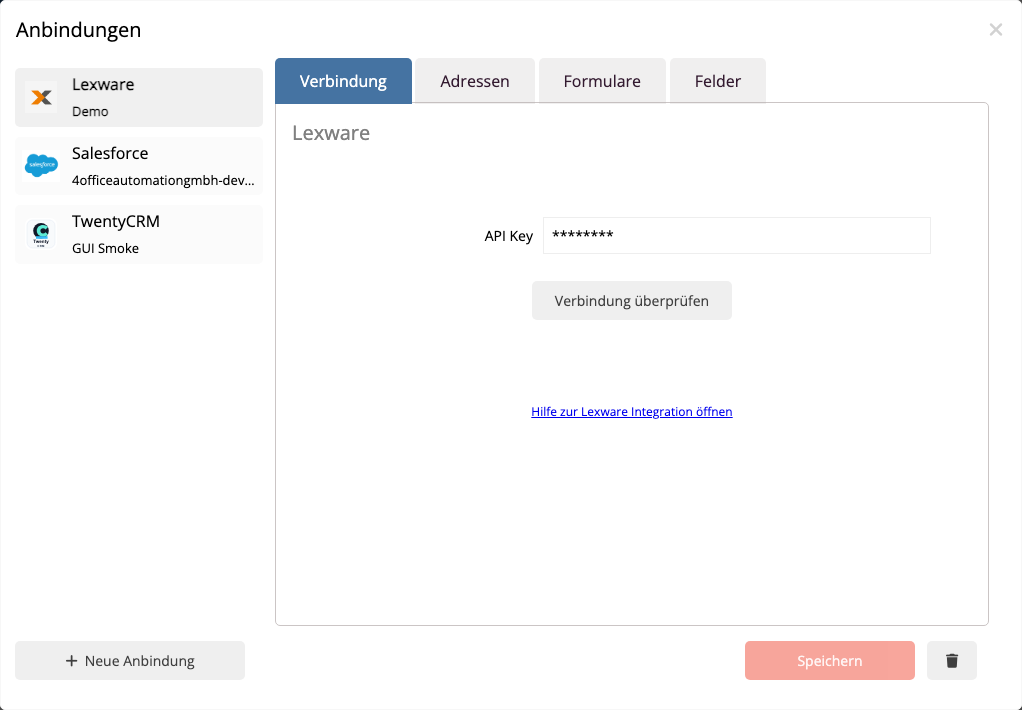
Open the menu with the gear icon in the top right and select Connections. In this dialog, you manage external systems connected to mailfino.
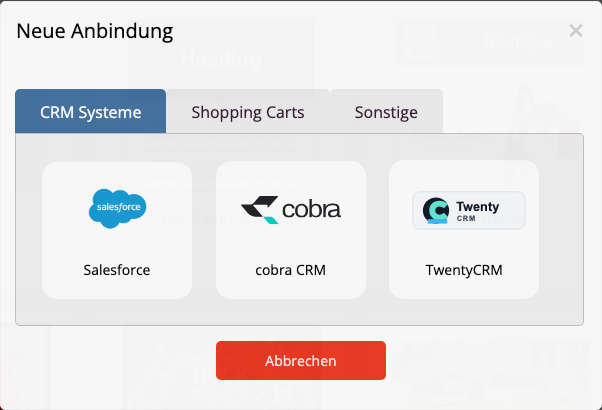
If no connection has been established yet, mailfino will directly open the selection of available systems. Otherwise, click on the connection dialog New connection. Then select Lexware from.
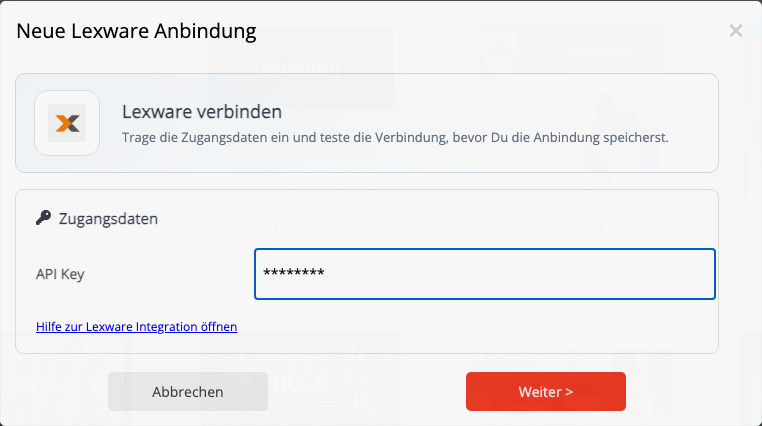
Enter the API key from Lexware. The Lexware API address is fixed for this connection at https://api.lexware.io stipulated.
Click on Check connection. mailfino checks if the API key is valid and if Lexware is reachable. Only save the connection if the connection test is successful.
After saving, you can in the area Import select the Lexware address source. In the area Field mapping See which mailchimp form fields are passed to Lexware fields by default. The most important fields such as email, first name, last name and company are automatically pre-assigned.
 Deutsch
  English