
Transfer Forms to Lexware
mailfino forms can create new Lexware contacts or update existing contacts. The prerequisite is a saved Lexware connection with a valid API key.
Activate the transfer in the form editor in the connections area. Select the Lexware connection. When you click on a form field, you can select the appropriate Lexware target field in the field editor.
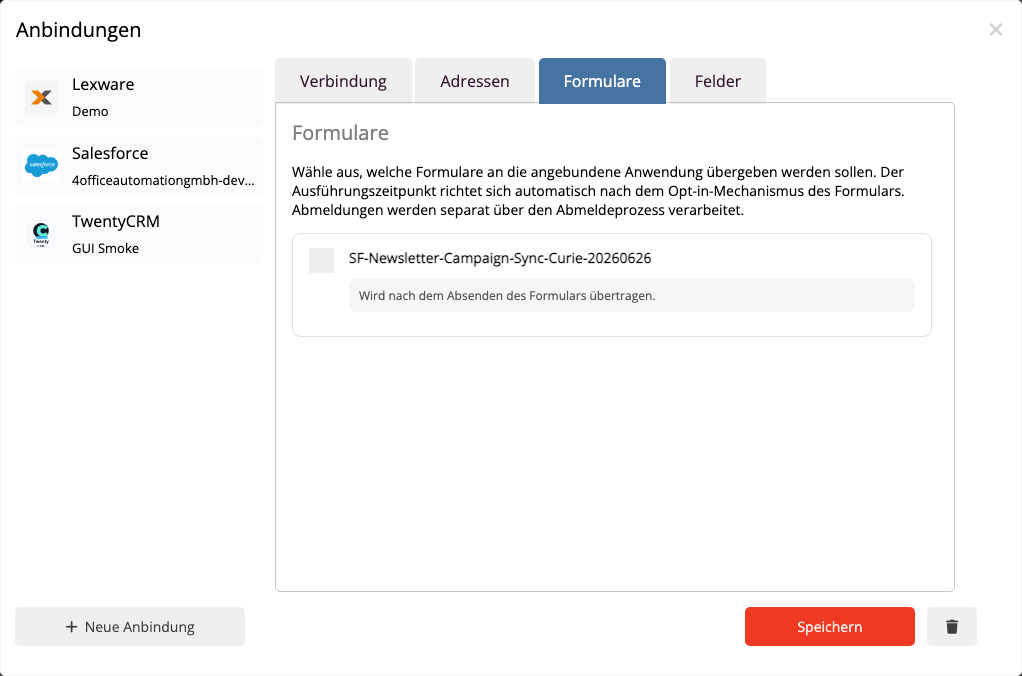
The email address is required for form sync. mailfino uses it to search for an existing Lexware contact. If exactly one match is found, mailfino updates that contact. If no match is found, mailfino creates a new contact with the customer role. If multiple matches are found, the form submission is flagged for review to prevent overwriting the wrong contact.
The most important target assignments are pre-assigned automatically:
- Email to the business email address
- First name to the person's first name
- Surname to personal surname
- Company to the Company Name
- Phone to the business phone number
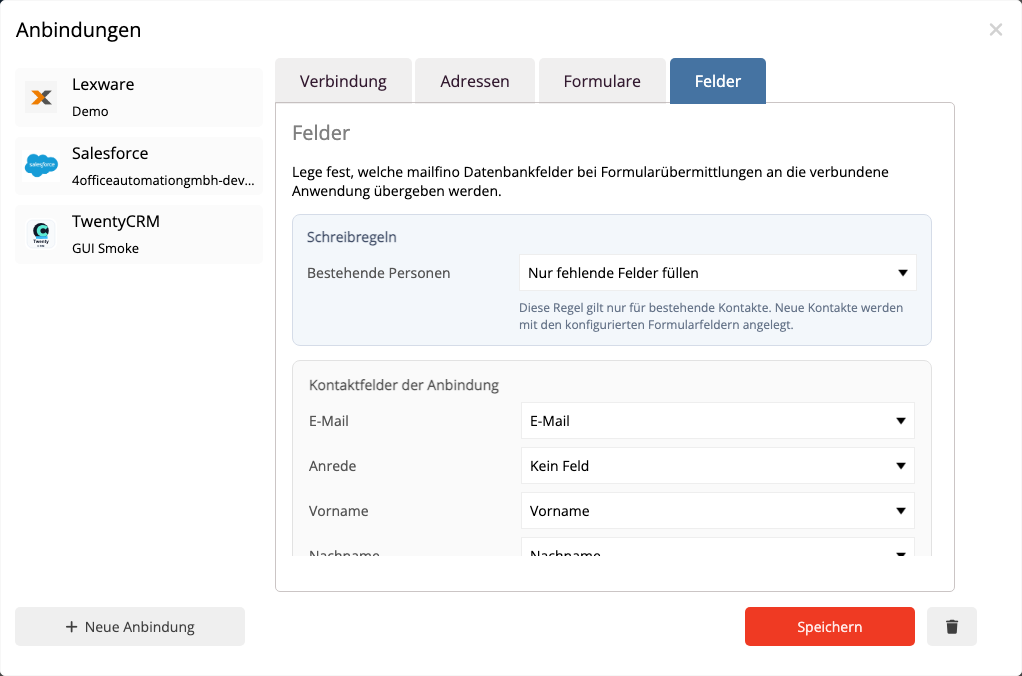
mailfino only writes fields that are assigned. For new contacts, the assignment is clear. For existing Lexware contacts, mailfino only updates automatically if it is clear which email address, phone number, or address should be changed. If an existing contact contains multiple possible entries, mailfino will not change it on suspicion. The submission will then be marked for review.
 Deutsch
  English