
Lexware Integration
With the Lexware integration, you connect mailfino with Lexware Office. Lexware Office was previously known as lexoffice; in mailfino and in this guide, we use the current product name Lexware. You can import customer and supplier contacts from Lexware as addresses into mailfino and transfer form submissions from mailfino to Lexware.
This guide is divided into several chapters:
- Prepare Lexware API Key
- Connect with Lexware
- Import addresses from Lexware
- Submit forms to Lexware
- Troubleshooting
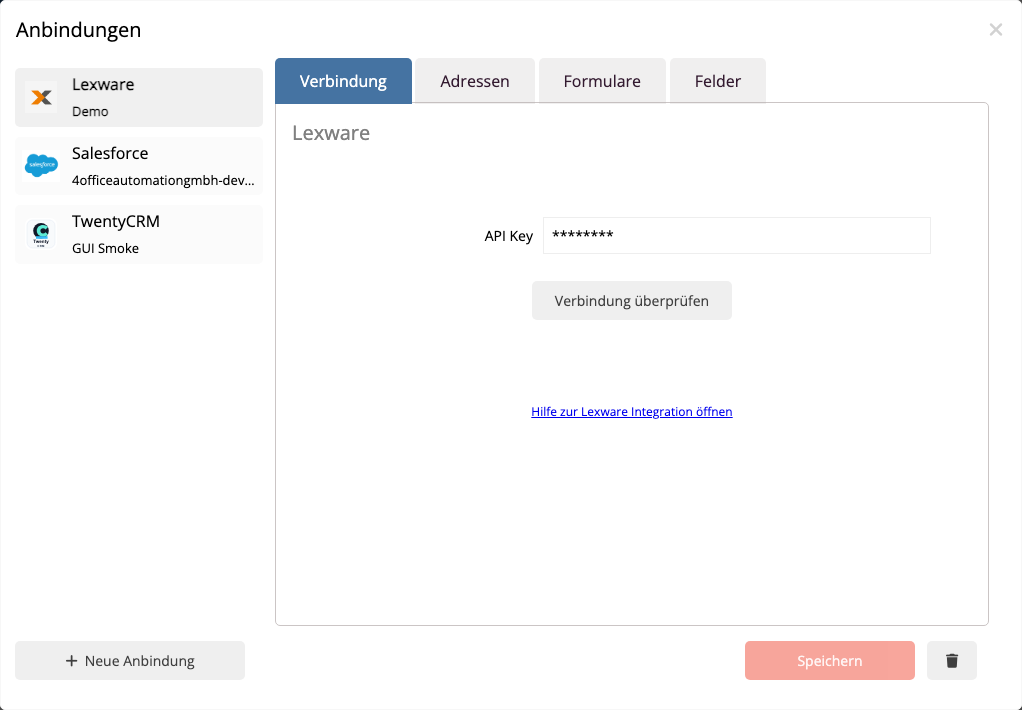
The setup is done in mailfino in the area Connections. In Lexware, you need an API key with access to contacts. mailfino uses this key to verify the connection, read contacts, and create new contacts from forms or update existing ones.
Lexware is treated as an address and customer contact integration in mailfino. Campaigns, target groups, touchpoints, or sending activities are not written back to Lexware in the current version.
 Deutsch
  English