
Prepare the CentralStationCRM API key
mailfino connects to CentralStationCRM via the REST API. You will need an API key for this. The key replaces the username and password combination for the API.
In CentralStationCRM, click the gear icon in the top right corner and navigate to Account settings. In the area Users & Permissions Open Manage external applications (API) and create a new API key.
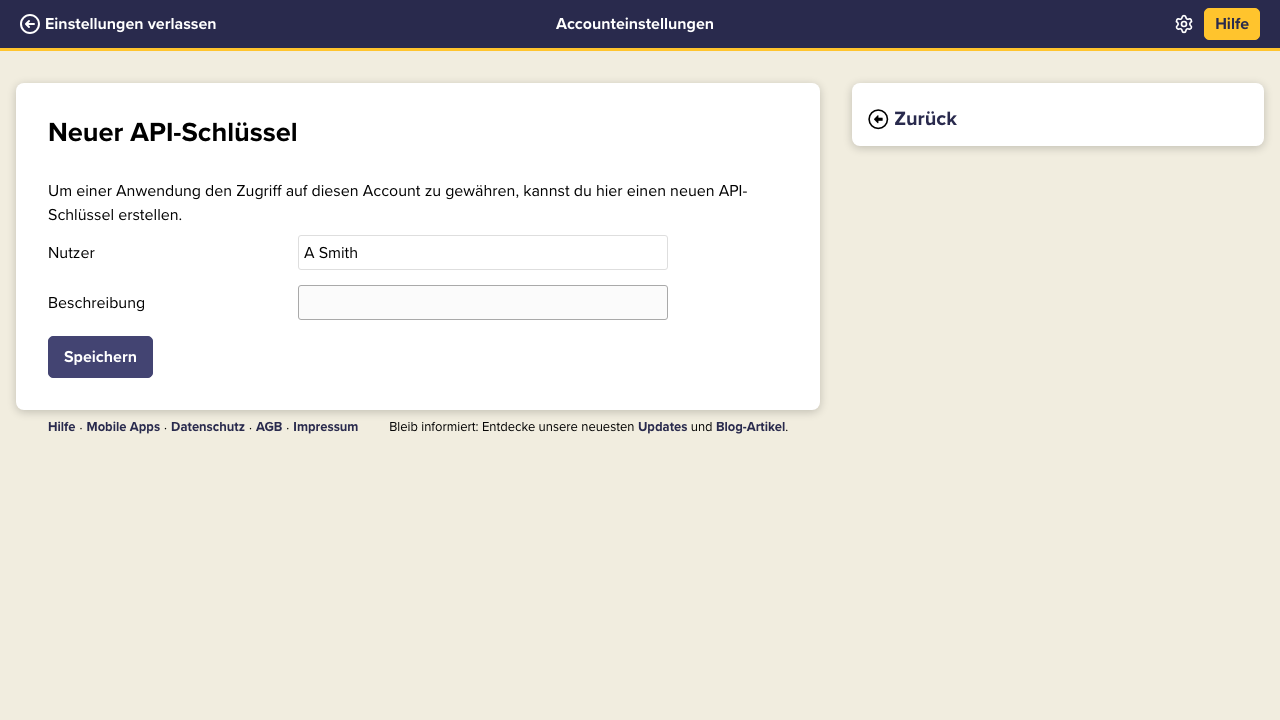
Provide a unique description, for example Mailfino Integration. After saving, CentralStationCRM will display the API key once. Copy it directly into mailfino and do not save it in tickets, emails, or documentation.
If you wish to disconnect later, delete the API key in CentralStationCRM. mailfino will then lose access to the CRM data.
 Deutsch
  English