
Transfer Forms to CentralStationCRM
mailfino forms can create new CentralStationCRM contacts or update existing ones. A prerequisite is a saved CentralStationCRM connection with a valid API key.
Activate the handover in the form editor within the integrations section. Select the CentralStationCRM integration and map the form fields to the desired person fields.
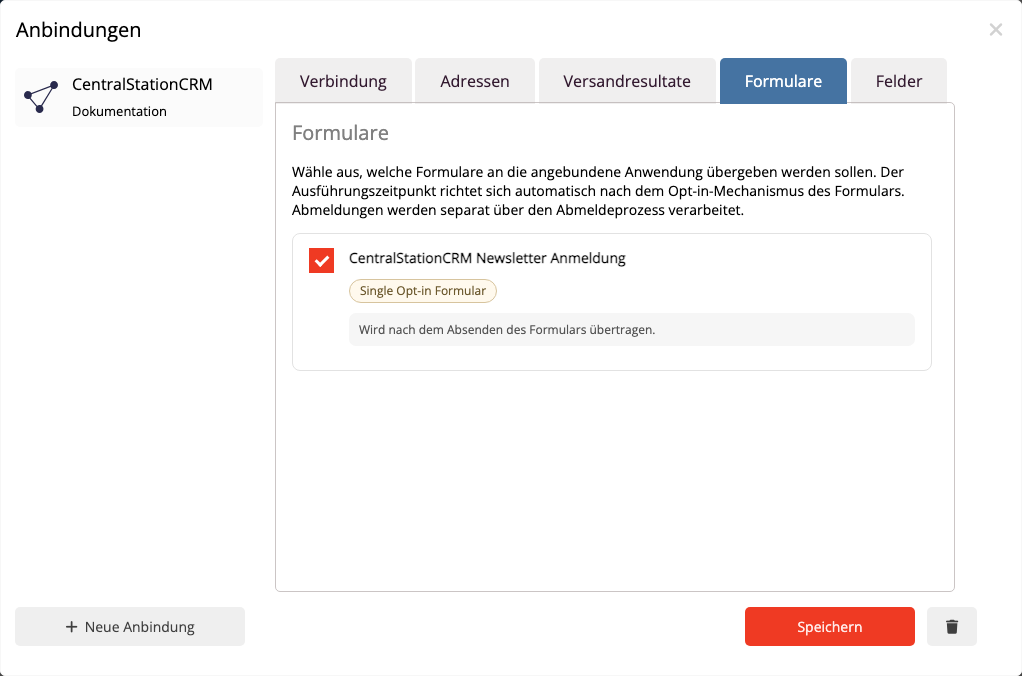
The email address is required for form syncing. mailfino uses it to search for an existing person in CentralStationCRM. If exactly one match is found, mailfino updates that person. If no match is found, mailfino creates a new person. If multiple matches are found, the form submission is flagged for review to prevent the wrong person from being overwritten.
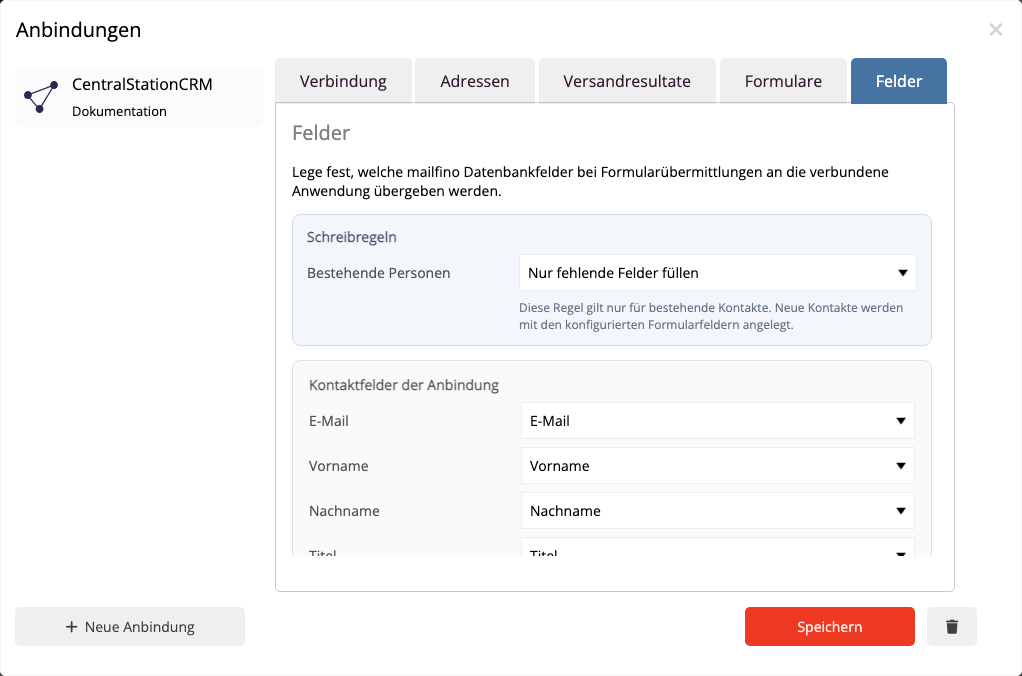
Checkbox actions can set CentralStationCRM tags if a suitable tag mapping has been configured in the form.
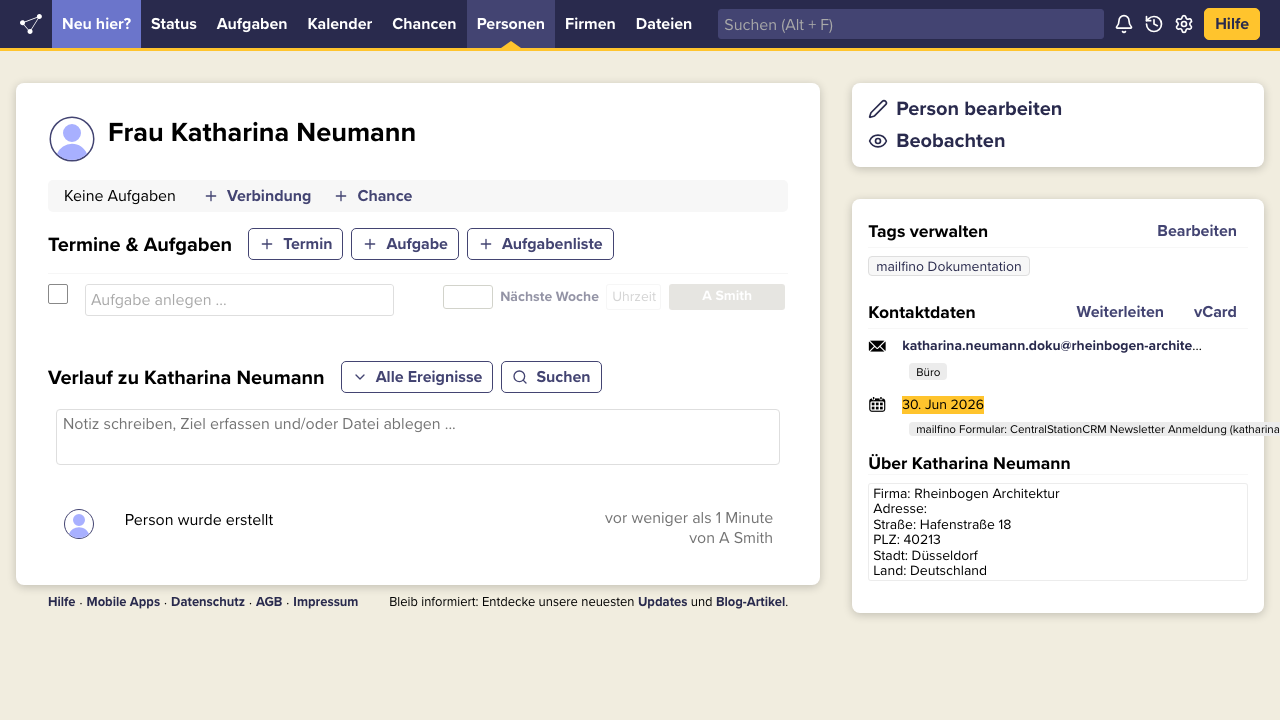
Address fields are in CentralStationCRM in the field About stored with the person. This way, street, zip code, city, and country remain visible, even if CentralStationCRM does not accept these values as its own address object in the API used.
After a successful handover, mailfino also creates a historical event for the person. This makes it visible that the person has been updated via a mailfino form.
 Deutsch
  English