
Prepare Zammad access
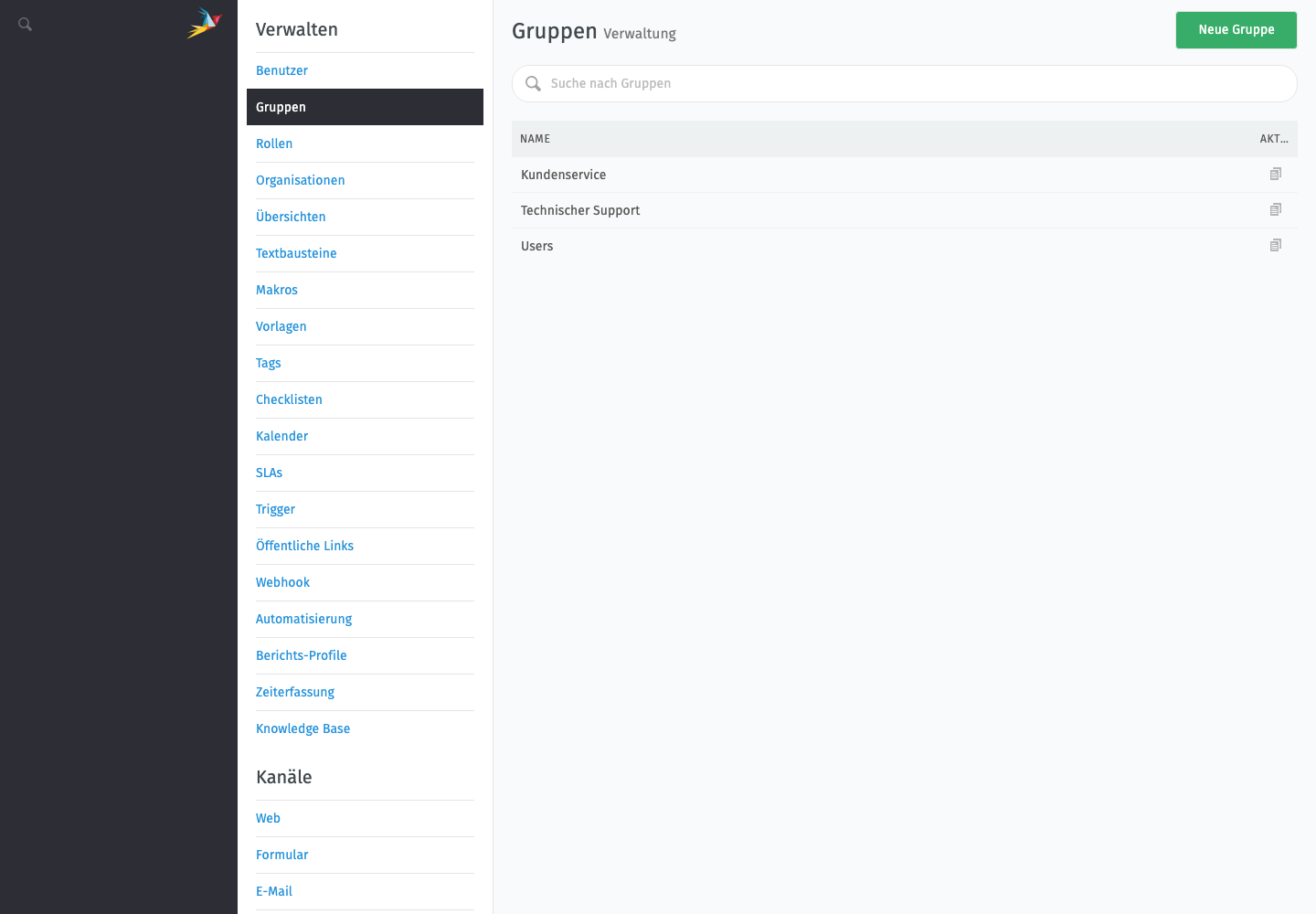
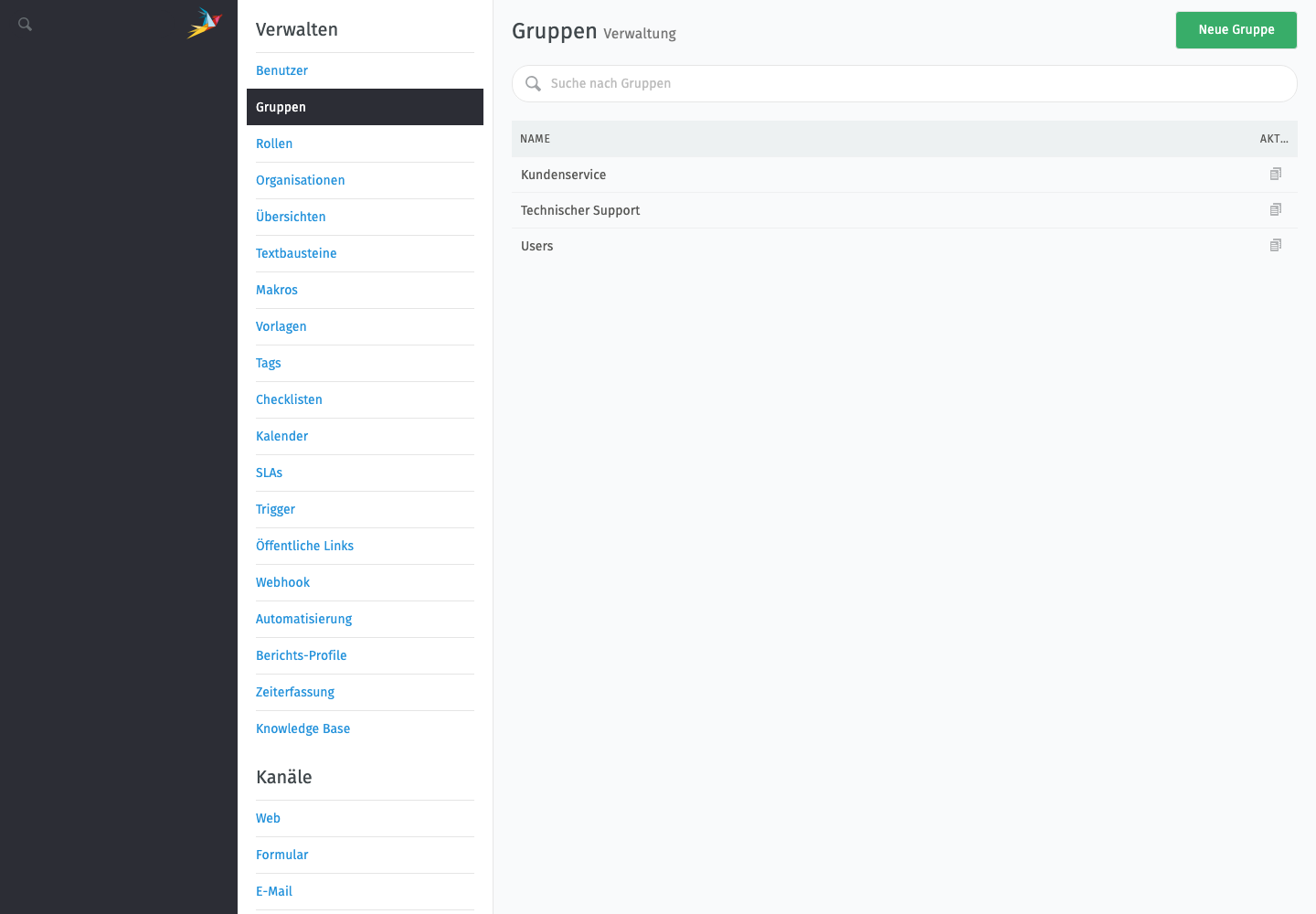
Lege in Zammad einen eigenen Integrationsbenutzer an. Er benötigt die Rolle Agent und Zugriff auf alle Gruppen, deren Tickets mailfino für Supportsegmente berücksichtigen soll. Für den organisationsweiten Import darf der Benutzer nicht auf einzelne Kundentickets beschränkt sein.
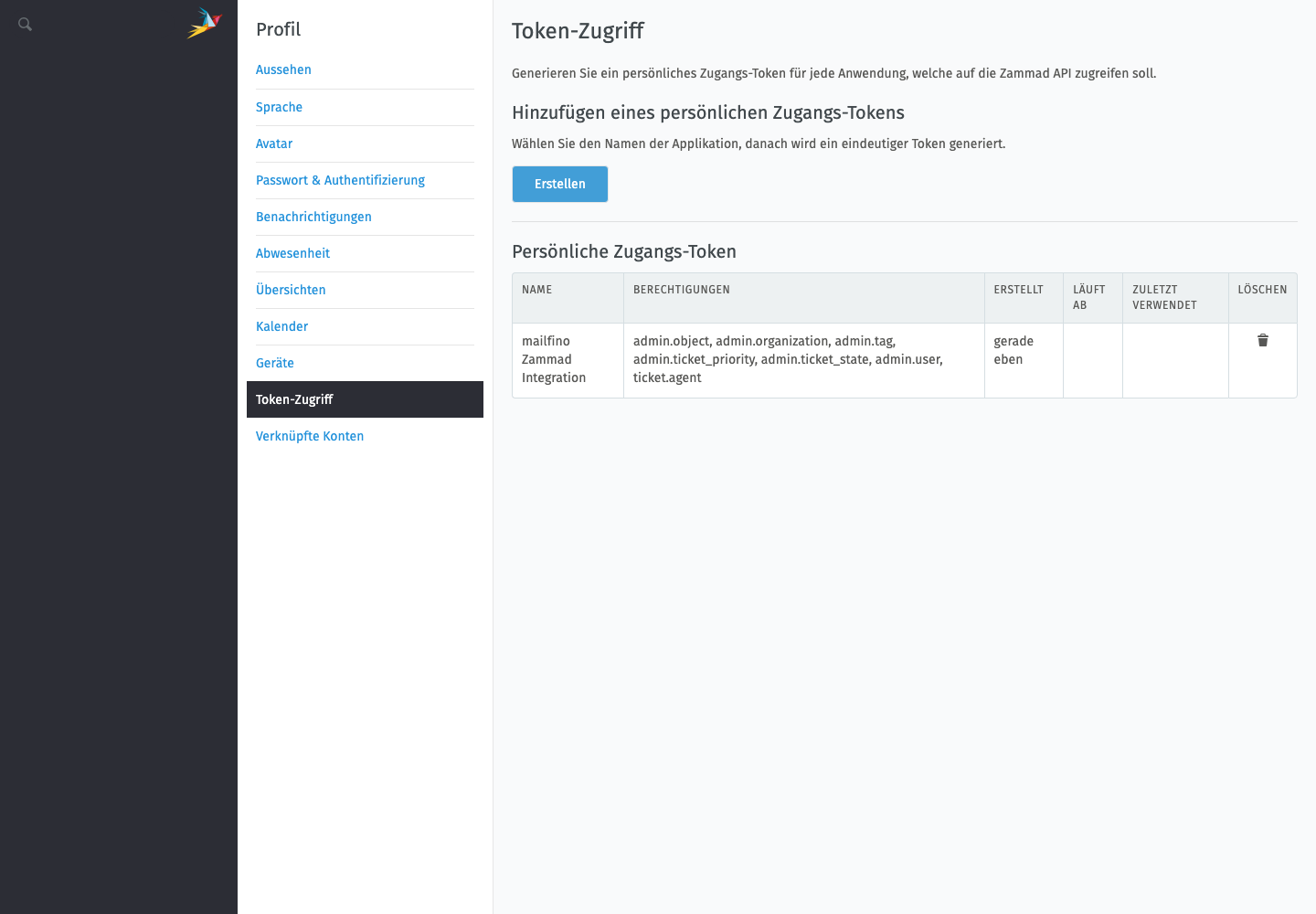
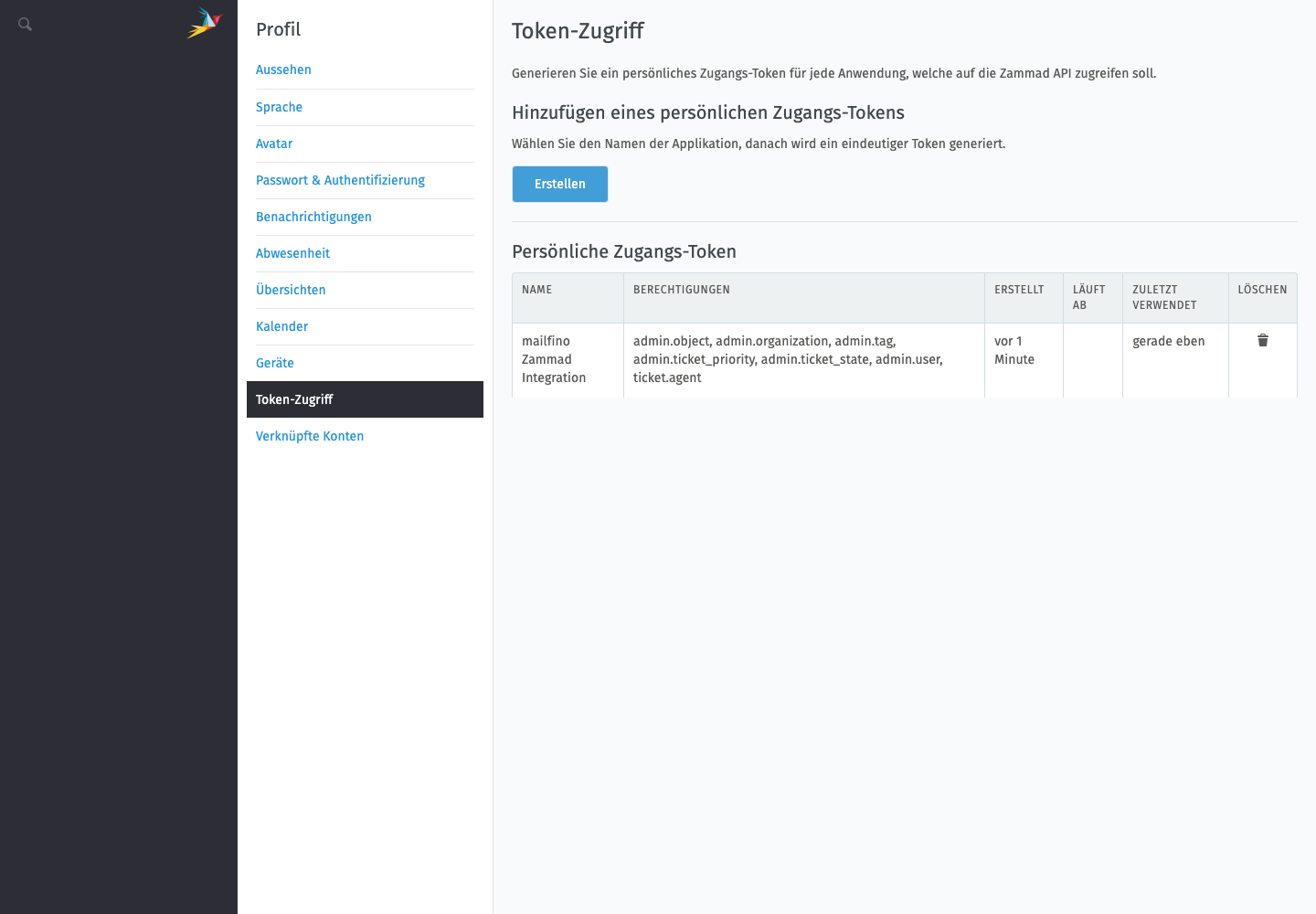
Öffne anschließend im Profil des Integrationsbenutzers Token-Zugriff, erstelle einen HTTP Access Token und aktiviere die benötigten Leserechte für Benutzer, Organisationen, Tickets und Tags. Kopiere den Token direkt in einen sicheren Passwortspeicher – Zammad zeigt ihn nur einmal an.
Verwende keinen persönlichen Administrator-Token für den Dauerbetrieb. Wenn Du Gruppen oder Rechte später einschränkst, kann ein Ticketimport mit einem Berechtigungsfehler abbrechen.
Create a dedicated integration user in Zammad. The user needs the Agent role and access to every group whose tickets mailfino should consider for support audiences. The account must not be limited to individual customer tickets.
Open Token access in the integration user’s profile, create an HTTP access token, and enable the required read permissions for users, organizations, tickets, and tags. Copy the token to a secure password manager immediately—Zammad displays it only once.
Do not use a personal administrator token for normal operation. If you later restrict groups or permissions, ticket imports may stop with a permission error.
 Deutsch
  English