
Creating Purchase Segments in PrestaShop
If the import profile for orders saves purchase data for target groups, you can create segments from PrestaShop orders in the filter dialog.
Open Receiver and create a new filter. Go to the area Purchase data and first select the PrestaShop connection. Then, you determine whether you want to filter by purchased product, category, order quantity, revenue, or the last purchase date.
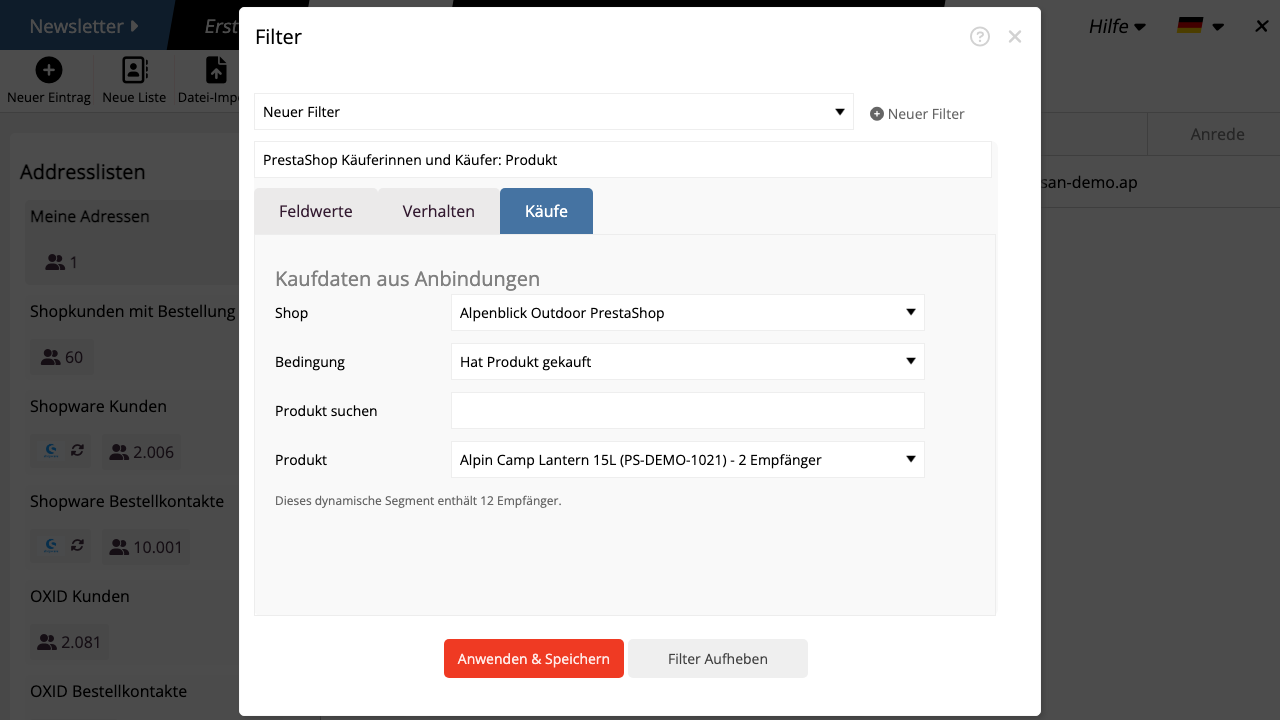
For product and category conditions, mailfino searches server-side in the stored order data. This is also suitable for larger shops because a complete product list is not loaded into the browser.
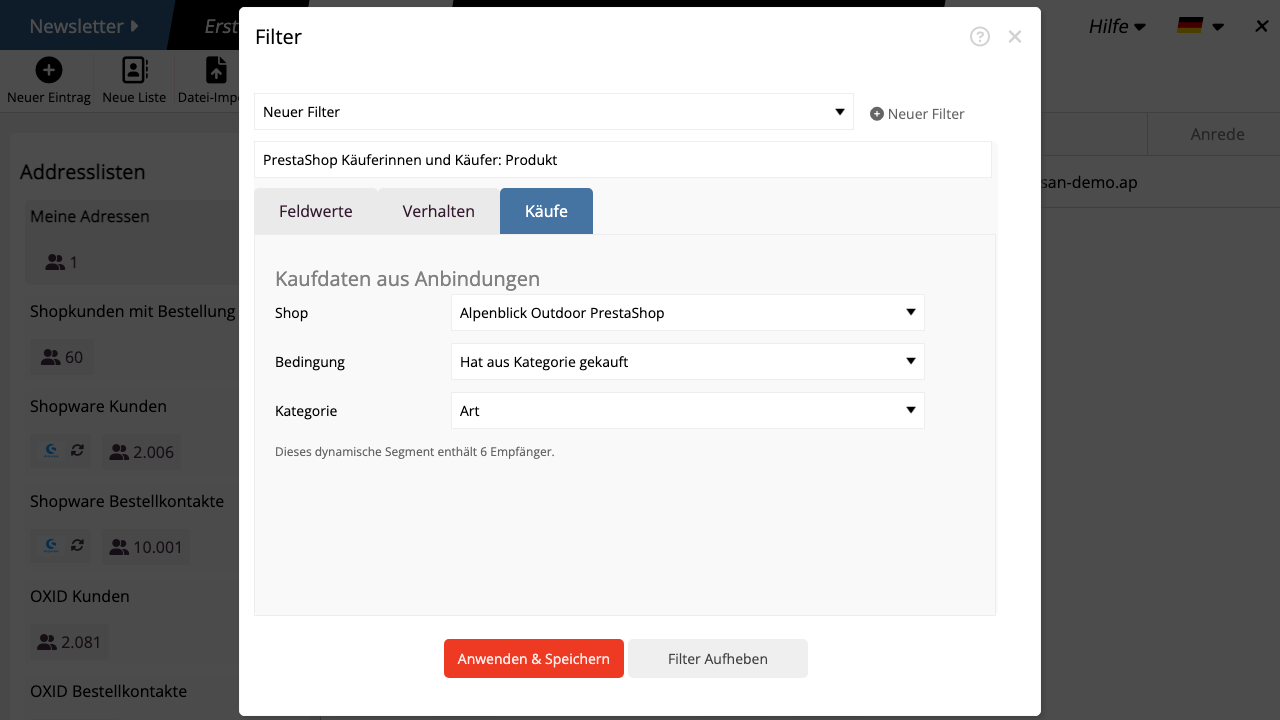
The number of recipients in the dialog only shows contacts that exist in mailfino and match the condition. Orders without a matching mailfino contact will not be considered for segmentation.
Purchase data is not displayed as normal contact fields. It remains background data for filtering, segmentation, and product selection.
 Deutsch
  English