
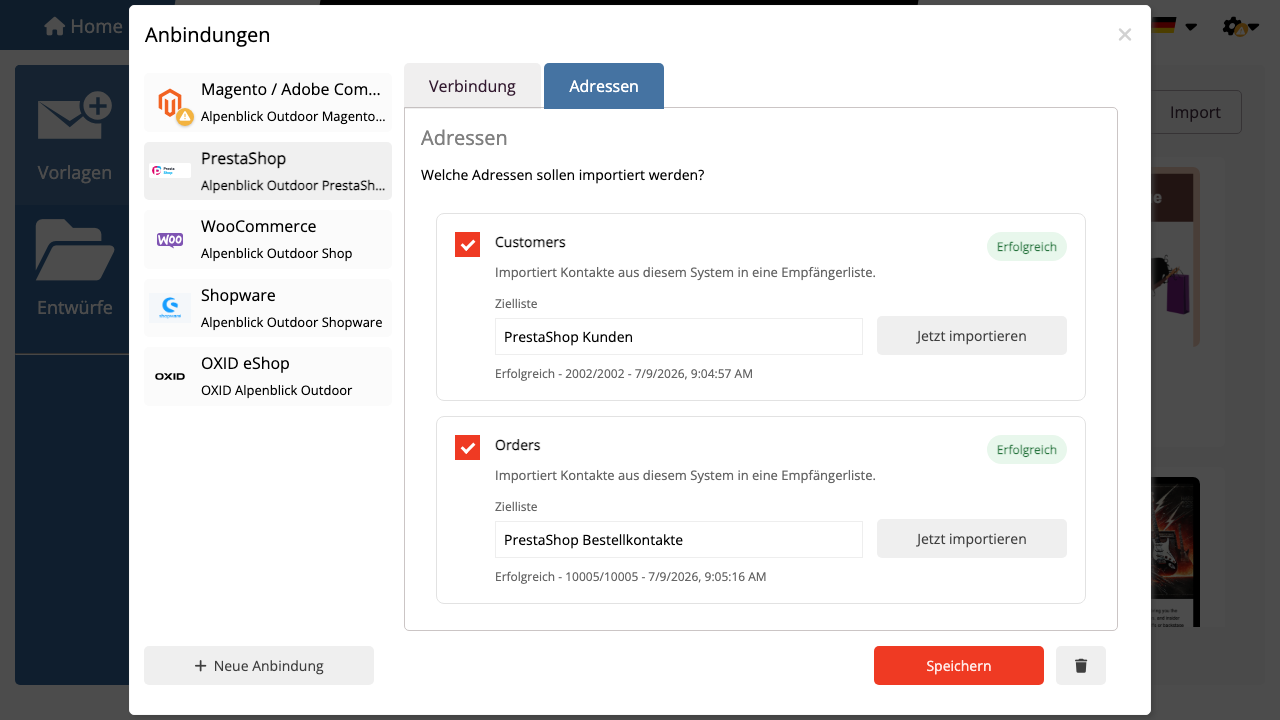
After saving the PrestaShop connection, use two import profiles:
- Customers imports PrestaShop customers as mailfino recipients.
- Orders stores purchase data in the background for segments, product filters, and product cards.
Enable Use purchase data for target groups on the orders import card when you want to filter by purchased products, categories, order count, or revenue.
Purchase data is not displayed as regular contact fields. mailfino uses it only for filters and counts only recipients that exist as mailfino contacts.
For large shops, product selection uses search instead of loading the full catalog. Search products in the filter dialog or in the newsletter editor by product name or SKU.
After saving the PrestaShop connection, you can use two import profiles:
- Customers Imports PrestaShop customers as mailfino recipients.
- Orders saves purchase data in the background for segments, product filters, and product cards.
Enable on the order import map the option Utilize purchasing data for target audiences, when you want to filter by purchased products, categories, order count, or revenue.
The order data is not displayed as contact fields. mailfino only uses them for filters, counting only recipients that exist as mailfino contacts.
For large shops, the product selection does not load a complete product list. Search for products in the filter dialog or newsletter editor by product name or SKU.
 Deutsch
  English