
Check field mapping in the connection manager
In the area Fields The Cobra connection allows you to define which mailfino database fields are generally transferred to which Cobra fields. This mapping is considered the default for form submissions to Cobra.
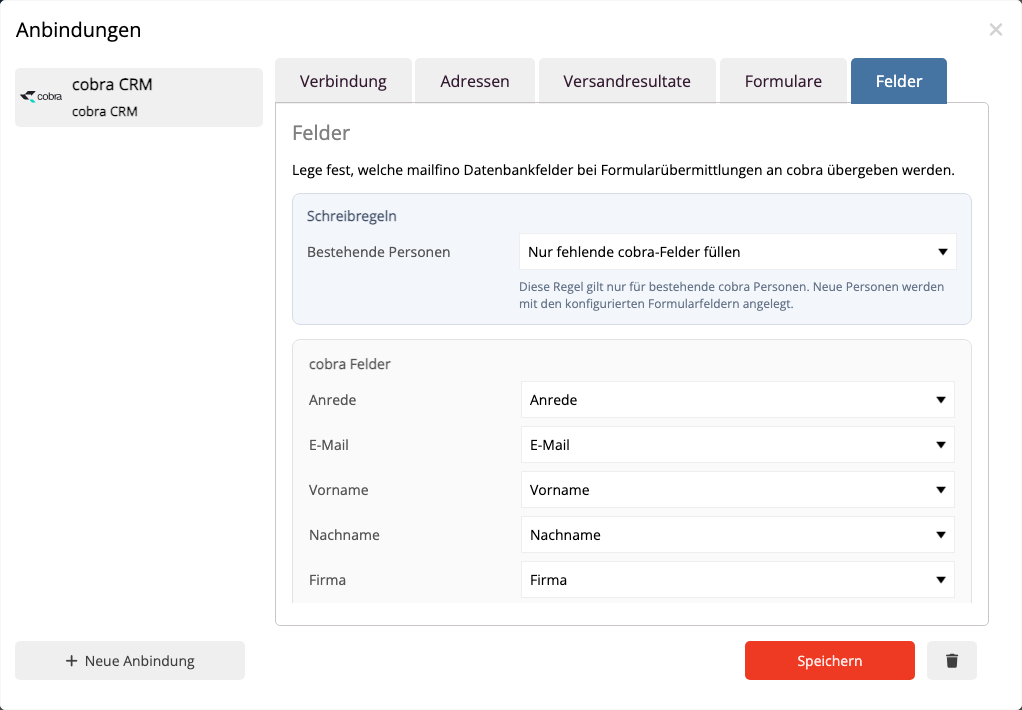
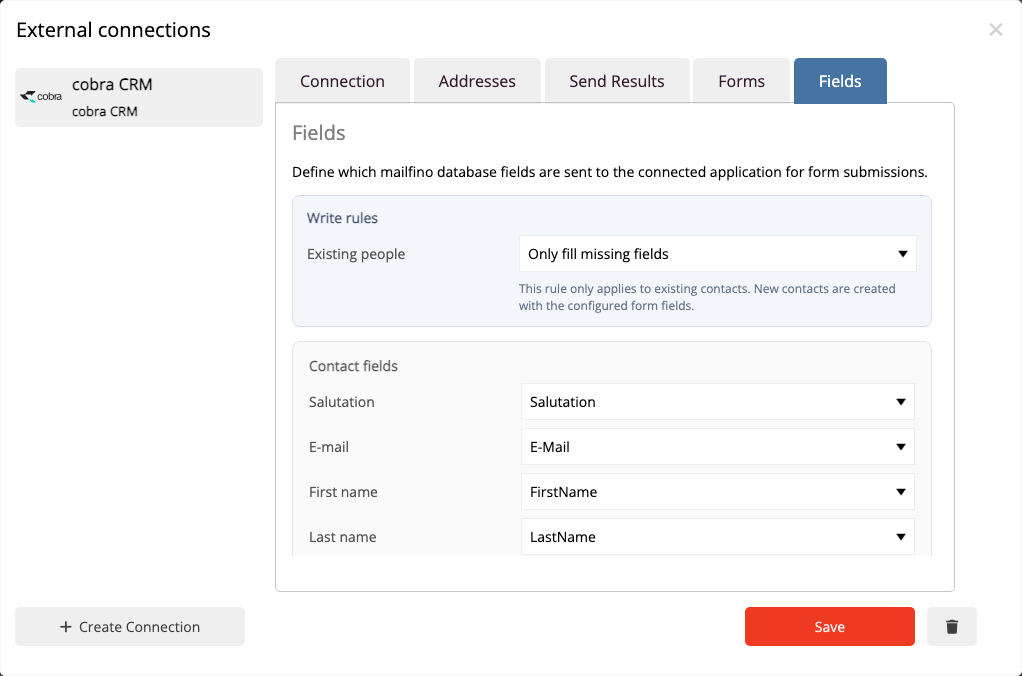
For simple forms, the standard mapping is usually sufficient. The most important fields are those that describe a cobra person uniquely and meaningfully:
- email address
- First name
- Last name
- Company
- Phone
- Address, Postal Code, City, and Country
For each cobra target field, select the appropriate mailfino field. A mailfino field can only be selected once. This prevents the same value from being inadvertently written to multiple cobra fields.
If a field is not to be transferred to cobra, select No field. This is useful for internal fields, temporary form values, or data that should not be maintained in cobra.
The global field mapping is applied whenever a form field does not have its own target field mapping in the form editor. If you select a specific cobra target field for an individual field in the form editor, this form-specific mapping takes precedence.
Check the field mapping carefully, especially when using phone numbers, address data, company data, or custom fields. cobra validates some values more strictly than mailfino, for example, phone numbers and country codes.
 Deutsch
  English