
Connect to PrestaShop
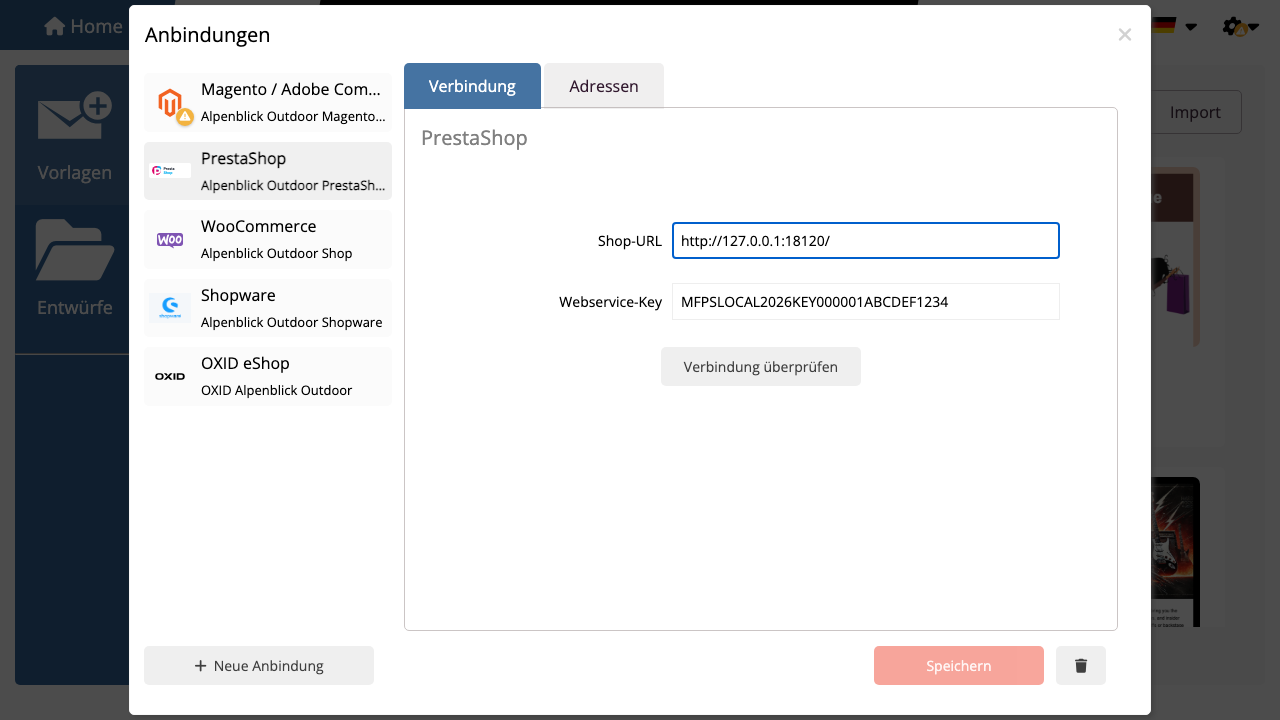
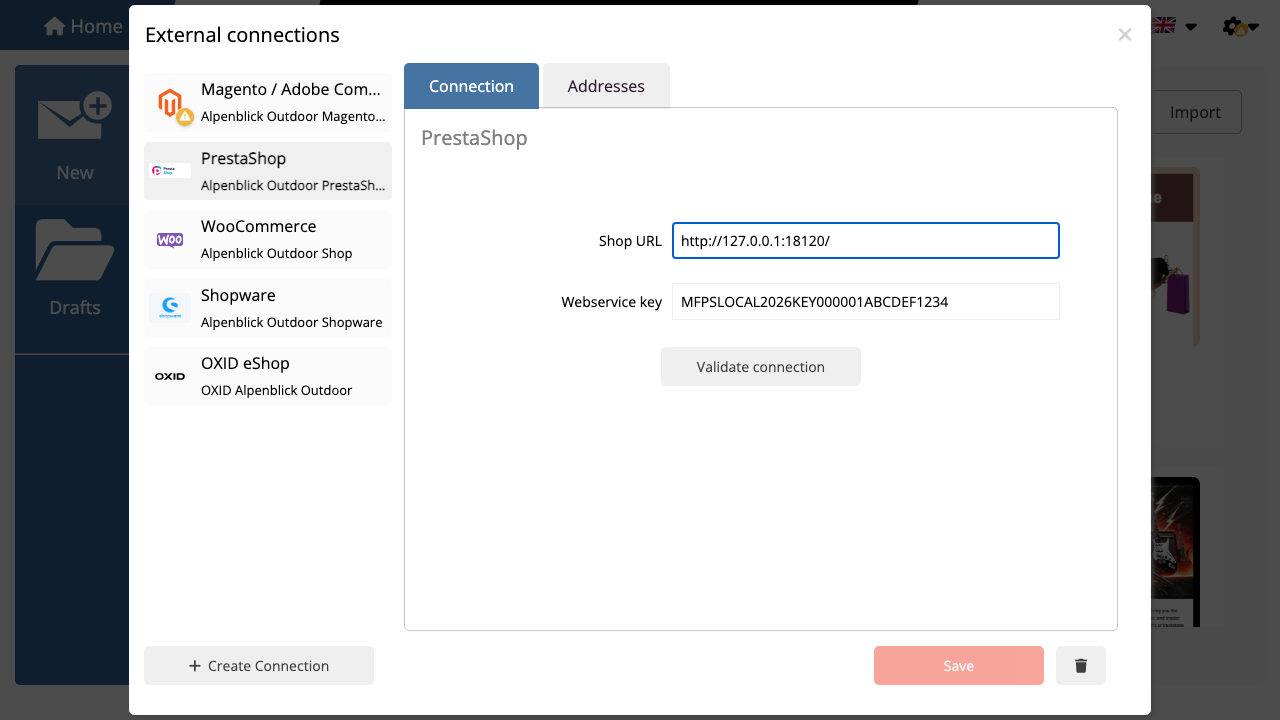
Öffnen Sie in mailfino Integrations in mailfino and create a new connection. Select PrestaShop aus.
Enter the shop URL, for example https://shop.example.com, and paste the PrestaShop Webservice key. Then click Validate connection.
If validation succeeds, save the connection. You can then create import profiles for customers and orders.
If validation fails, check these points first:
- Is the PrestaShop Webservice enabled?
- Does the key have read access to
customers? - Does the key also have read access to
orders,order_details,products,categoriesorimages, if you want to use purchase segments and product cards? - Is the shop URL reachable from mailfino?
- Does a firewall block Basic Auth requests to
/api/?
 Deutsch
  English