
Save Activities in Salesforce
In the area Shipping results Specify which events trigger the creation of mailfino activities in Salesforce. This makes it visible on the Salesforce contact what happened after a message was sent.
mailfino saves the events as Salesforce Task Contact. Supported are:
- successful deliveries
- Failed deliveries
- Deregistrations
- Spam complaints
During delivery activities, the content of the email can also be included.
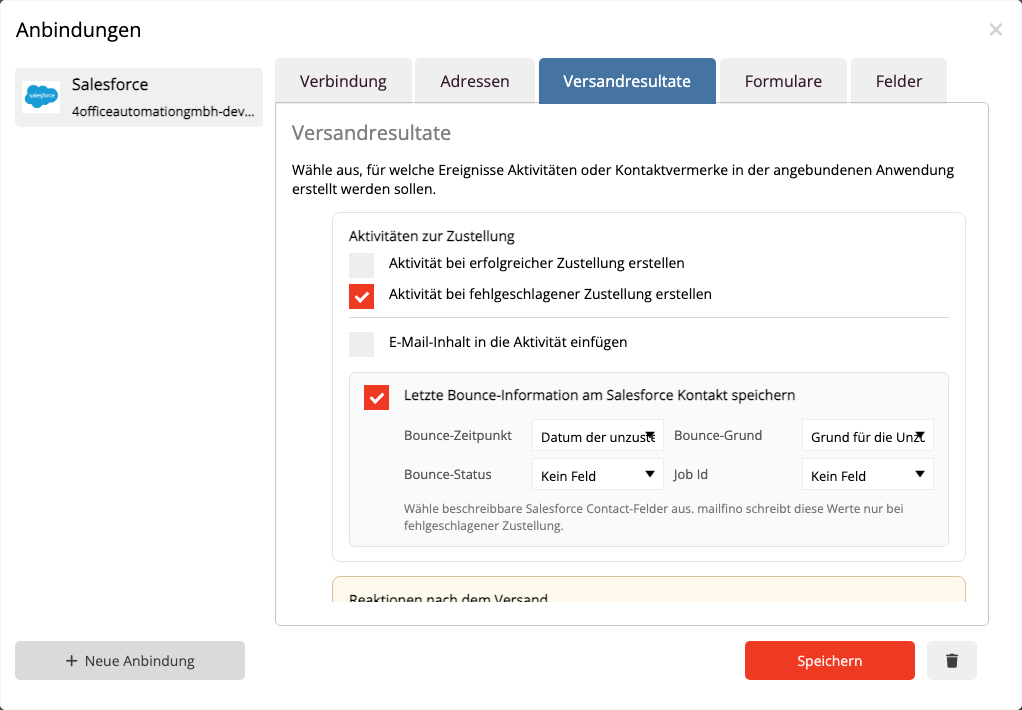
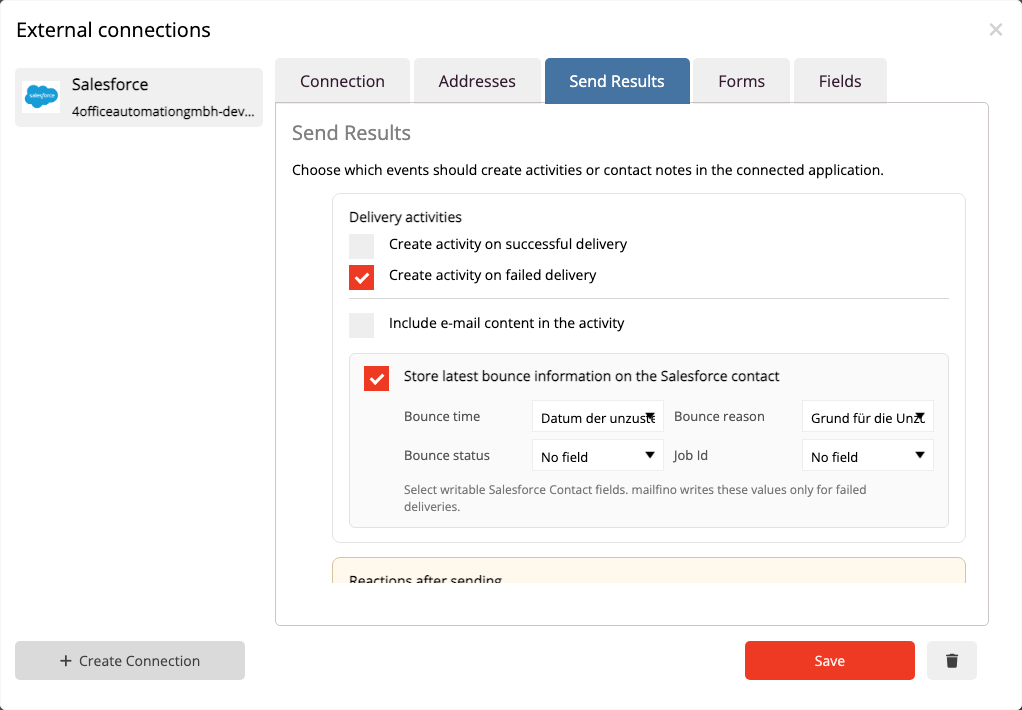
Only activate the events that you truly want to document in Salesforce. If a large number of messages are sent, this can create a corresponding large number of activities.
In order for activities to be written, the Salesforce user must have permission to read and create tasks. Additionally, the contact must have been previously imported from Salesforce or linked via a form submission with a Salesforce Contact ID.
 Deutsch
  English