
Prepare Chatwoot access
Verwende nach Möglichkeit einen eigenen Chatwoot-Benutzer für die mailfino-Anbindung. So kannst Du den Zugriff unabhängig von persönlichen Mitarbeiterkonten verwalten.
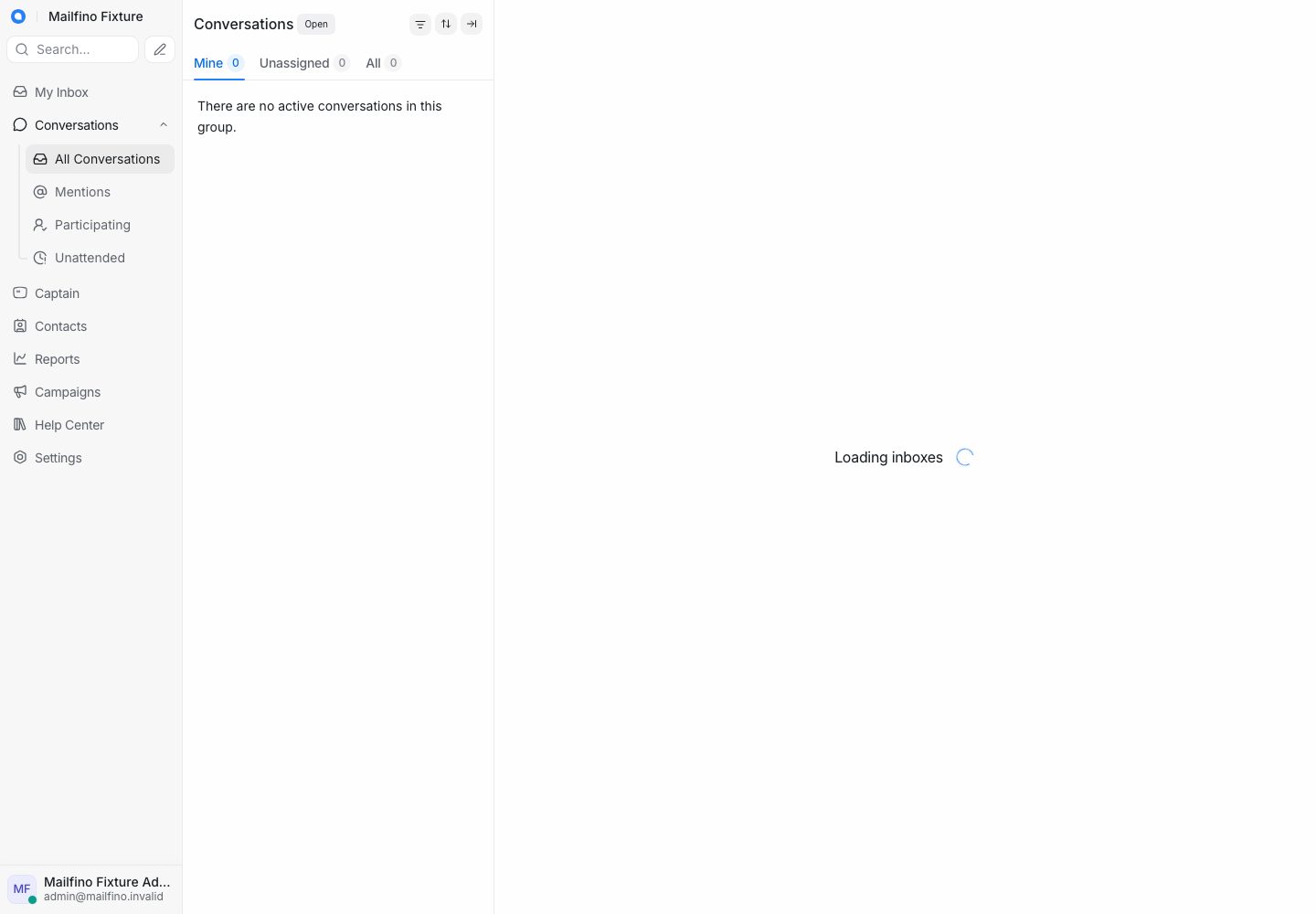
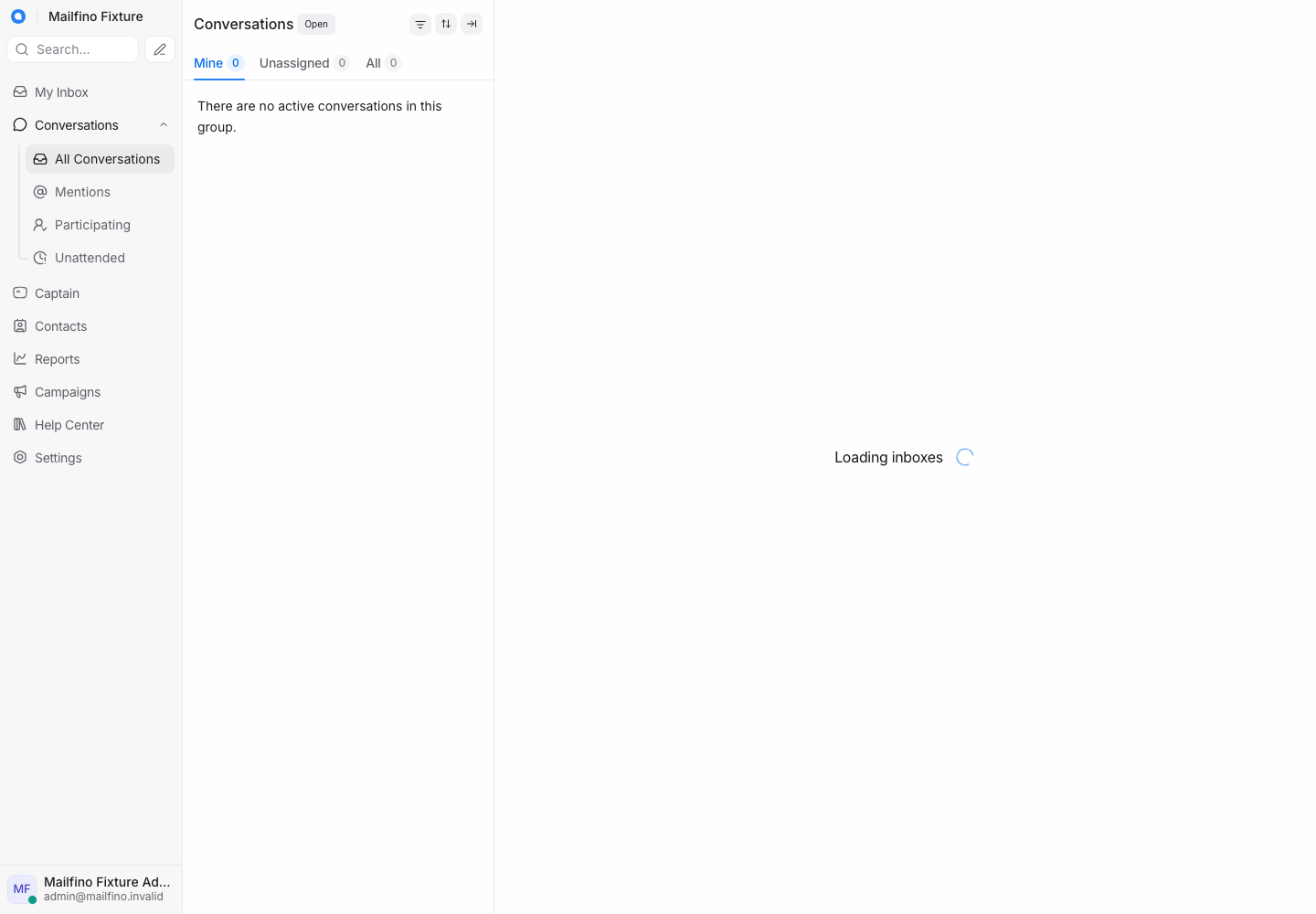
Öffne in Chatwoot unten links Dein Profil und danach Profile Settings. Kopiere den Wert im Bereich Access Token direkt in Deinen Passwortmanager.
Notiere außerdem die numerische Konto-ID aus der Browseradresse. Aus einer Adresse wie /app/accounts/7/... ergibt sich die Konto-API-Adresse https://support.example.com/api/v1/accounts/7.
Die Chatwoot-Instanz muss öffentlich über HTTPS erreichbar sein. Teile den Token nicht per E-Mail oder Chat.
Where possible, use a dedicated Chatwoot user for the mailfino connection. This keeps access independent of personal staff accounts.
In Chatwoot, open your profile at the bottom left and choose Profile Settings. Copy the value from Access Token directly into your password manager.
Also note the numeric account ID in the browser URL. For /app/accounts/7/..., the account API URL is https://support.example.com/api/v1/accounts/7.
The Chatwoot instance must be publicly available over HTTPS. Do not share the token by email or chat.
 Deutsch
  English