
Connect Chatwoot
Öffne in mailfino Konto → Anbindungen, wähle Neue Anbindung, dann Helpdesk or Chatwoot.
Trage die vollständige Konto-API-Adresse einschließlich /api/v1/accounts/ und den persönlichen Zugriffstoken ein.
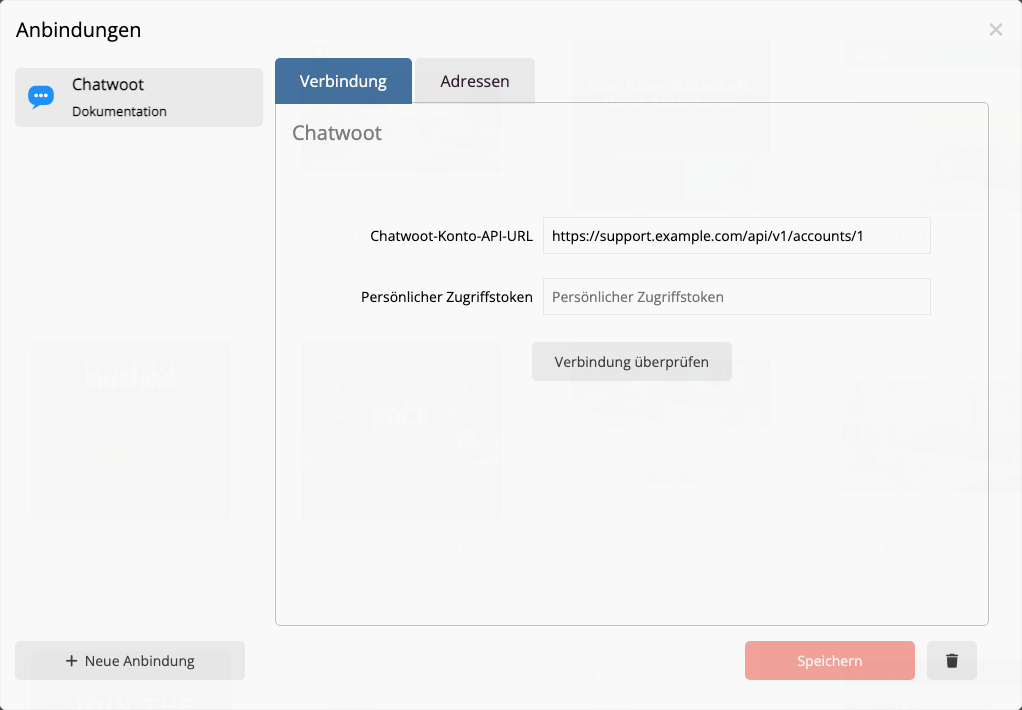
Select Verbindung überprüfen. Erst nach einer erfolgreichen Prüfung lässt sich die Anbindung speichern. Der Token wird danach nicht wieder angezeigt; bei einer Erneuerung trägst Du den neuen Wert ein und prüfst die Verbindung erneut.
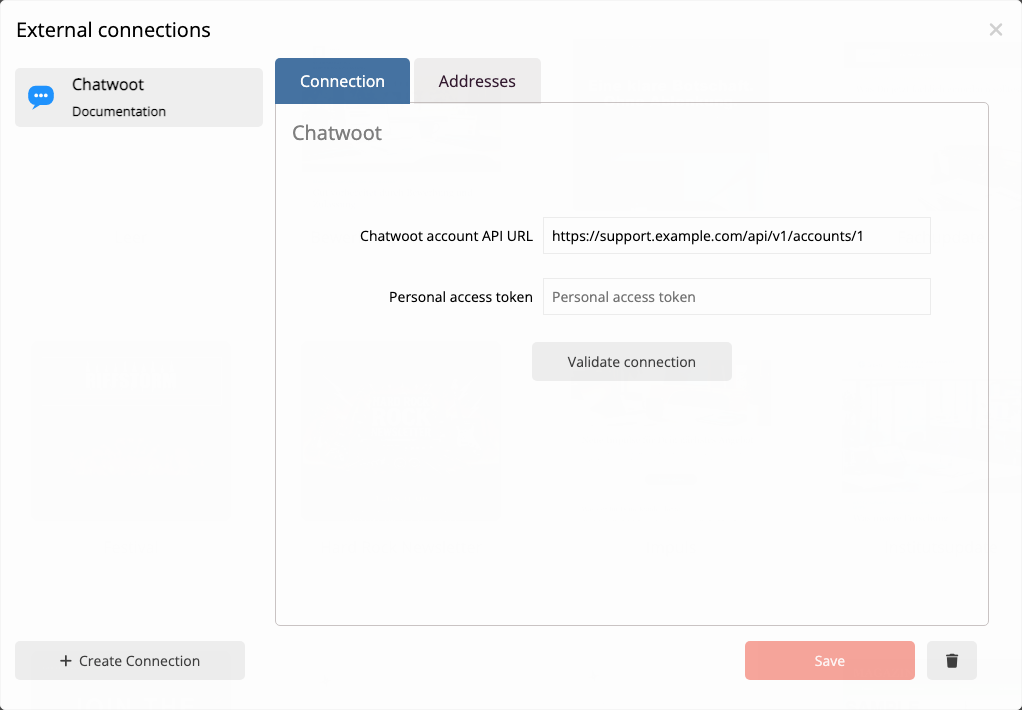
In mailfino, open Account → Integrations, choose New integration, then Helpdesk and Chatwoot.
Enter the complete account API URL including /api/v1/accounts/ and the personal access token.
Choose Check connection. You can save only after a successful check. The token is not shown again; after rotating it, enter the new value and validate once more.
 Deutsch
  English