
FreeScout-Zugang vorbereiten
Installiere und aktiviere zuerst das von mailfino bereitgestellte FreeScout-Modul MailfinoReadOnly. Das Modul stellt ausschließlich die für Kontakte und datensparsame Konversations-Snapshots benötigten Leseendpunkte bereit; das kommerzielle FreeScout-Modul „API & Webhooks“ ist dafür nicht erforderlich.
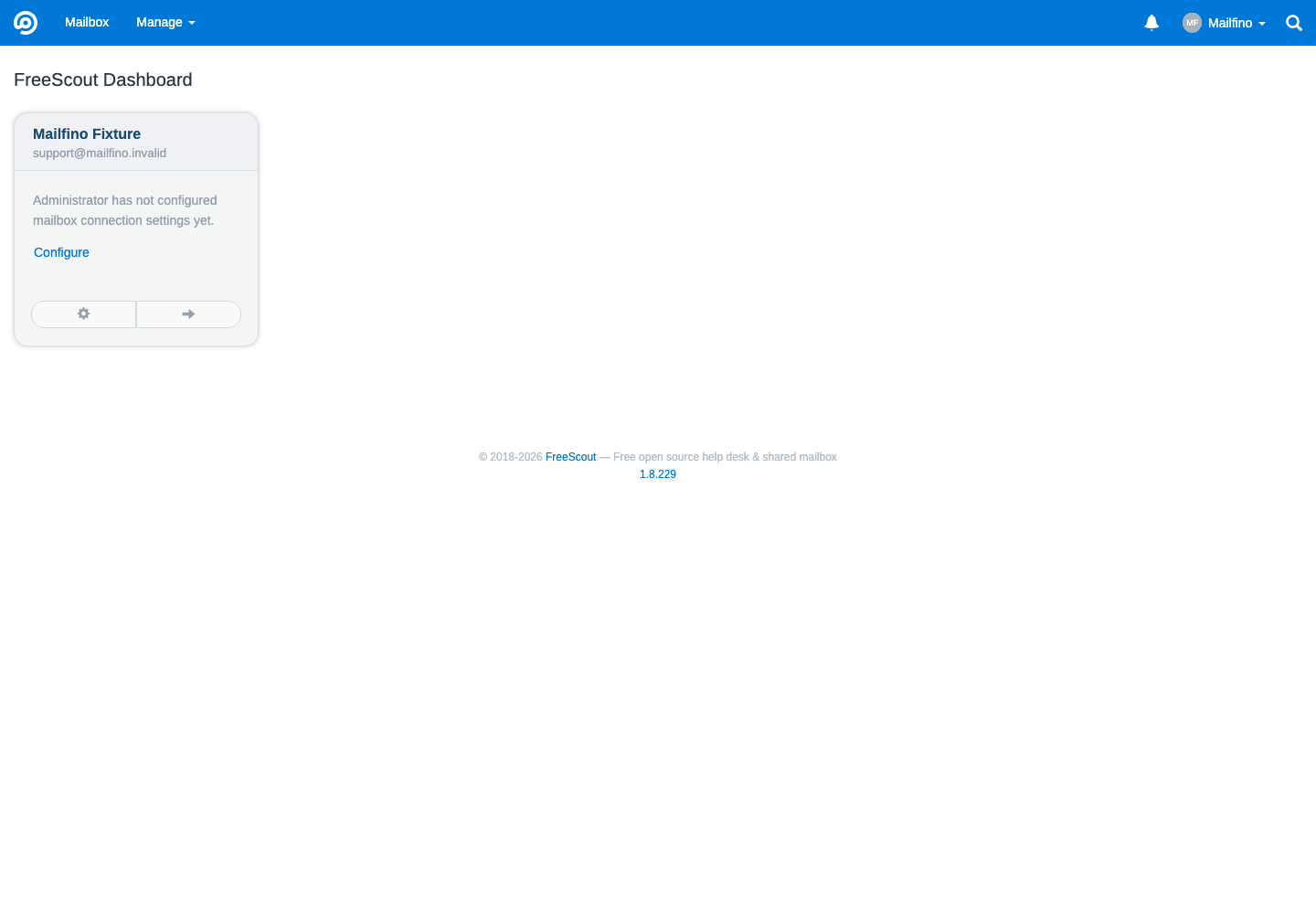
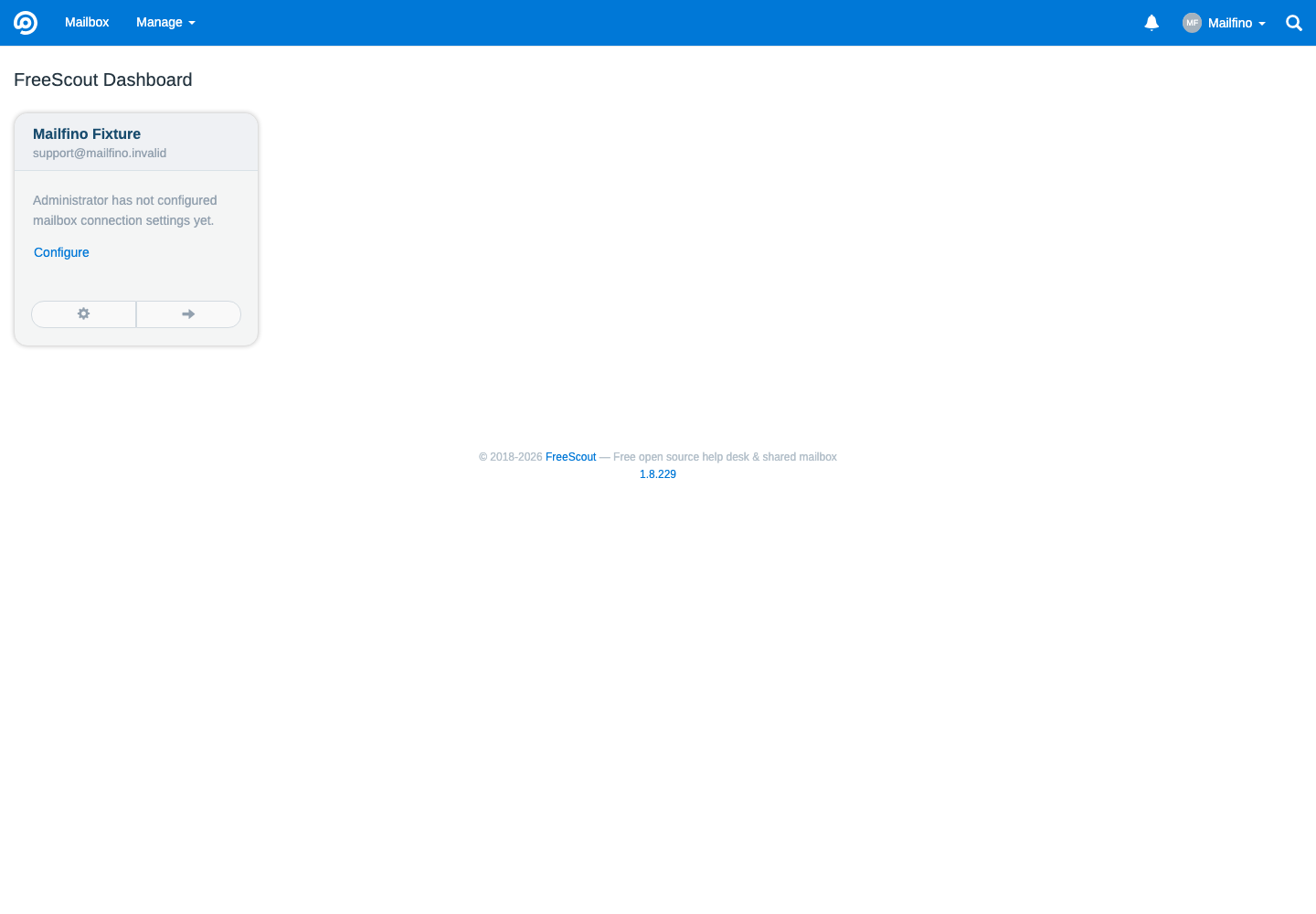
Erzeuge in der Modulkonfiguration einen eigenen Connector-Token für mailfino und bewahre ihn in einem Passwortmanager auf. Die FreeScout-Adresse muss öffentlich per HTTPS erreichbar sein.
Wenn Du den Token später ersetzt, verliert der bisherige Token sofort seine Wirkung. Hinterlege den neuen Wert dann auch in mailfino.
Install and enable the MailfinoReadOnly FreeScout module supplied by mailfino. It exposes only the read endpoints needed for contacts and privacy-limited conversation snapshots. FreeScout’s commercial “API & Webhooks” module is not required.
Create a dedicated connector token for mailfino in the module configuration and keep it in a password manager. Your FreeScout URL must be publicly available over HTTPS.
Replacing the token invalidates the previous value. Enter the new token in mailfino as well.
 Deutsch
  English