
Connect to Salesforce
Open the menu with the gear icon in the top right and select Integrations. In this dialog, all external systems connected to mailfino are managed.
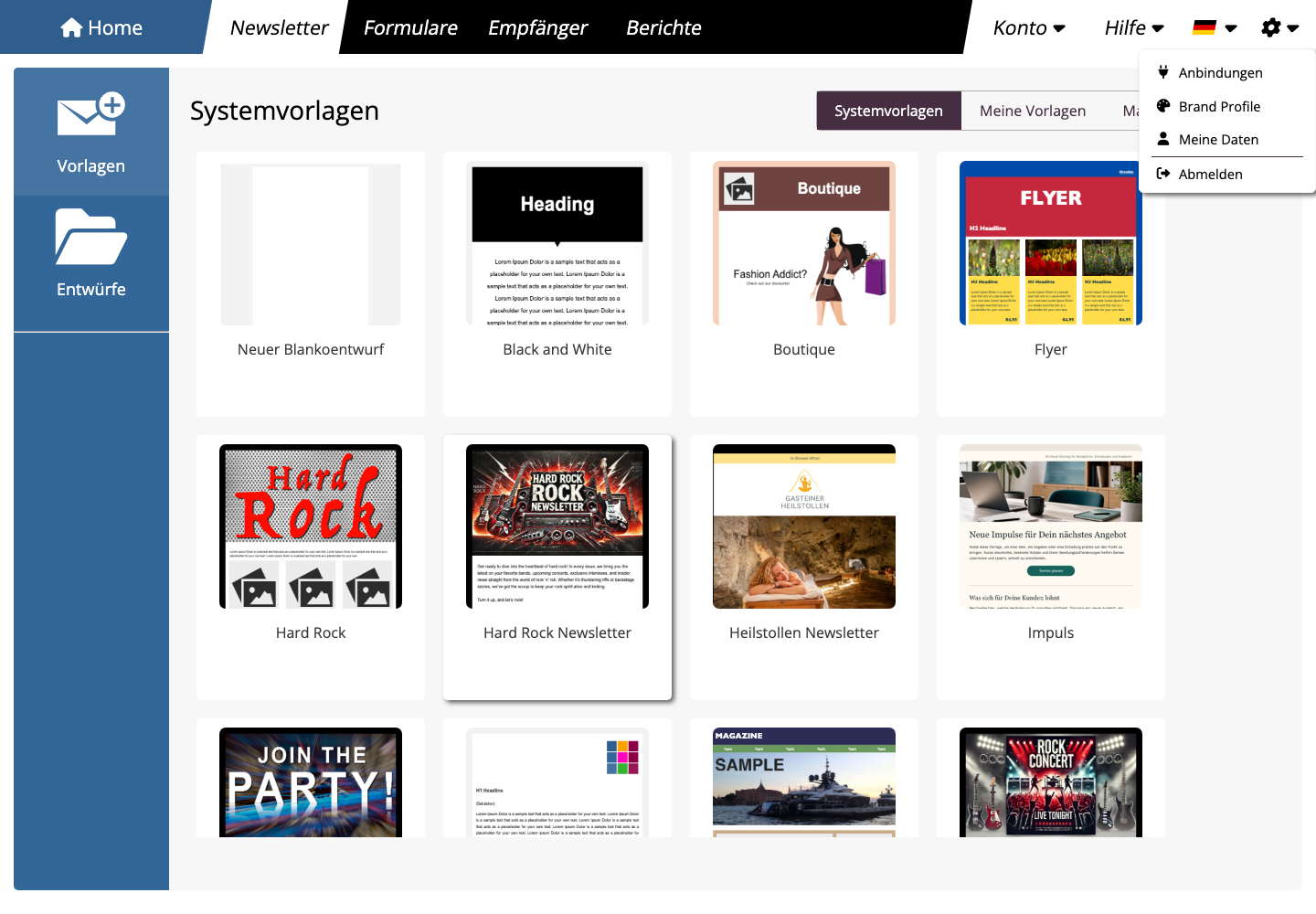
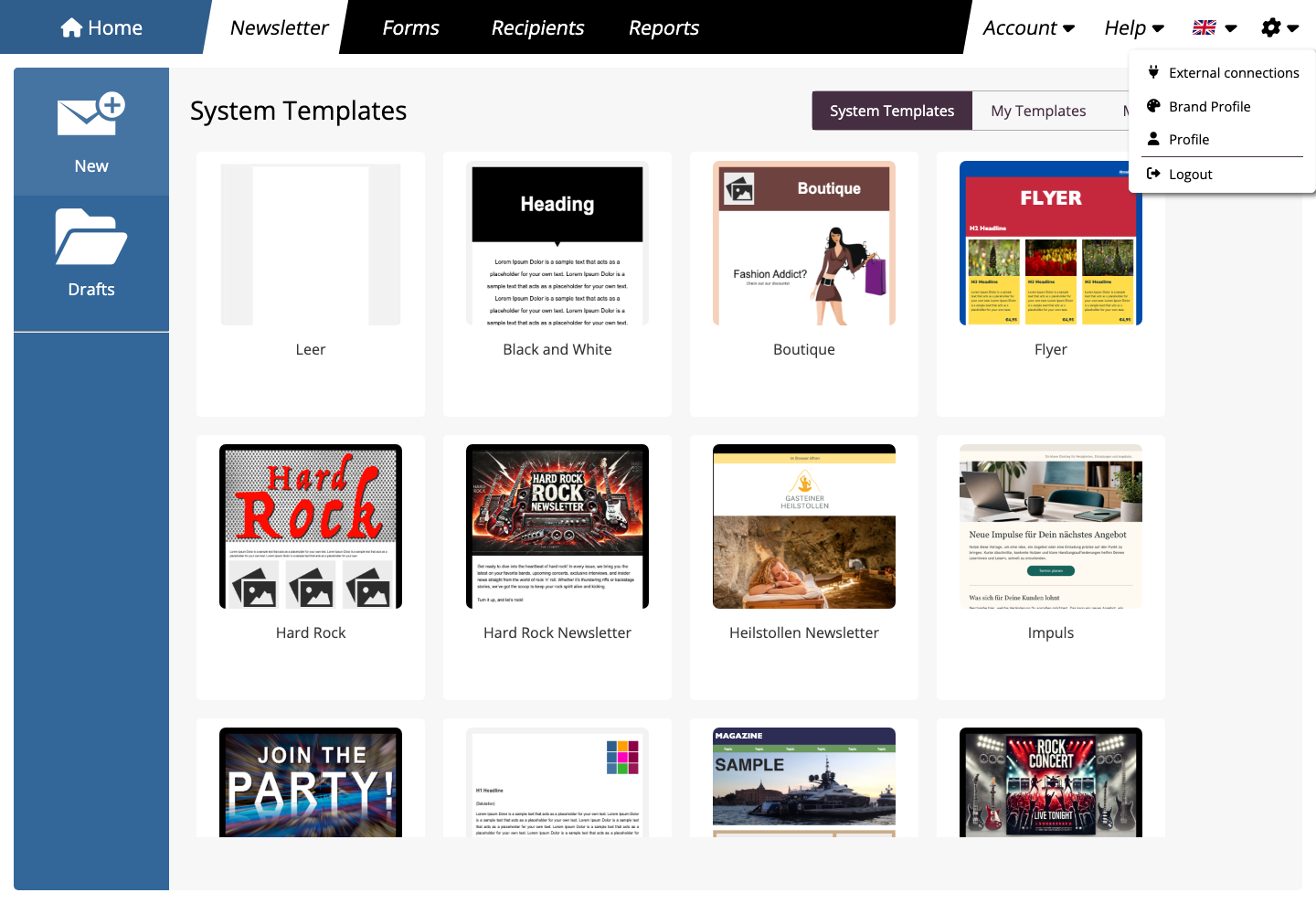
If no connection has been established yet, mailfino will directly open the selection of available systems. Otherwise, click on the connection dialog Neue Anbindung. Then select Salesforce aus.
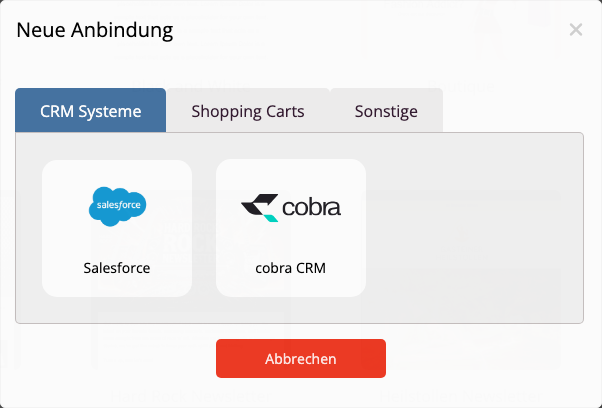
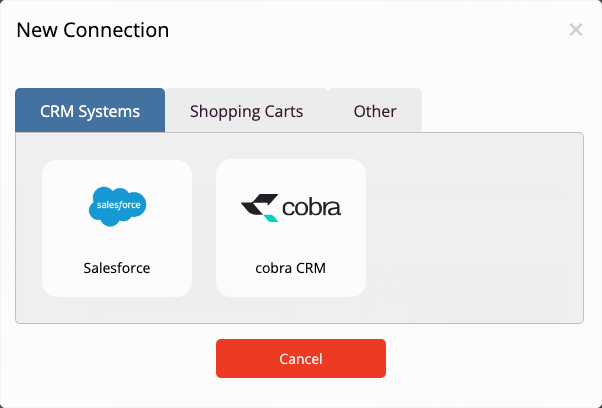
mailfino starts the Salesforce login. Log in with the Salesforce user who is allowed to use the contacts, campaigns, and activities. Then confirm access for mailfino.
After a successful connection, mailfino displays the message Salesforce connected successfully.
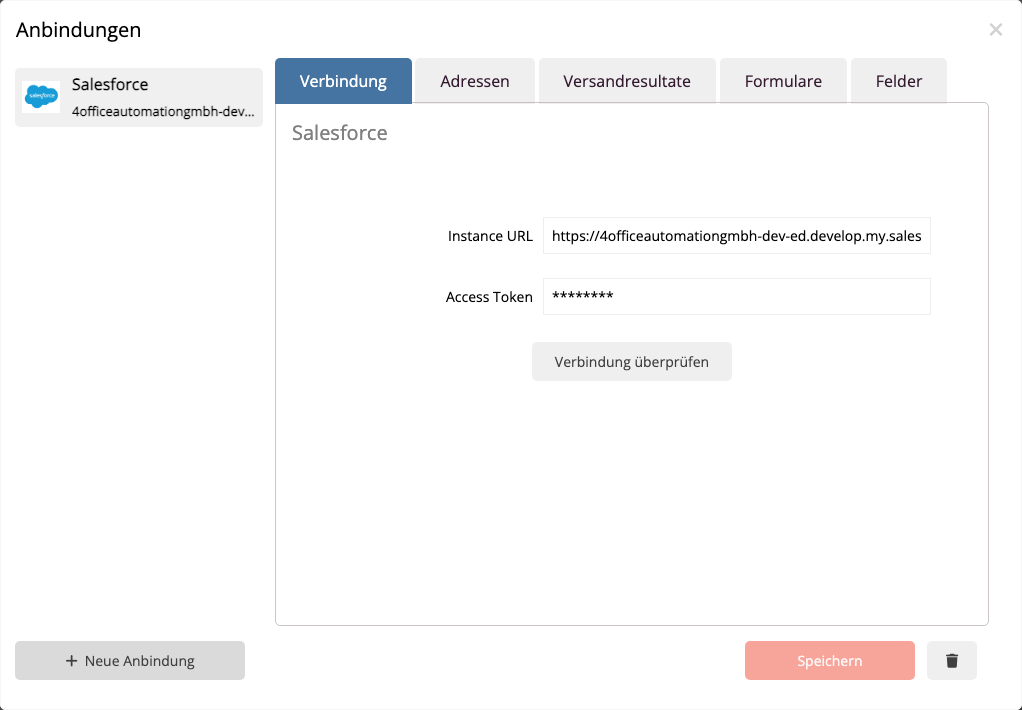
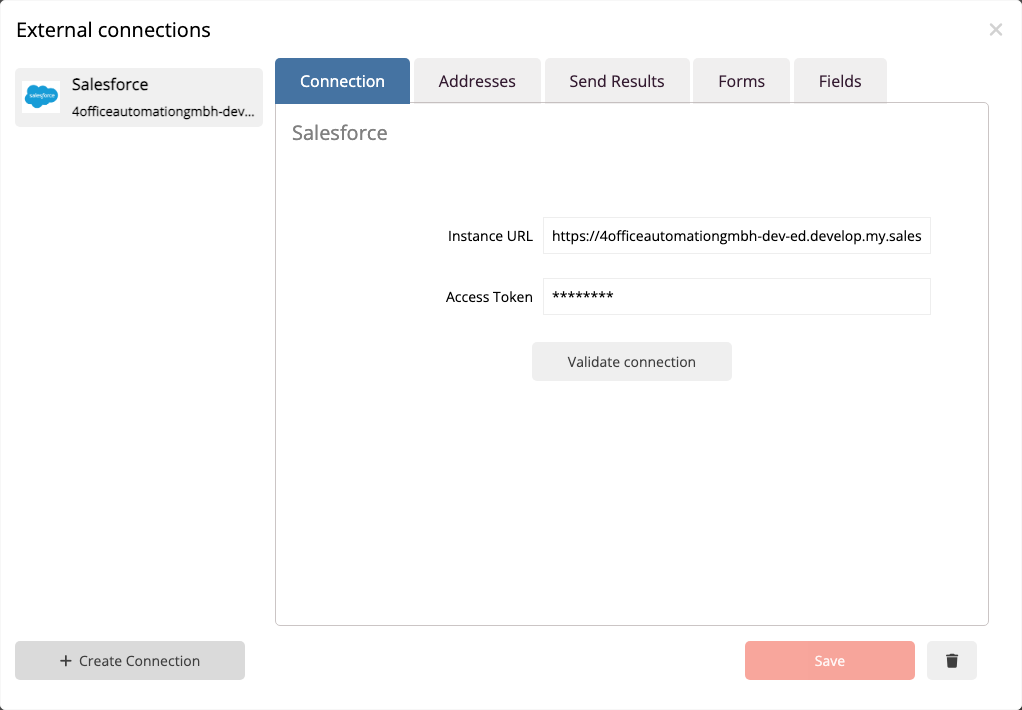
The connection will then be displayed in the connection dialog. Validate connection Can you test if mailfino can reach the Salesforce API and if a refresh token has been saved?.
 Deutsch
  English