
Connect to Cobra
Open the menu with the gear icon in the top right and select Integrations. In this dialog, all external systems connected to mailfino are managed.
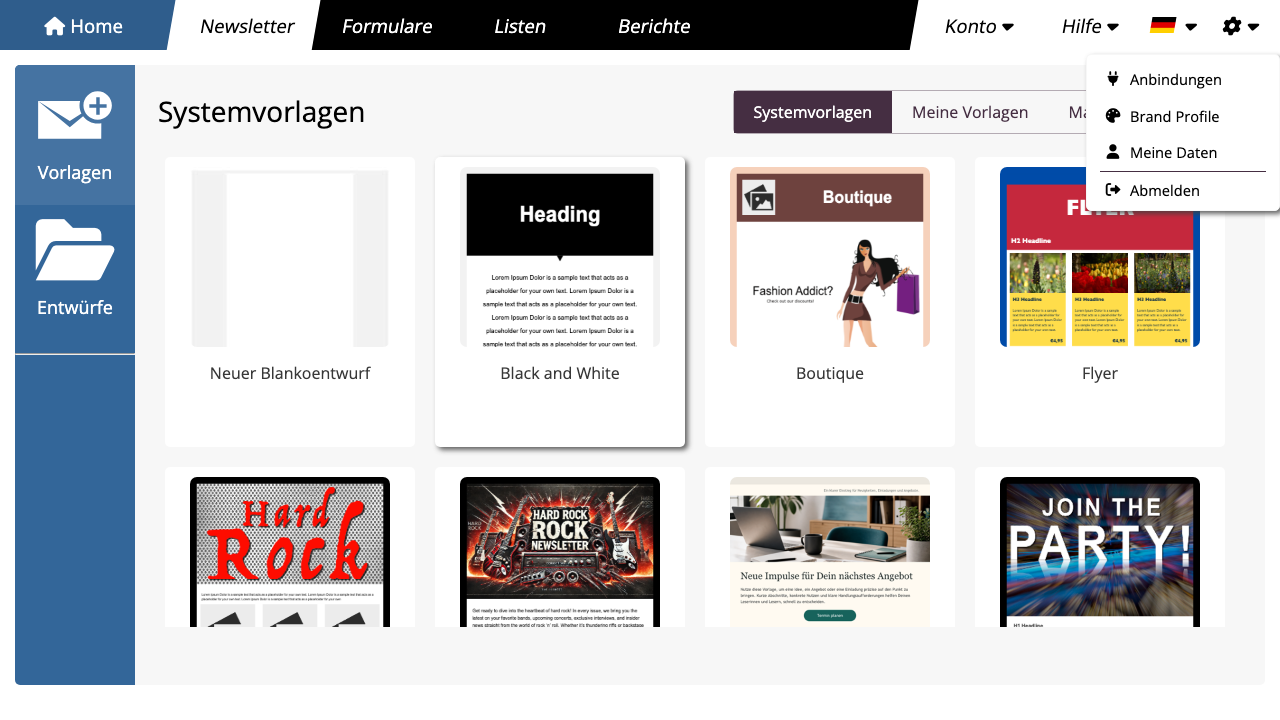
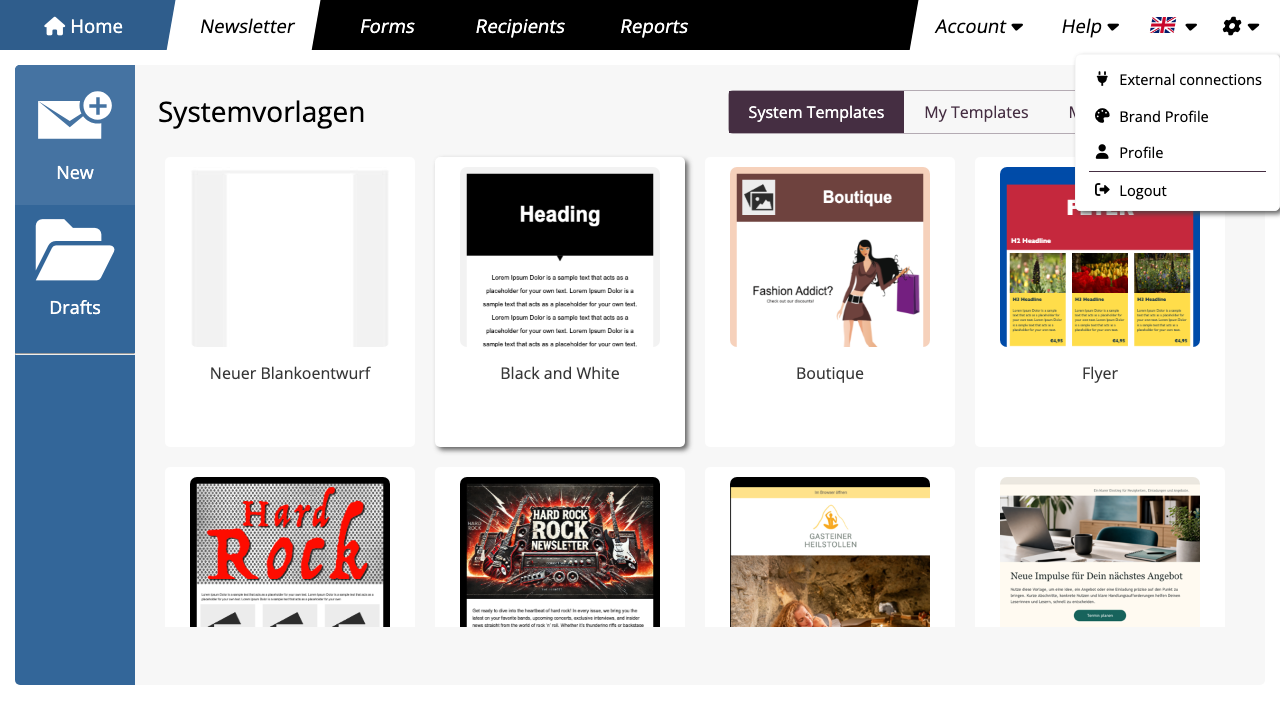
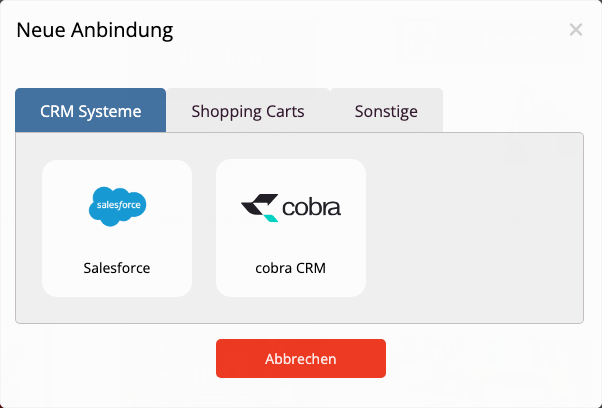
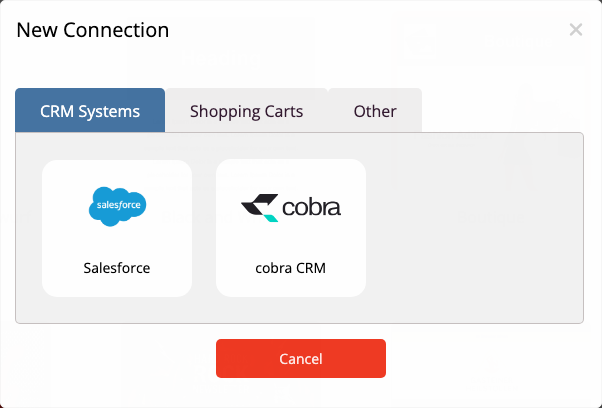
If no connection has been established yet, mailfino will directly open the selection of available systems. Otherwise, click on the connection dialog Neue Anbindung. Then select Cobra CRM aus.
Enter the access data for cobra. Depending on the cobra environment, you will need the user email, password, and tenant ID. Then click on Next.
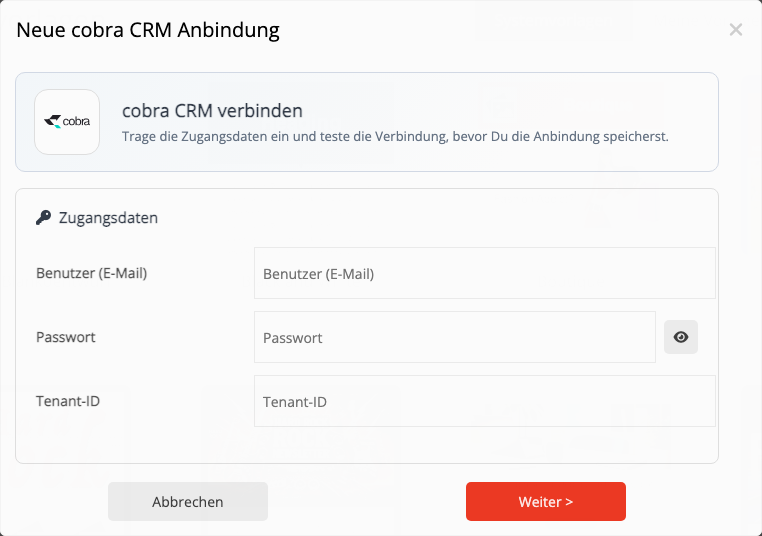
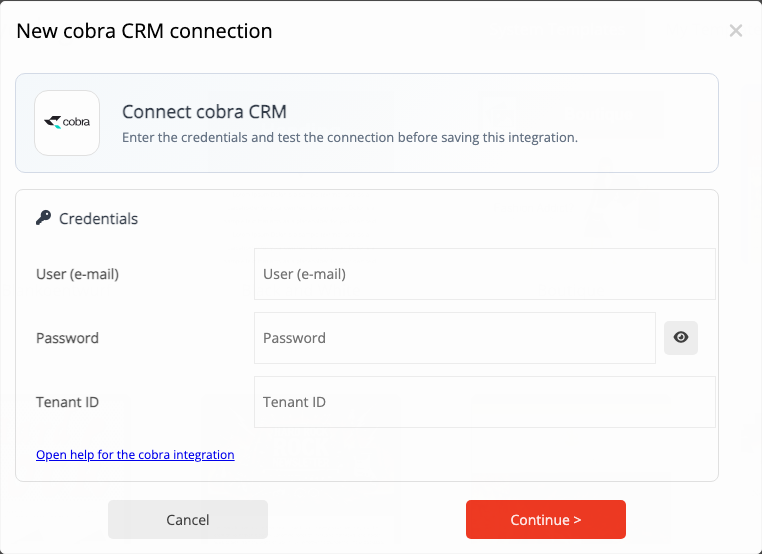
mailfino checks the connection before saving. If the check is successful, the new connection is created and you will be returned to the connection dialog.
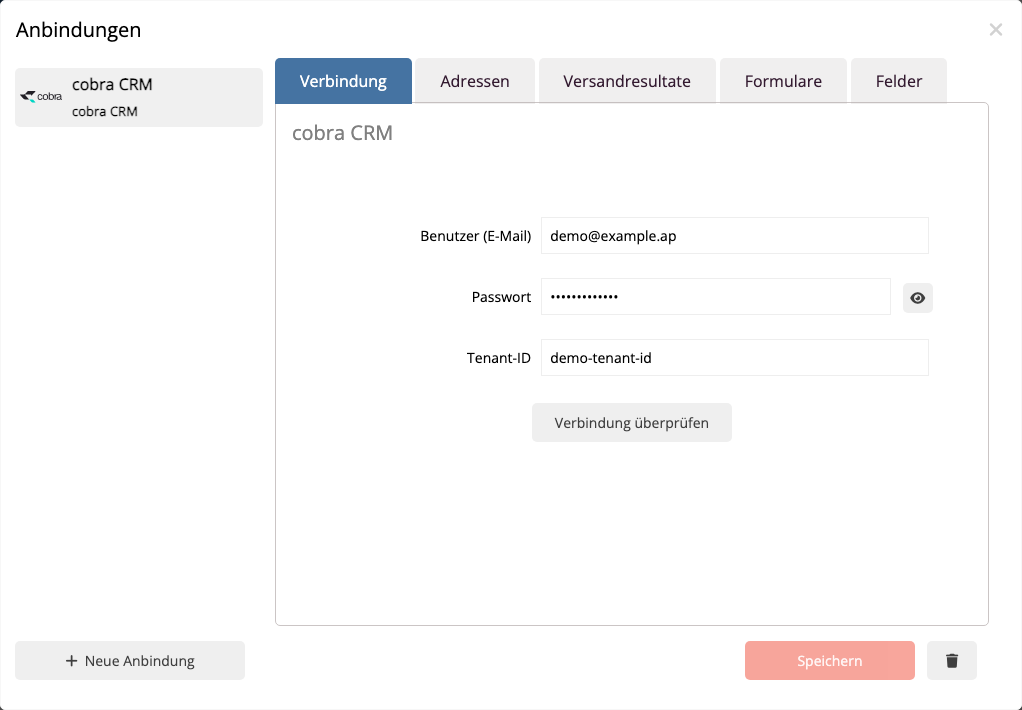
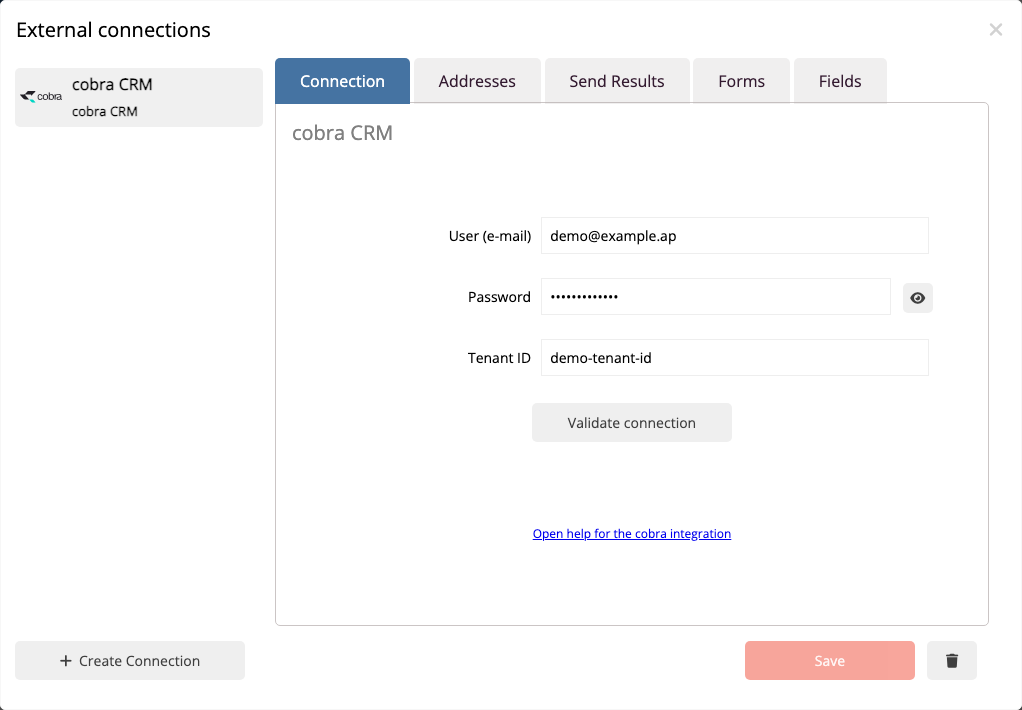
After saving, you will see the cobra connection in the left list. On the right, you can check the access data and open the further areas of the connection.
 Deutsch
  English