
Import Addresses from Lexware
Lexware stores contacts with roles like customer or supplier. In mailfino, this source is considered Adressen shown so that the import fits the mailfino contact management.
Open the saved Lexware connection and select in the area Import the source Adressen. The following variants are currently available as import sources:
- Customers Imports contacts with customer role.
- Alle Kontakte Imports all accessible Lexware contacts.
- Suppliers Imports contacts with the supplier role.
- Customers and Suppliers imports contacts that have both roles.
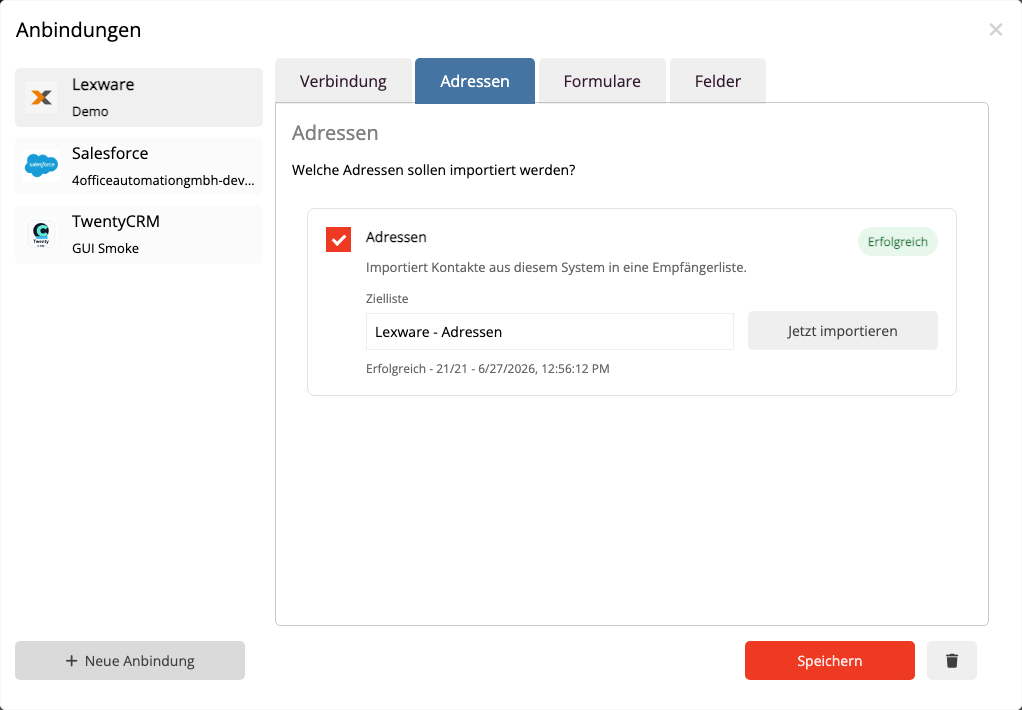
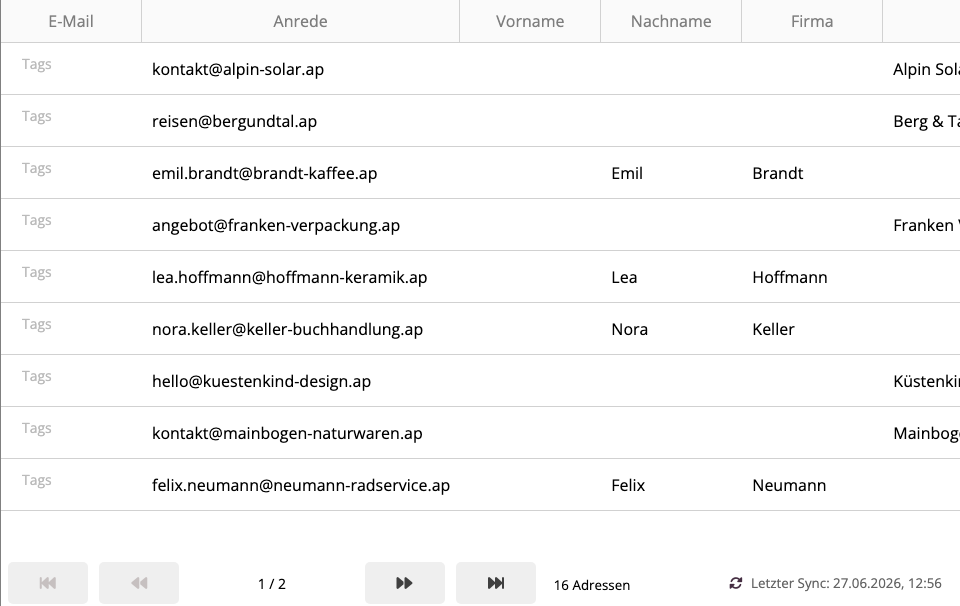
When importing, mailfino takes the primary email address, first name, last name, company, phone number, and existing billing address data. Contacts without.
An import does not create duplicates for already linked Lexware contacts. mailfino uses a stable external key for each Lexware contact for this purpose.
Archived Lexware contacts are not imported as active mailfino addresses in the current version.
 Deutsch
  English