
Send scheduling
In the Order section, you determine when your newsletter should be sent.
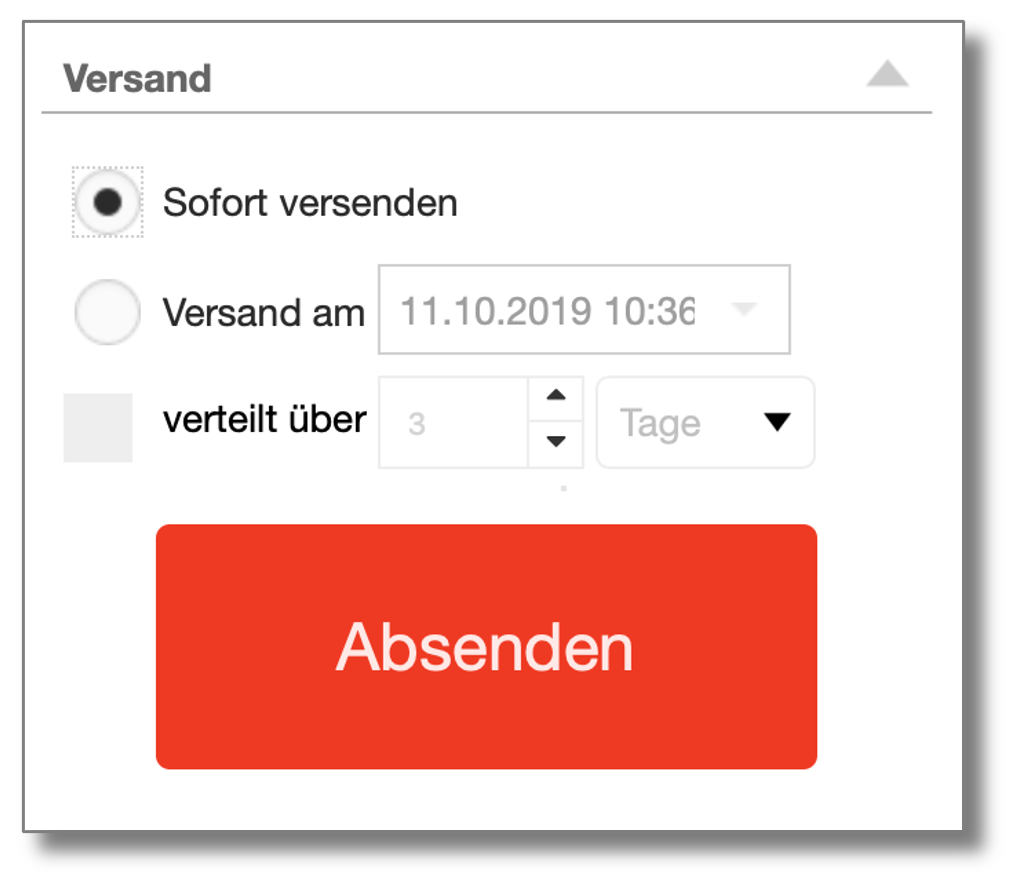
Deliver immediately sends your newsletter immediately after the order has been sent.
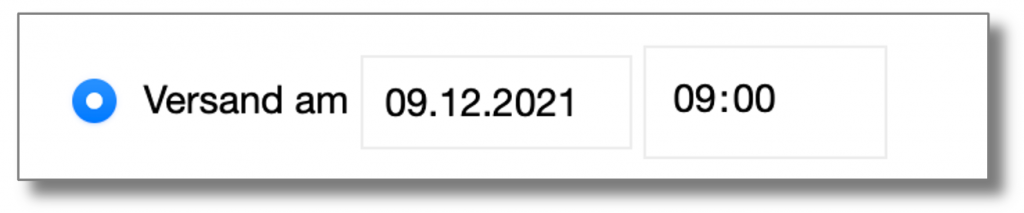
Mit Deliver on you can determine an exact dispatch time for your mailing:
With the option Distributed over you can spread the dispatch over several days or hours.
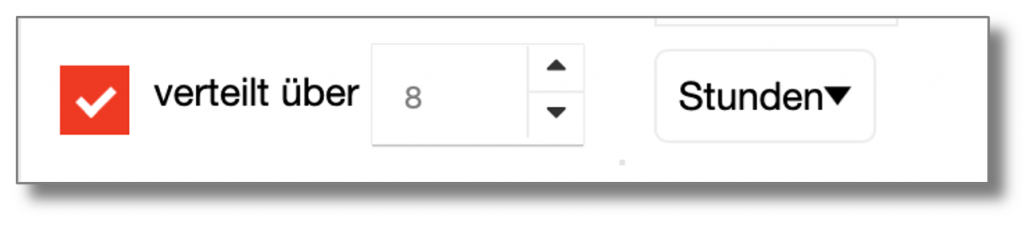
The distribution works as follows:
Example of distribution over several days

We have a mailing to 10,000 addresses that is to be distributed over 5 days. The sending time is January 15th at 9:00 AM. The list will be divided into equal packages, meaning the number of addresses divided by the number of days; in this example, it's 2,000 addresses per day. On January 15th and the following days, a segment of 2,000 recipients will be sent to at 9:00 AM each day.
Example of distribution over several hours

If sending is spread over several hours, the volume is evenly distributed over the period. Example: 10,000 recipients over 10 hours result in 1,000 recipients per hour, with approximately 16 emails being sent per minute.
The purpose of distributing a delivery over several days or hours is to avoid peak loads and thus ensure that requests can be processed.
Even in the event of sending difficulties, it is advisable to spread sending over several hours to achieve a better sending result.
 Deutsch
  English