
Import FreeScout data
In Adressen kannst Du zwei Importe aktivieren:
- Supportkontakte übernimmt FreeScout-Kunden mit nutzbarer E-Mail-Adresse in eine Empfängerliste.
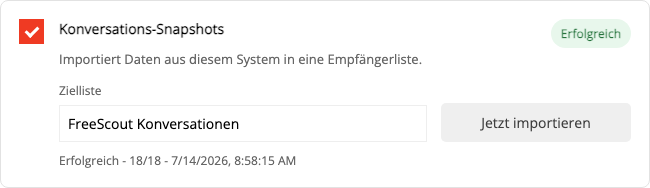
- Konversations-Snapshots übernimmt nur Status- und Zuordnungsmerkmale, die für Supportsegmente benötigt werden.
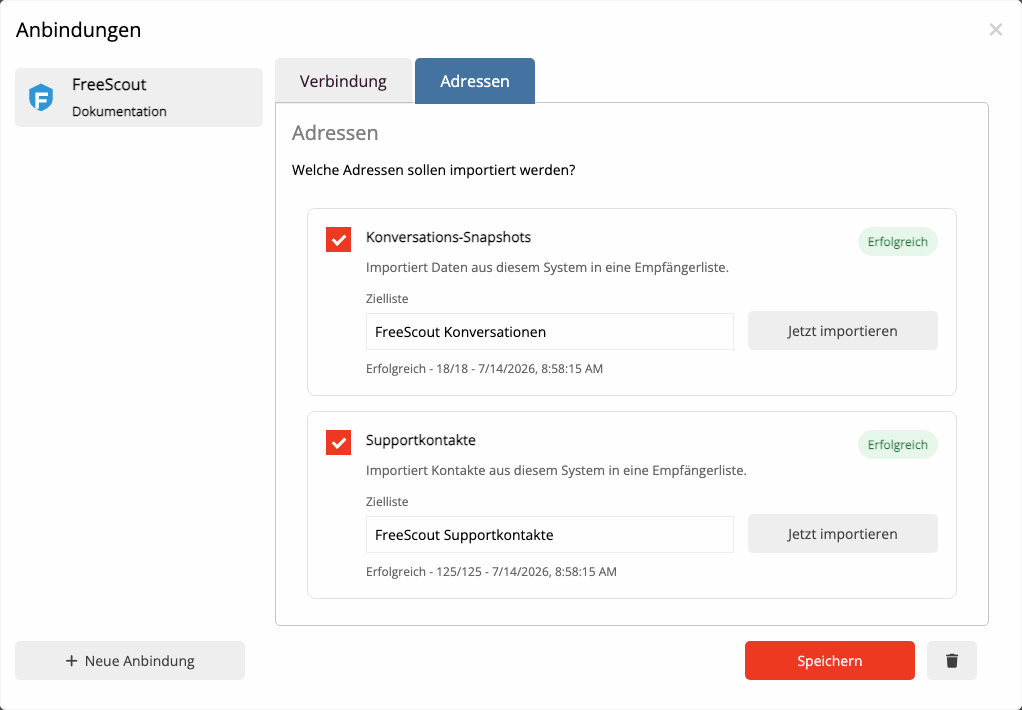
Wähle eine eindeutige Zielliste und starte die benötigten Importe mit Jetzt importieren. Weitere Läufe aktualisieren bestehende Zuordnungen, ohne Kontakte zu duplizieren.
Nachrichtentexte, Vorschauen, interne Notizen und Anhänge bleiben in FreeScout.
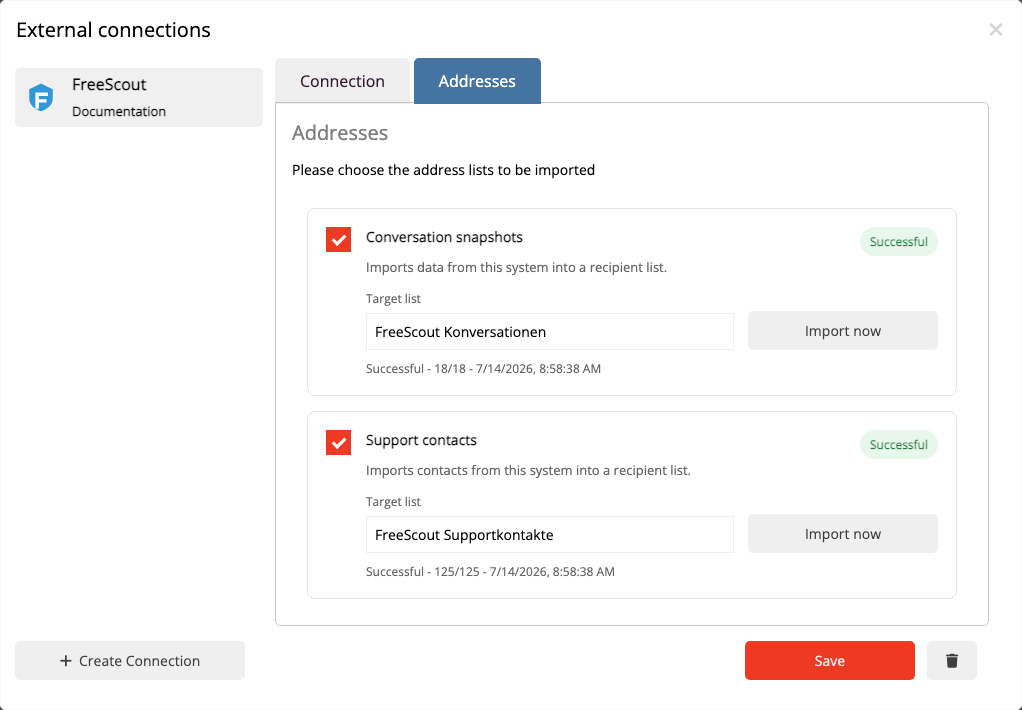
The Contacts area provides two imports:
- Support contacts imports FreeScout customers with a usable email address into a recipient list.
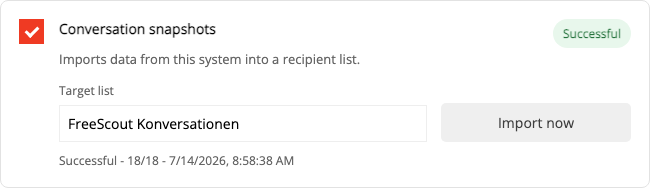
- Conversation snapshots imports only the status and assignment properties required for support audiences.
Choose a clear target list and start each required import with Import now. Later runs update existing links without duplicating contacts.
Message text, previews, internal notes, and attachments remain in FreeScout.
 Deutsch
  English