
SuiteCRM Integration
Mit der SuiteCRM-Anbindung importieren Sie Kontakte aus SuiteCRM in mailfino. Sie können alle Kontakte oder einzelne Target Lists als Quelle wählen, Formularübermittlungen an SuiteCRM Contacts übergeben und mailfino-Versandereignisse als Notes am Contact dokumentieren.
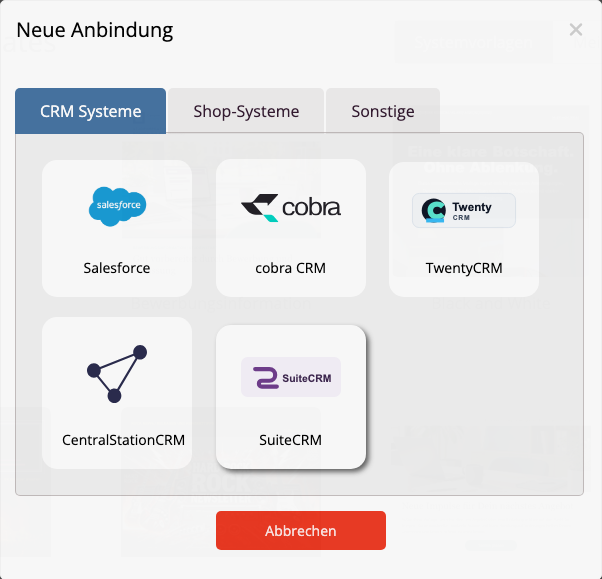
Die Anbindung verwendet die SuiteCRM API V8 und OAuth2 Client Credentials. Client ID und Client Secret werden in mailfino getrennt von der normalen Verbindungskonfiguration gespeichert.
In dieser Anleitung
- SuiteCRM vorbereiten
- SuiteCRM verbinden und Kontakte importieren
- Formulare und Touchpoints verwenden
- Probleme beheben
Die SuiteCRM-Anbindung ist als Beta verfügbar. Verwenden Sie für den OAuth2-Client einen eigenen, minimal berechtigten SuiteCRM-Benutzer und prüfen Sie die gewünschten Contacts-, Target-Lists- und Notes-Rechte vor dem produktiven Einsatz.
The SuiteCRM integration imports Contacts into mailfino. You can use all Contacts or an individual Target List as the source, send form submissions to SuiteCRM Contacts, and document mailfino delivery events as Notes on the Contact.
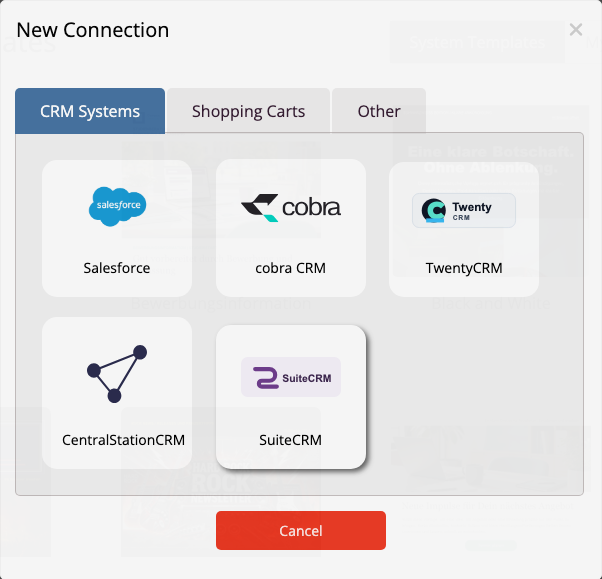
The integration uses SuiteCRM API V8 and OAuth2 Client Credentials. mailfino stores the client ID and client secret separately from the normal connection configuration.
The SuiteCRM integration is available as a beta. Use a dedicated SuiteCRM user with the minimum required permissions and review its Contacts, Target Lists, and Notes permissions before production use.
 Deutsch
  English