
Connect to CentralStationCRM
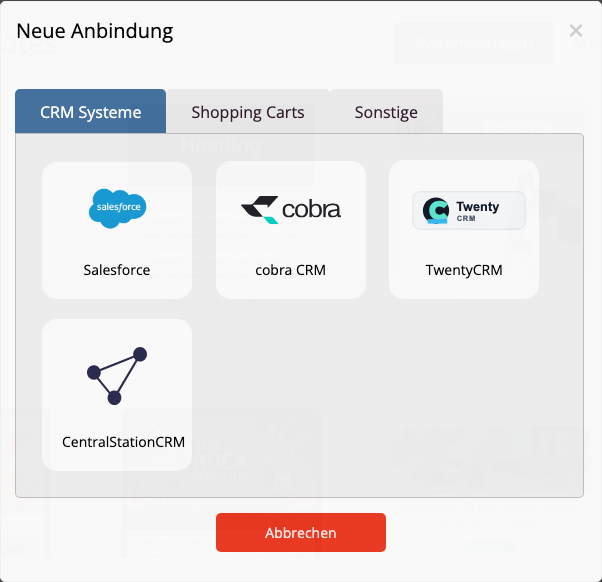
If no connection has been established yet, mailfino will directly open the selection of available systems. Otherwise, click on the connection dialog Neue Anbindung. Then select CentralStationCRM aus.
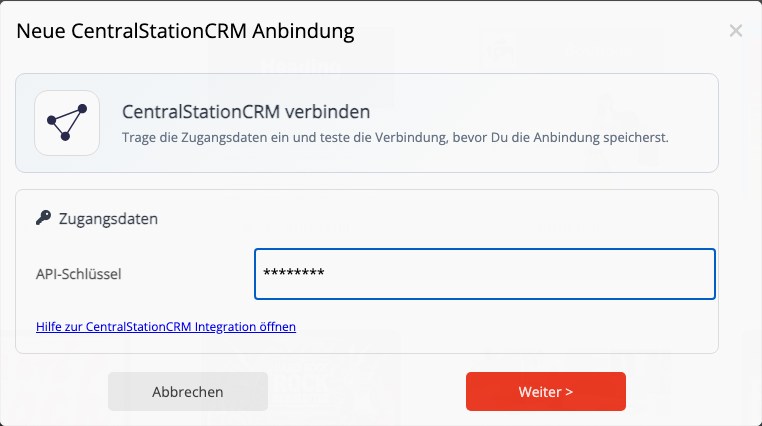
Enter the CentralStationCRM API key. You do not need to specify a URL; mailfino uses the official API address https://api.centralstationcrm.net.
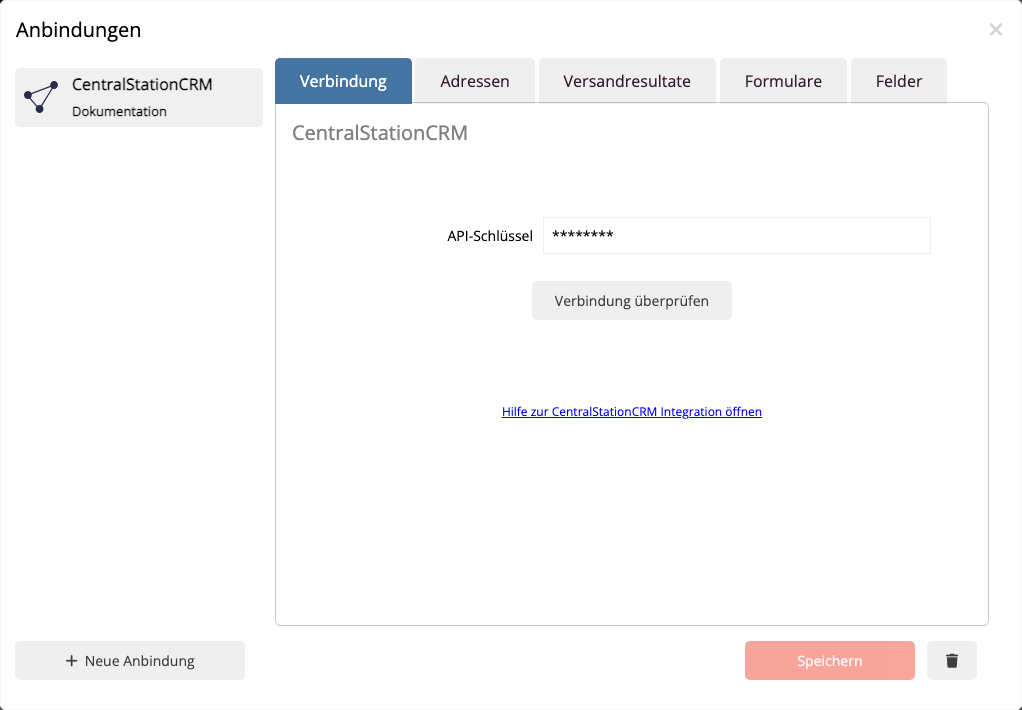
Über Validate connection Test Mail fino to verify that the API key is valid and that people and tags can be read. Only save the connection if the connection test is successful.
 Deutsch
  English