
Import support data
Nach dem Speichern findest Du in der Znuny-Anbindung den Bereich Adressen. Dort kannst Du auswählen, welche Informationen Du übernehmen möchtest:
- Supportkontakte übernimmt aktive Znuny-Kunden mit E-Mail-Adresse in eine Liste.
- Organisationen ergänzt den Firmenbezug der Kontakte.
- Ticket-Snapshots übernimmt die für Status und Zielgruppen benötigten Ticketangaben.
Aktiviere die gewünschten Einträge. Bei Bedarf kannst Du den Namen der jeweiligen Zielliste ändern. Klicke anschließend auf Jetzt importieren.
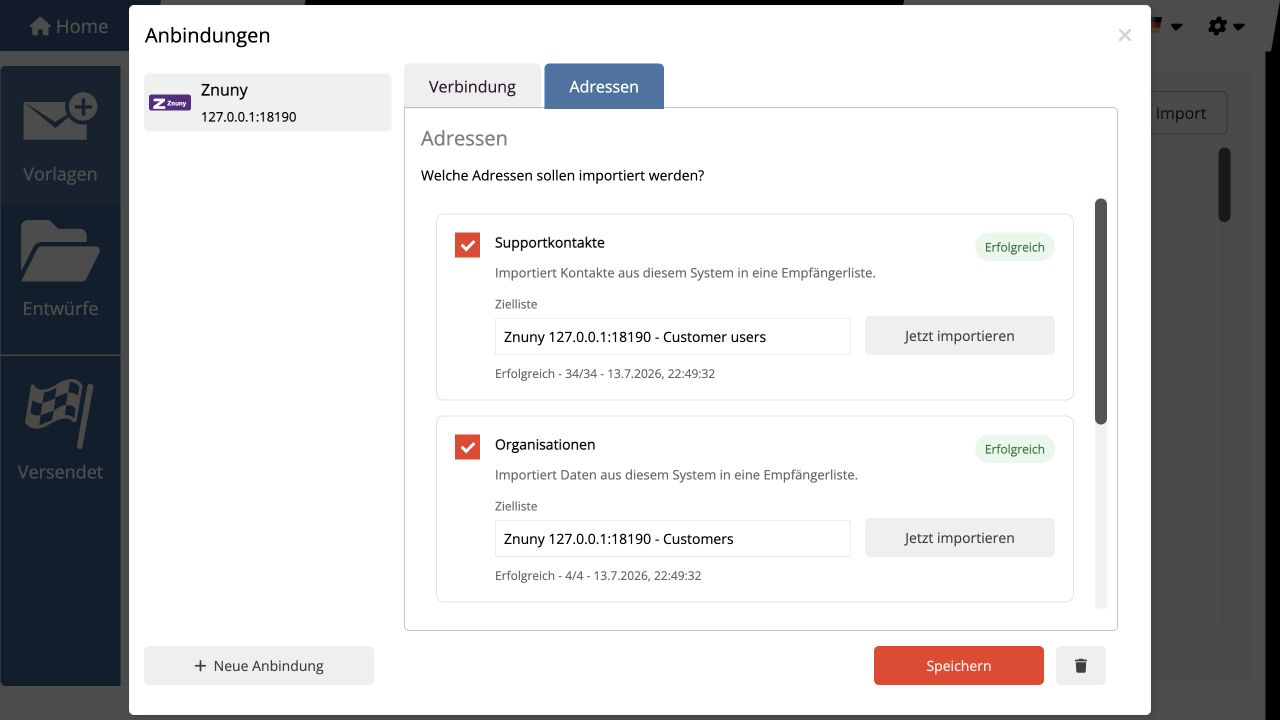
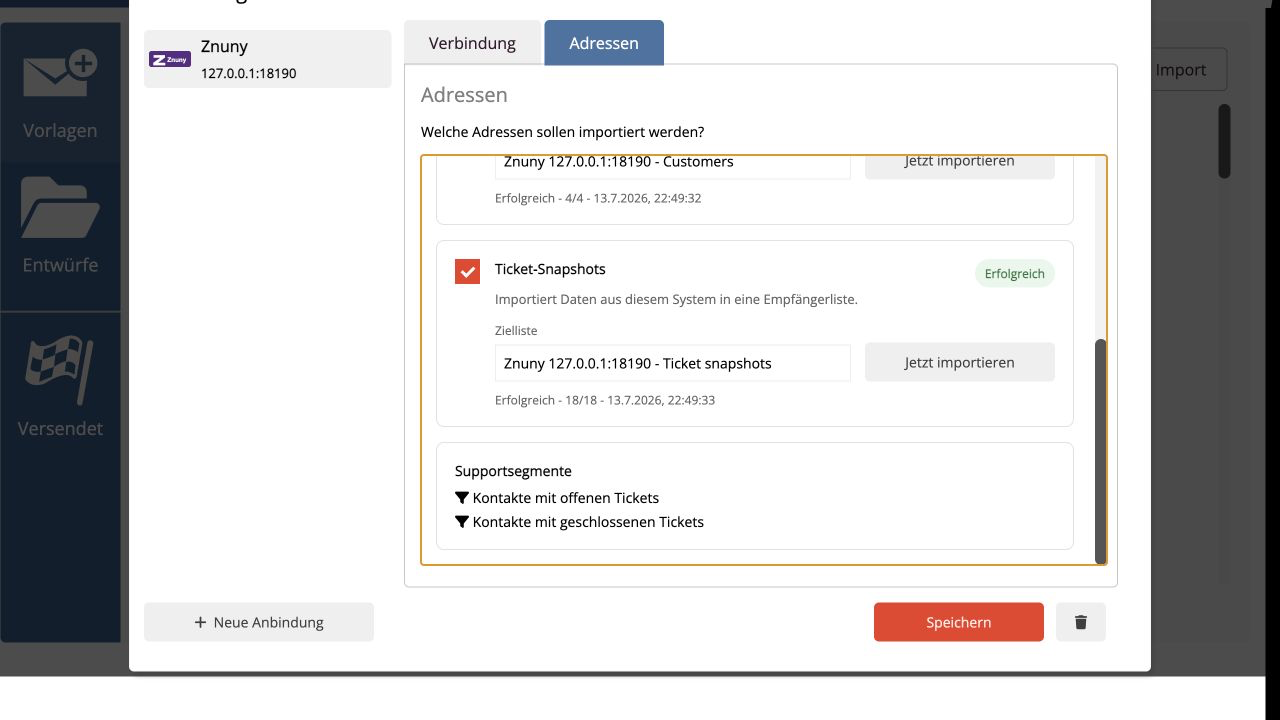
Der Status zeigt Dir, wie viele Einträge übernommen wurden. Du kannst den Import später erneut starten, um Änderungen aus Znuny zu aktualisieren. Bereits vorhandene Einträge werden dabei nicht doppelt angelegt.
Von einem Ticket übernimmt mailfino nur Angaben wie Nummer, Titel, Status, Priorität, Queue und Datum. Der eigentliche Gesprächsverlauf, interne Notizen und Anhänge bleiben in Znuny.
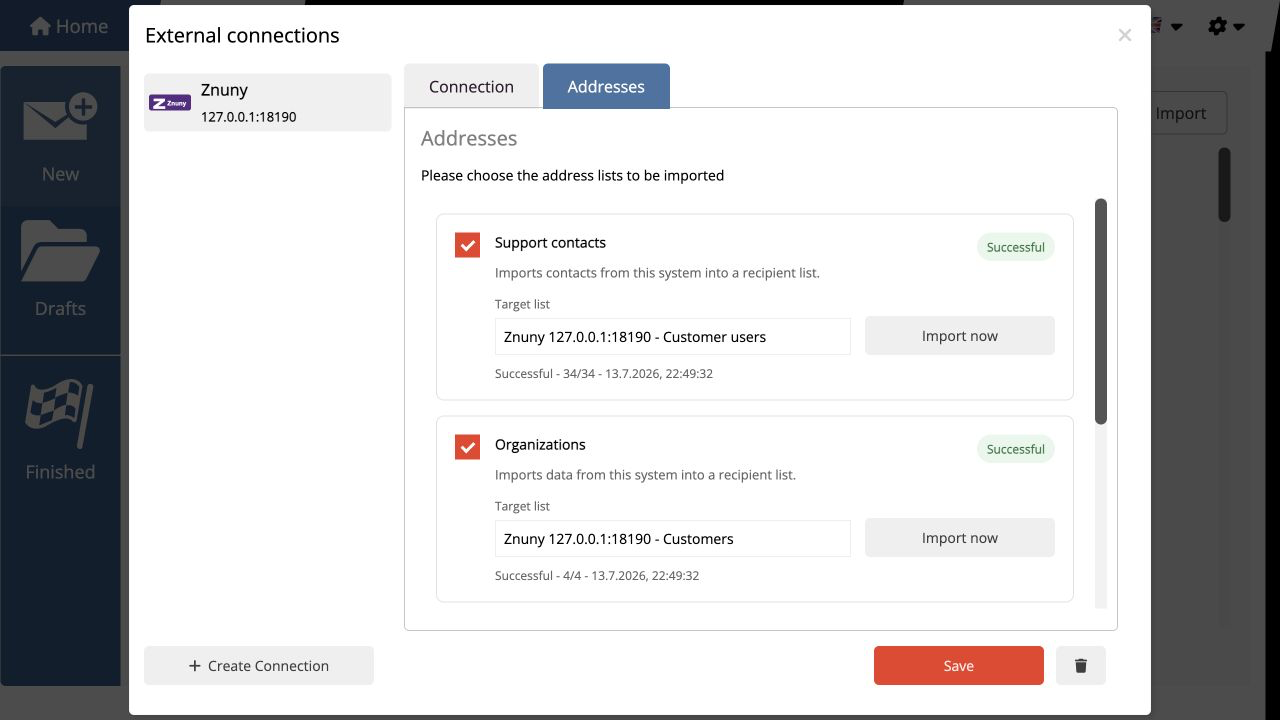
After saving, open Addresses in the Znuny connection. Here you can choose which information you want to import:
- Support contacts adds active Znuny customers with an email address to a list.
- Organizations adds company information to those contacts.
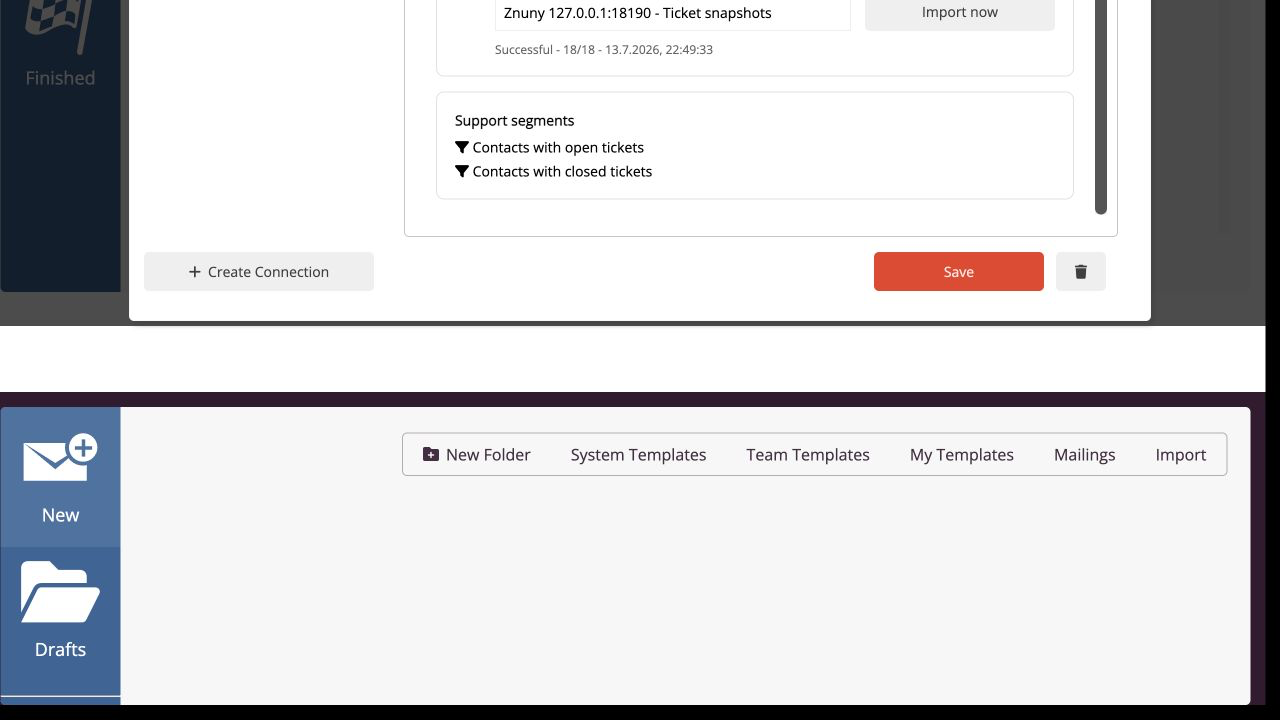
- Ticket snapshots imports the ticket details needed for state and audience selection.
Enable the items you want. You can change the name of each target list if needed. Then select Import now.
The status shows how many items were imported. You can run the import again later to update changes from Znuny. Existing items are not added a second time.
For tickets, mailfino imports only details such as number, title, state, priority, queue, and date. The conversation itself, internal notes, and attachments remain in Znuny.
 Deutsch
  English