
Prepare the Znuny package and access
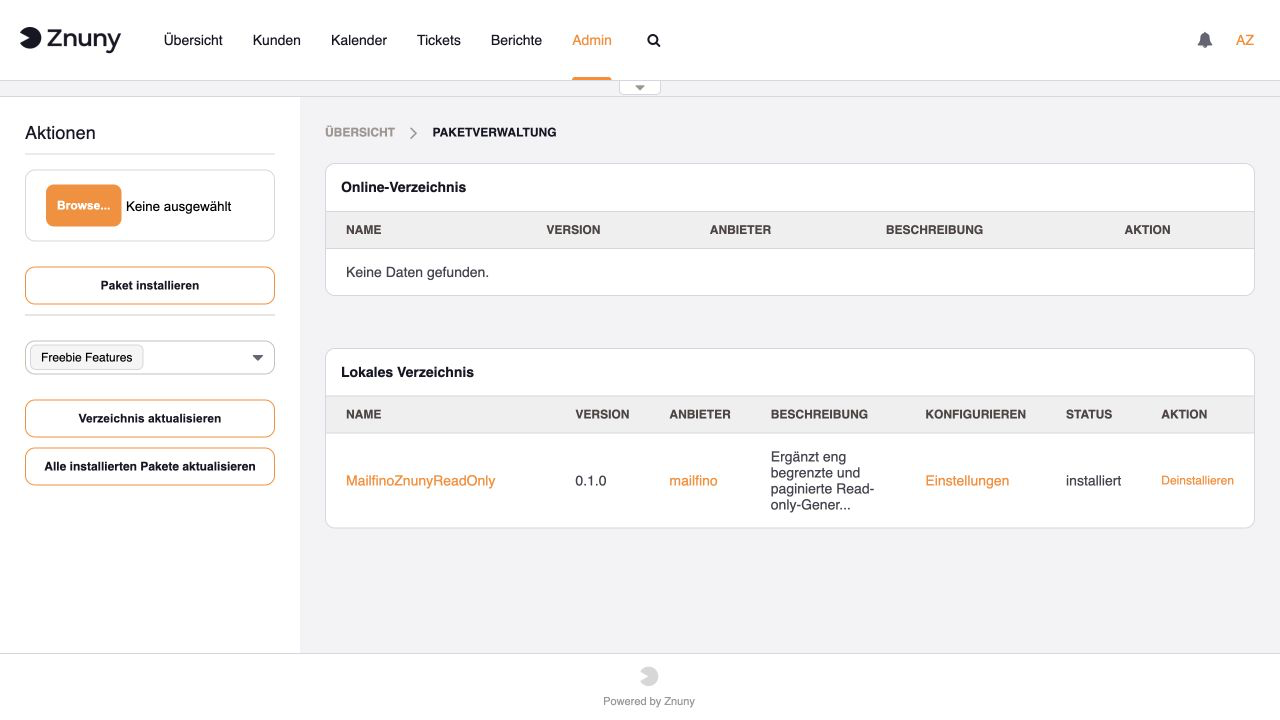
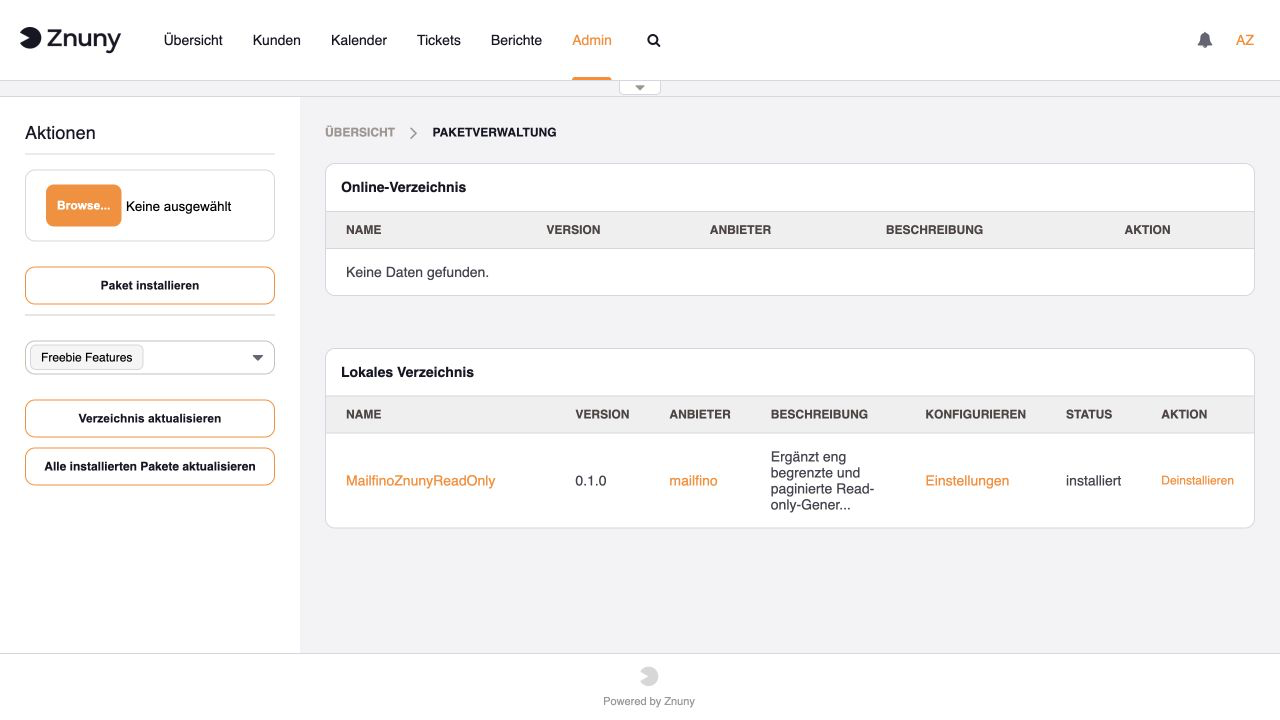
Damit mailfino die benötigten Informationen lesen kann, installierst Du zuerst das Zusatzpaket MailfinoZnunyReadOnly. Öffne in Znuny Admin → Paketverwaltung und lade die von mailfino bereitgestellte Paketdatei hoch.
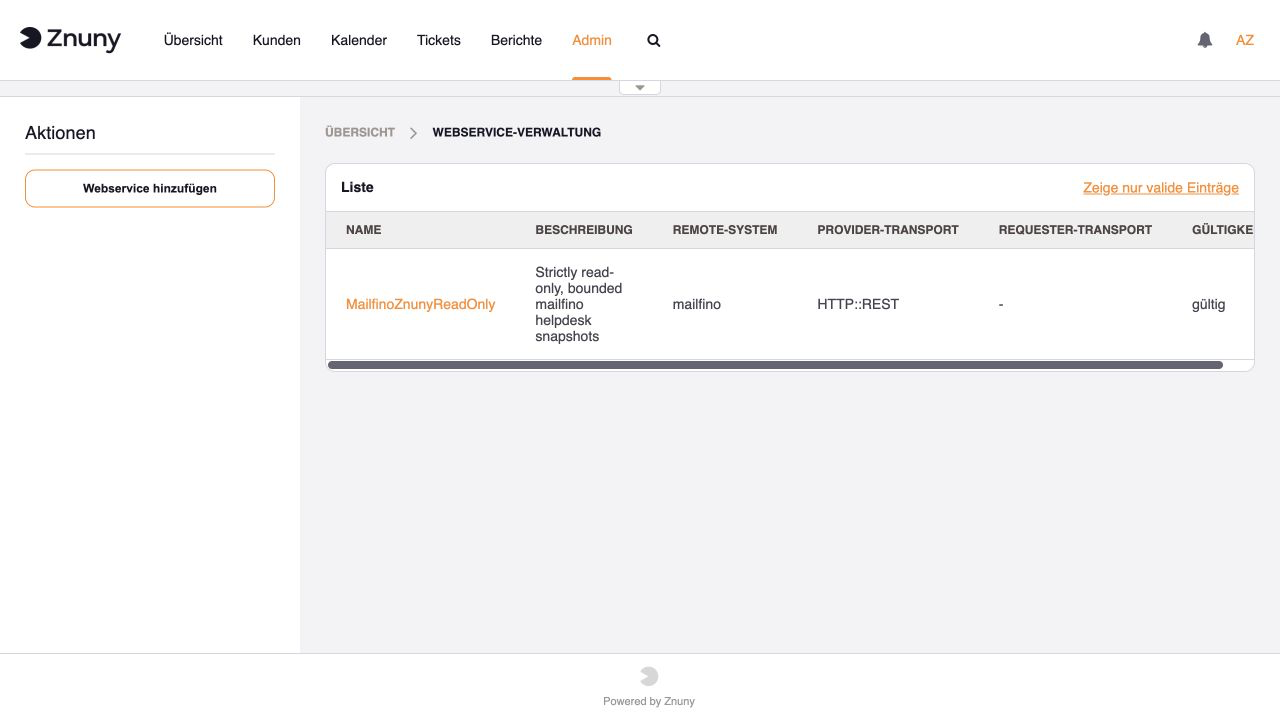
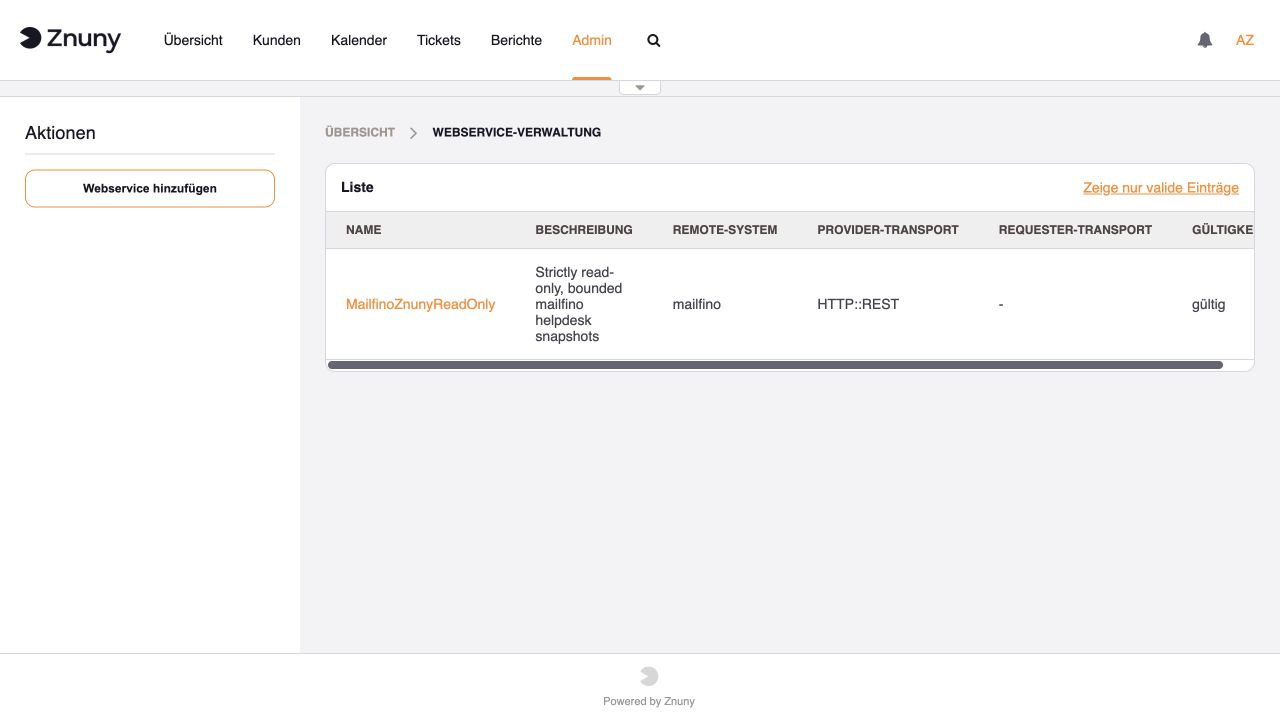
Das Paket richtet die Verbindung zu mailfino automatisch ein. Öffne anschließend Admin → Webservices. Der Eintrag MailfinoZnunyReadOnly sollte dort als gültig angezeigt werden. Weitere Einstellungen sind normalerweise nicht nötig.
Lege anschließend einen eigenen Znuny-Benutzer für mailfino an, zum Beispiel mailfino-integration. Verwende dafür nicht Dein persönliches Administratorkonto. Gib diesem Benutzer in den gewünschten Gruppen nur das Recht ro für Lesezugriff.
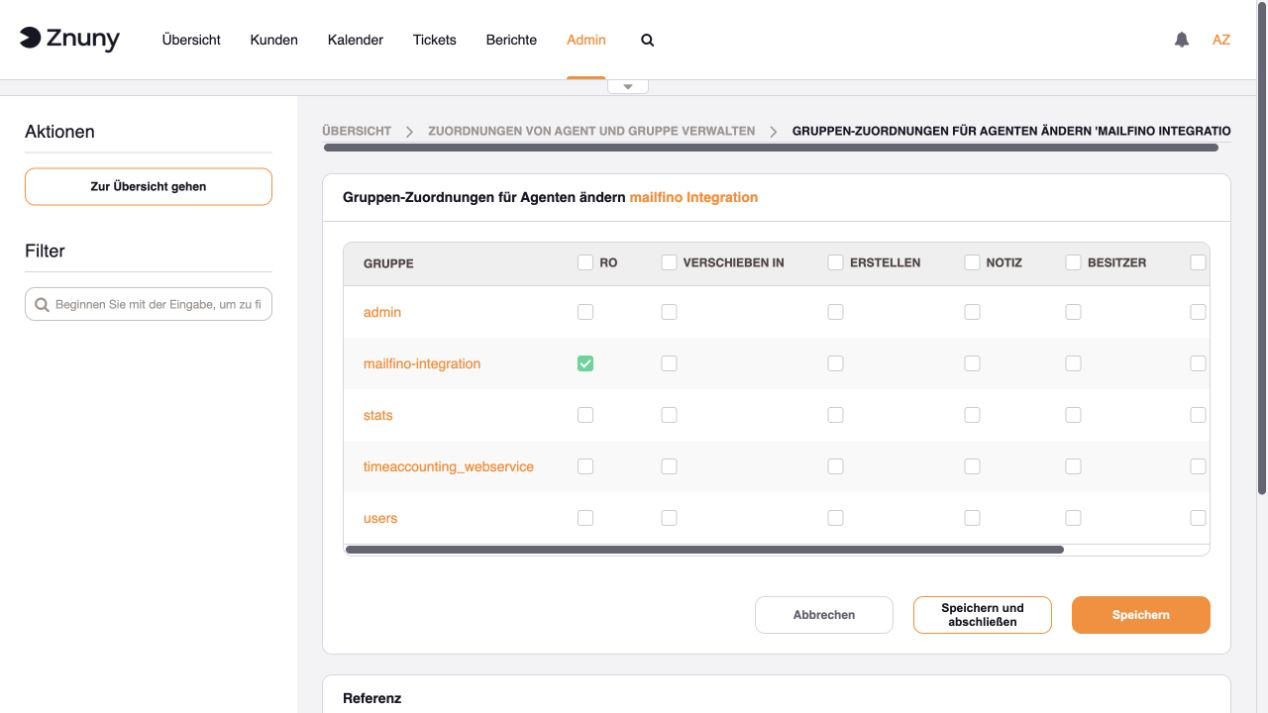
mailfino kann anschließend nur Tickets aus diesen Gruppen sehen. Du entscheidest damit in Znuny, welche Supportbereiche berücksichtigt werden sollen.
Bewahre das Passwort sicher auf. Im nächsten Schritt trägst Du die Znuny-Adresse, den Benutzernamen und das Passwort in mailfino ein.
To let mailfino read the required information, first install the MailfinoZnunyReadOnly add-on. In Znuny, open Admin → Package Manager and upload the package file supplied by mailfino.
The package automatically sets up the connection for mailfino. Next, open Admin → Web Services. MailfinoZnunyReadOnly should be shown as valid. No further settings are normally required.
Next, create a dedicated Znuny user for mailfino, for example mailfino-integration. Do not use your personal administrator account. Give this user only the ro read permission for the groups you want to include.
mailfino can then see only tickets from these groups. This lets you decide in Znuny which support areas should be included.
Keep the password safe. In the next step, you enter the Znuny address, username, and password in mailfino.
 Deutsch
  English