
Install the JTL-Shop connector
Laden Sie den mailfino JTL-Shop Connector in mailfino beim Anlegen der JTL-Shop Anbindung herunter.
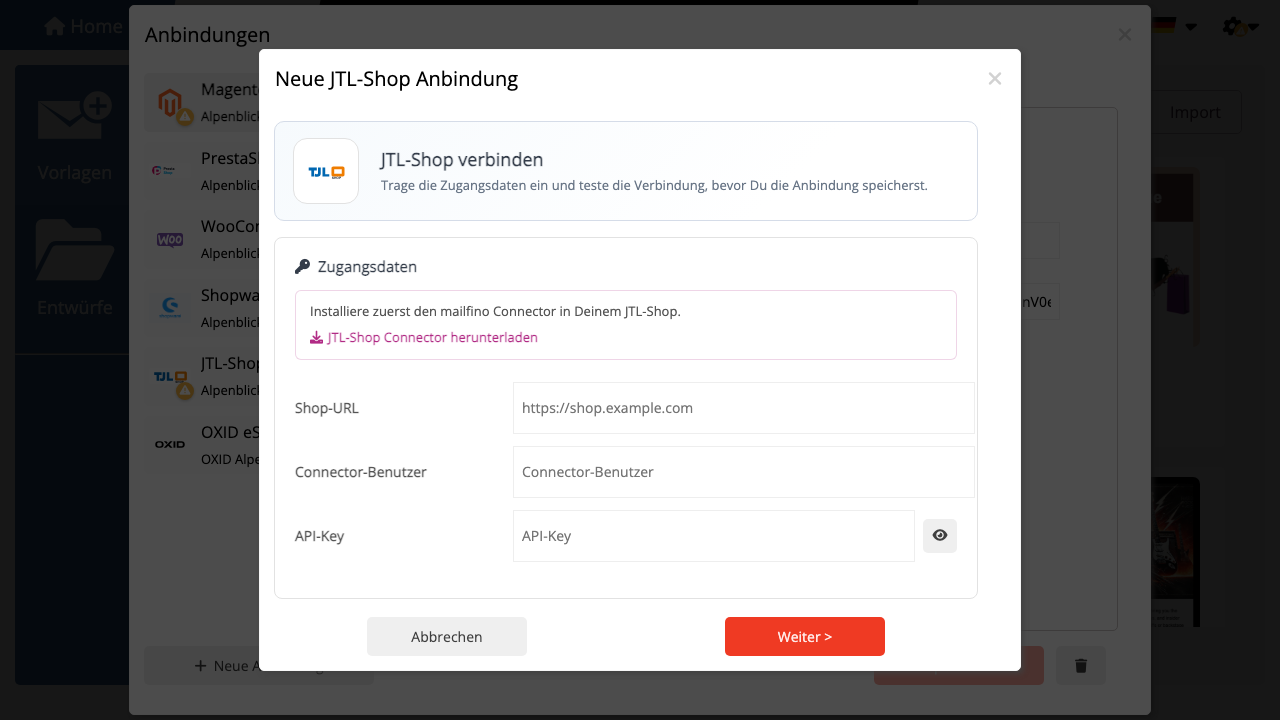
Entpacken Sie das Paket und kopieren Sie den Ordner mailfino_jtlshop_connector in das Plugin-Verzeichnis Ihres Shops:
„text [Shop-Root]/plugins/mailfino_jtlshop_connector/ „
Öffnen Sie anschließend die JTL-Shop Administration und installieren sowie aktivieren Sie das Plugin.
In den Plugin-Einstellungen legen Sie fest:
- Connector-Benutzer
- API-Key
- Leserechte für Kunden, Bestellungen und Produkte
Der API-Key sollte ein langer zufälliger Wert sein und in Ihrem Passwortmanager gespeichert werden. Der Connector liest nur die freigegebenen Ressourcen und benötigt keine Datenbankzugänge.
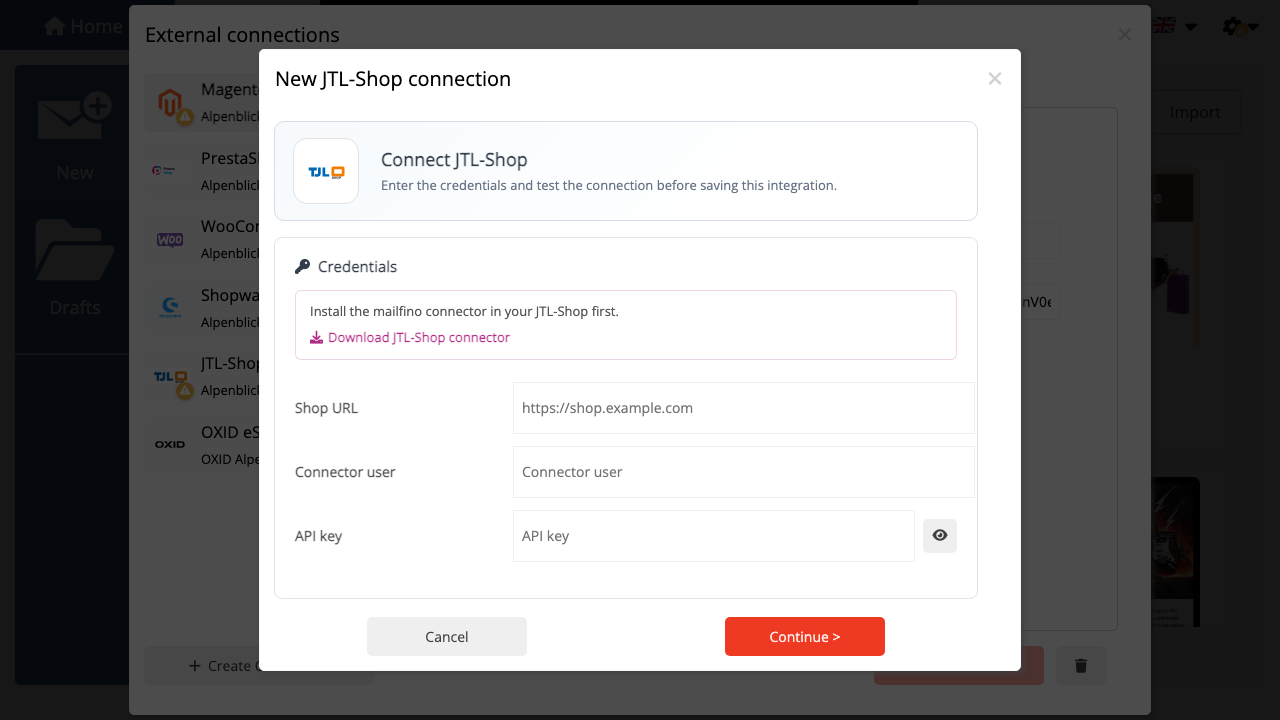
Download the mailfino JTL-Shop connector from the first step of the JTL-Shop connection wizard in mailfino.
Extract the package and copy mailfino_jtlshop_connector into your shop plugin directory:
„text [Shop-Root]/plugins/mailfino_jtlshop_connector/ „
Install and activate the plugin in the JTL-Shop administration.
Configure the connector user, API key, and read scopes for customers, orders, and products. The connector reads only the enabled resources and does not need database credentials.
 Deutsch
  English