
OTOBO mit mailfino verbinden
Öffne in mailfino Konto → Anbindungen, wähle Neue Anbindung, dann Helpdesk und OTOBO.
Trage die Basisadresse Deiner OTOBO-Installation ohne /otobo/index.pl ein. Ergänze den Benutzernamen und das Kennwort des Integrationsagenten.
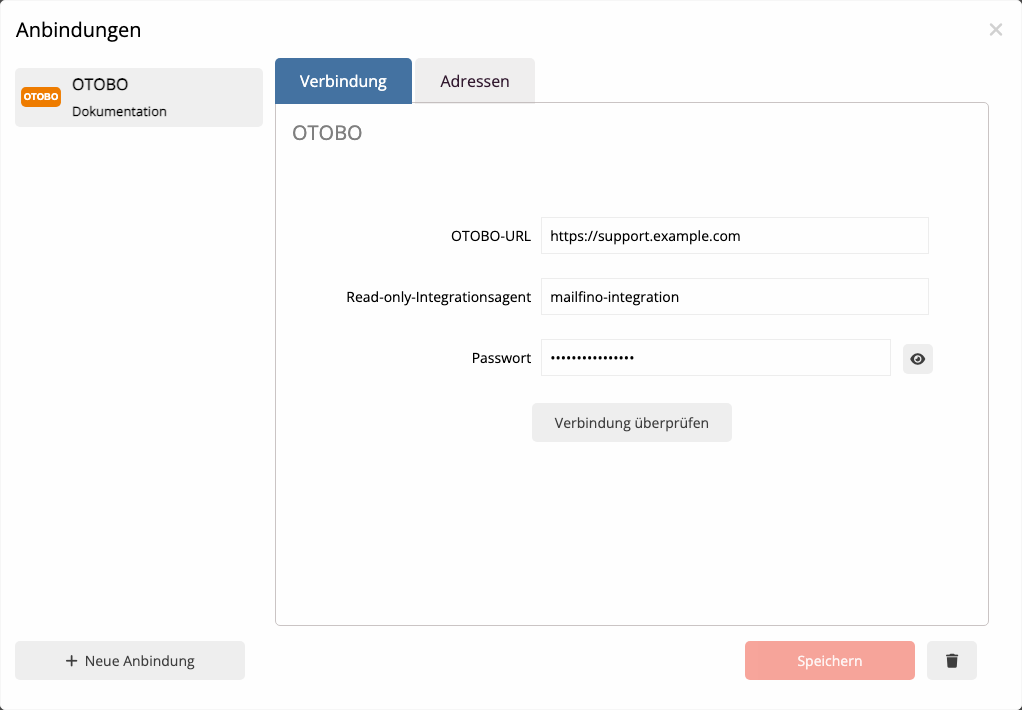
Wähle Verbindung überprüfen. Erst nach einer erfolgreichen Prüfung lässt sich die Anbindung speichern. Das Kennwort wird danach nicht wieder angezeigt; bei einem Kennwortwechsel trägst Du das neue Kennwort erneut ein und prüfst die Verbindung noch einmal.
In mailfino, open Account → Integrations, choose New integration, then Helpdesk and OTOBO.
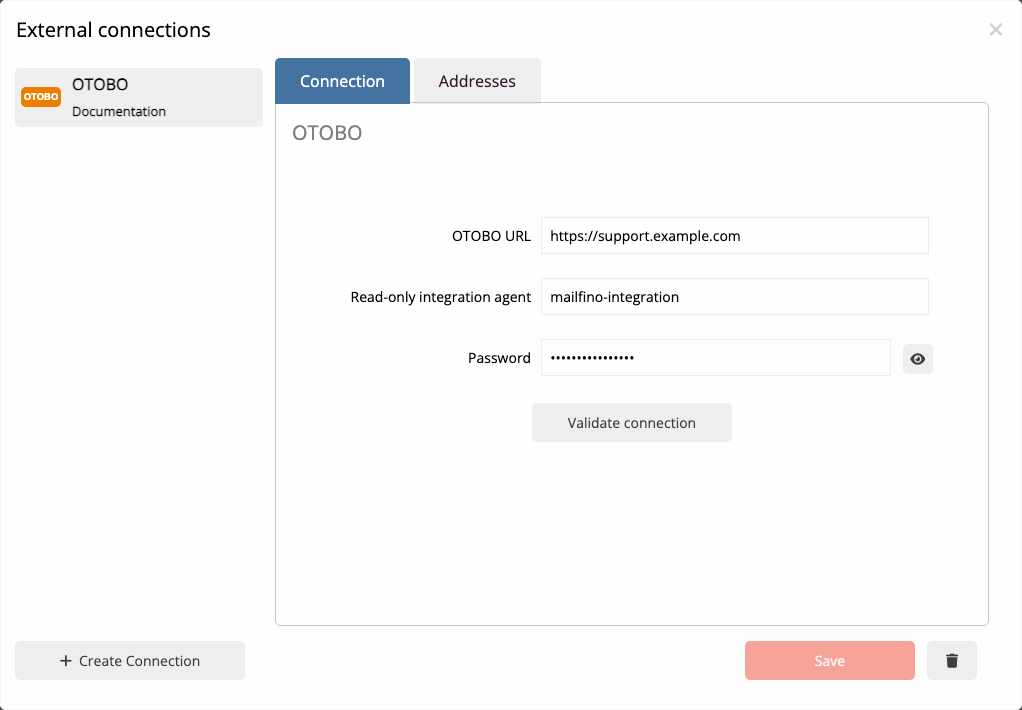
Enter the base URL without /otobo/index.pl, followed by the integration agent’s user name and password.
Choose Check connection. You can save only after a successful check. The stored password is not shown again; after rotating it, enter the new password and validate once more.
 Deutsch
  English