
Kunden und Kaufdaten importieren
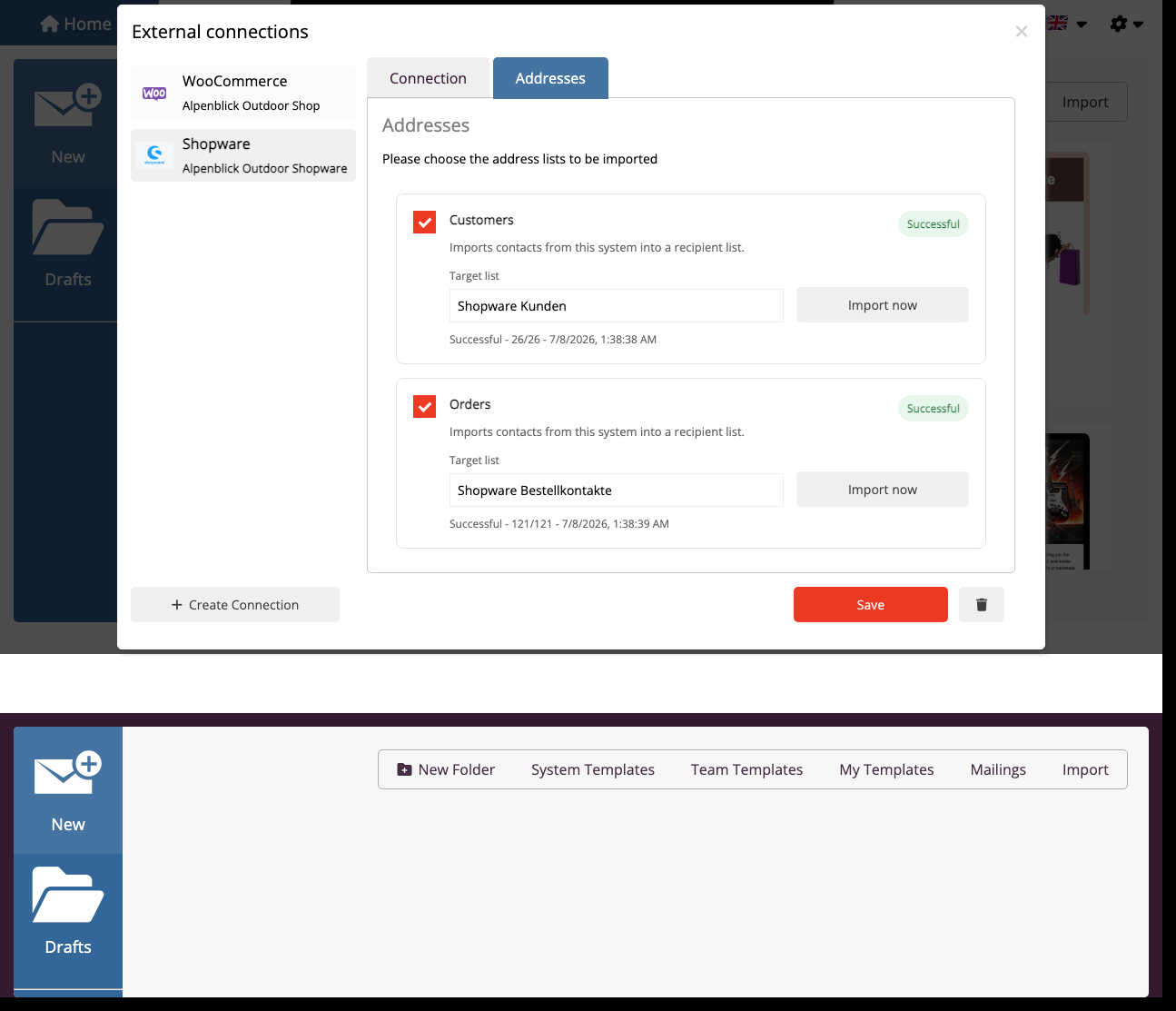
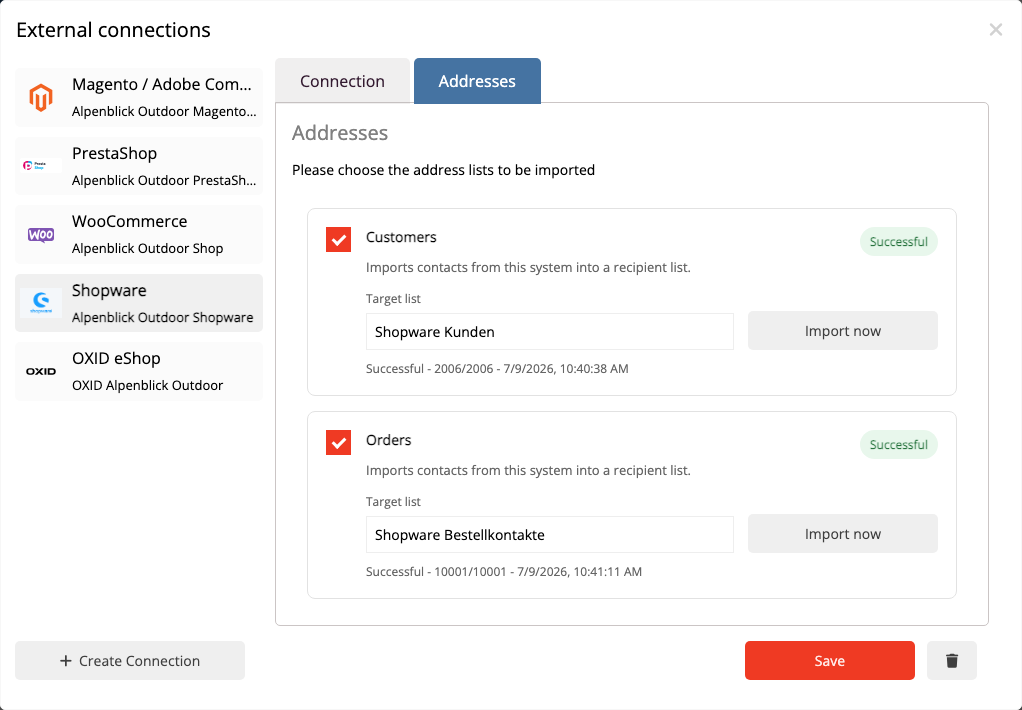
Öffnen Sie in der Shopware Anbindung den Bereich Adressen. Dort stehen zwei getrennte Importarten zur Verfügung: Kunden und Bestellungen.
Der Kundenimport übernimmt Shopware Kunden als normale mailfino Empfänger. Wählen Sie eine Zielliste aus und speichern Sie das Importprofil. Danach kann der Import mit Jetzt importieren gestartet werden. Wiederholte Importe erkennen vorhandene Empfänger anhand der E-Mail-Adresse.
Der Bestellimport dient nicht dazu, neue Empfängerlisten aus allen Shop-Käufern zu erzeugen. Er speichert abgeschlossene Bestellungen im Hintergrund, damit mailfino später nach Käufen filtern kann. Aktivieren Sie dafür auf der Importkarte die Option Kaufdaten für Zielgruppen nutzen.
Wenn diese Option aktiv ist, speichert mailfino die Bestellpositionen und Produktinformationen als versteckte Kaufdaten. Diese Daten werden nicht als Kontaktfelder angezeigt. Ein Käufer zählt in einem Segment nur dann als Empfänger, wenn es in mailfino bereits einen Kontakt mit derselben E-Mail-Adresse gibt.
Aktivierte Importe können später erneut synchronisiert werden. Für Kunden aktualisiert mailfino die Empfängerlisten. Für Bestellungen ersetzt mailfino die gespeicherten Kaufdaten für diese Anbindung durch den aktuellen Stand aus Shopware.
In der aktuellen Version wertet mailfino für Shopware kein eigenes Shop-Consent-Feld aus. Die Versandberechtigung bleibt in mailfino und muss dort gepflegt werden.
Open the Addresses area in the Shopware connection. Two separate import types are available there: customers and orders.
The customer import imports Shopware customers as normal mailfino recipients. Select a target list and save the import profile. You can then start the import with Import now. Repeated imports identify existing recipients by email address.
The order import is not meant to create new recipient lists from all shop buyers. It stores completed orders in the background so that mailfino can filter by purchases later. Enable Use purchase data for audiences on the import card.
When this option is enabled, mailfino stores order items and product information as hidden purchase data. This data is not shown as contact fields. A buyer only counts as a recipient in a segment when a contact with the same email address already exists in mailfino.
Enabled imports can be synchronized again later. For customers, mailfino updates recipient lists. For orders, mailfino replaces the stored purchase data for this connection with the current state from Shopware.
In the current version, mailfino does not evaluate a separate Shopware shop consent field. The sending permission remains in mailfino and must be maintained there.
 Deutsch
  English