
OXID Connector vorbereiten
Bevor Sie OXID eShop mit mailfino verbinden, installieren Sie den mailfino OXID Connector im Shop. Der Connector ist read-only: Er liest Kunden, Bestellungen und Produkte, schreibt aber keine Daten in OXID.
Öffnen Sie in mailfino Anbindungen, wechseln Sie im Assistenten auf Shop-Systeme und wählen Sie OXID eShop aus. Im anschließenden Schritt Zugangsdaten finden Sie den Download für den Connector.
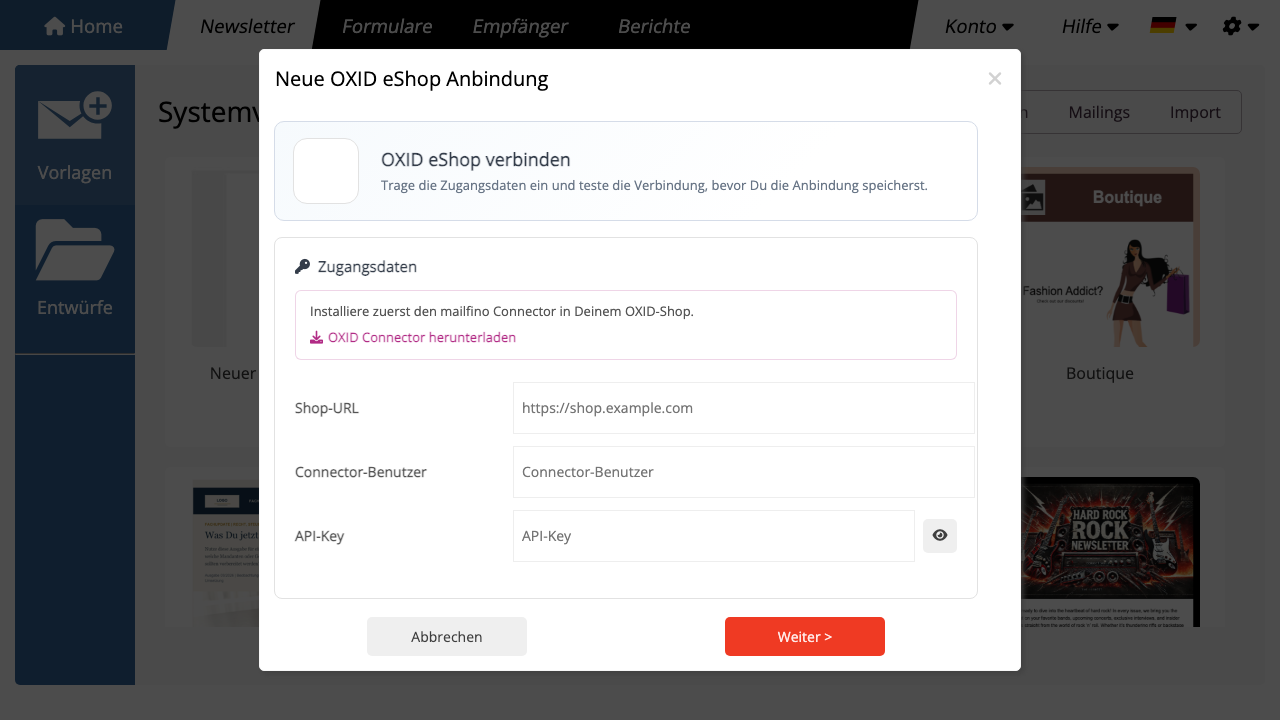
Entpacken Sie die ZIP-Datei auf Ihrem Rechner. Kopieren Sie die enthaltenen Ordner in das Web-Wurzelverzeichnis Ihrer OXID Installation. Dadurch werden diese Pfade angelegt:
modules/mailfino/connector: das OXID Modul mit der Konfiguration im Admin-Bereich.mailfino/api: der öffentliche API-Endpunkt für mailfino.
Aktivieren Sie anschließend im OXID Admin-Bereich unter Erweiterungen > Module das Modul mailfino Connector. Öffnen Sie danach die Einstellungen des Moduls und tragen Sie dort ein:
- Connector aktiv: eingeschaltet.
- Connector-Benutzer: ein frei gewählter technischer Benutzername, zum Beispiel
mailfino. - API-Key: ein langer zufälliger API-Key. Verwenden Sie keinen kurzen Testwert im produktiven Shop.
- Kunden lesen erlauben: erforderlich, wenn mailfino OXID Kunden importieren soll.
- Bestellungen lesen erlauben: erforderlich, wenn Kaufdaten für Segmente synchronisiert werden sollen.
- Produkte lesen erlauben: erforderlich, wenn Produktdaten für Produktkarten oder Produktauswahl genutzt werden sollen.
Der Connector nutzt die vorhandene OXID Datenbankverbindung. Sie müssen keine Datenbank-Zugangsdaten in mailfino oder im Connector hinterlegen.
Wenn eine Berechtigung ausgeschaltet ist, blockiert der Connector die passende API-Route mit 403 Forbidden. So kann der Shopbetreiber genau festlegen, welche Daten mailfino lesen darf.
Danach sollte der Connector unter dieser Adresse erreichbar sein:
https://shop.example.com/mailfino/api/health
Testen Sie den Health-Endpunkt mit HTTP Basic Auth. Verwenden Sie als Benutzer den Connector-Benutzer und als Passwort den API-Key aus den Moduleinstellungen. Wenn der Connector korrekt installiert ist, antwortet er mit einem OK-Status.
Bewahren Sie Connector-Benutzer und API-Key in Ihrem Passwortmanager auf. mailfino benötigt später nur Shop-URL, Connector-Benutzer und API-Key.
Before you connect OXID eShop with mailfino, install the mailfino OXID Connector in the shop. The connector is read-only: it reads customers, orders, and products but does not write data to OXID.
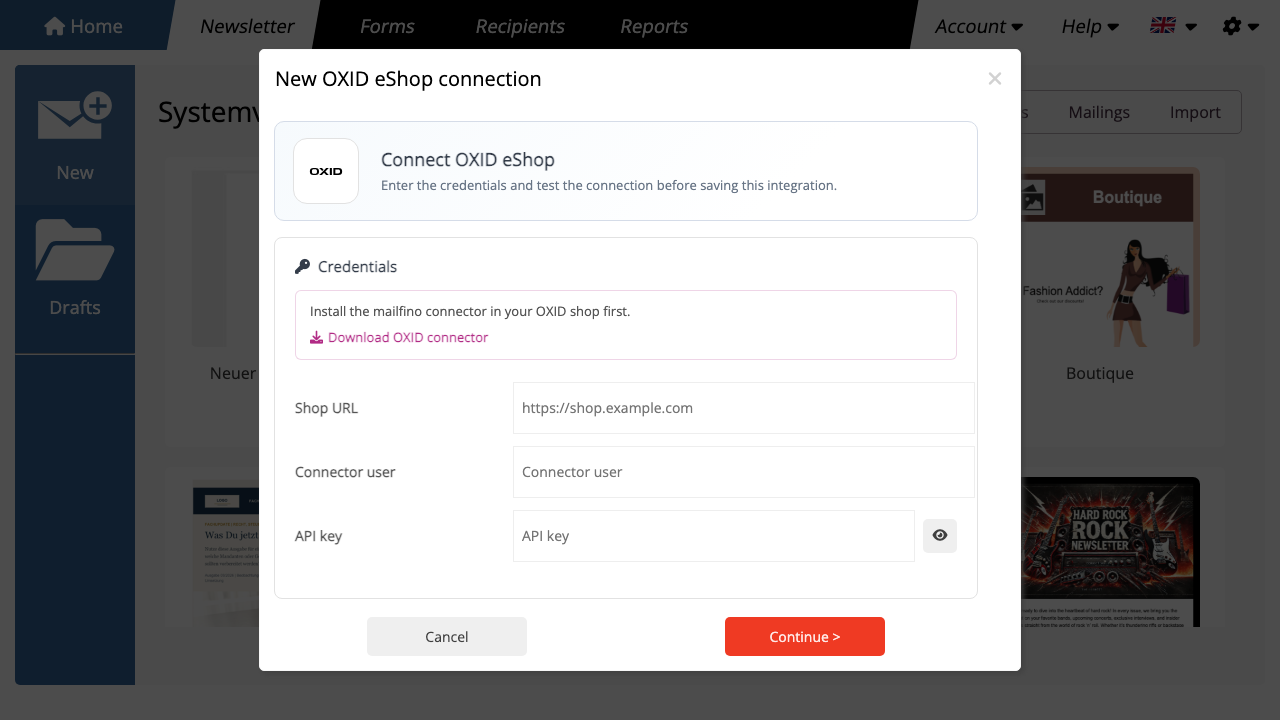
Open Connections in mailfino, switch to Shop systems in the wizard, and select OXID eShop. In the following Credentials step, you will find the connector download.
Extract the ZIP file on your computer. Copy the included folders into the web root of your OXID installation. This creates the following paths:
modules/mailfino/connector: the OXID module with configuration in the admin area.mailfino/api: the public API endpoint for mailfino.
Then activate the mailfino Connector module in the OXID admin area under Extensions > Modules. Open the module settings and enter:
- Connector active: enabled.
- Connector user: a freely chosen technical user name, for example
mailfino. - API key: a long random API key. Do not use a short test value in a production shop.
- Allow reading customers: required if mailfino should import OXID customers.
- Allow reading orders: required if purchase data should be synchronized for segments.
- Allow reading products: required if product data should be used for product cards or product selection.
The connector uses the existing OXID database connection. You do not need to store database credentials in mailfino or in the connector.
If a permission is disabled, the connector blocks the matching API route with 403 Forbidden. This lets the shop operator decide exactly which data mailfino may read.
Afterwards, the connector should be reachable at this address:
https://shop.example.com/mailfino/api/health
Test the health endpoint with HTTP Basic Auth. Use the Connector user as the username and the API key from the module settings as the password. If the connector is installed correctly, it responds with an OK status.
Store the connector user and API key in your password manager. mailfino only needs the shop URL, connector user, and API key later.
 Deutsch
  English